





Patient Appointment Reminder Software
Tailored tools to run and grow your skincare practice





Missed appointments continue to be a major operational challenge for US healthcare providers. Industry estimates show that patient no-shows cost the healthcare sector billions of dollars annually, while many practices lose hundreds of dollars for every unused appointment slot. Studies also show that automated reminder workflows can significantly reduce no-show rates and improve scheduling efficiency.
Without an automated appointment reminder system, healthcare teams often struggle with:


Cut down on repetitive reminder calls, manual confirmations, and back-and-forth scheduling coordination.

Manage patient engagement workflows through our certified HIPAA-aligned platform.

Help staff stay updated on appointment activity, scheduling changes, and patient follow-ups from one system.

Send timely reminders and follow-up messages so patients are less likely to miss appointments or forget schedule changes.

Respond to cancellations faster and keep provider schedules filled with better appointment tracking and visibility.

Keep patients informed throughout the scheduling process with clear and timely appointment communication.
Your patients won’t be asking that anymore. With our appointment reminder software,
every patient gets the nudge they need — right time, through the right channel.
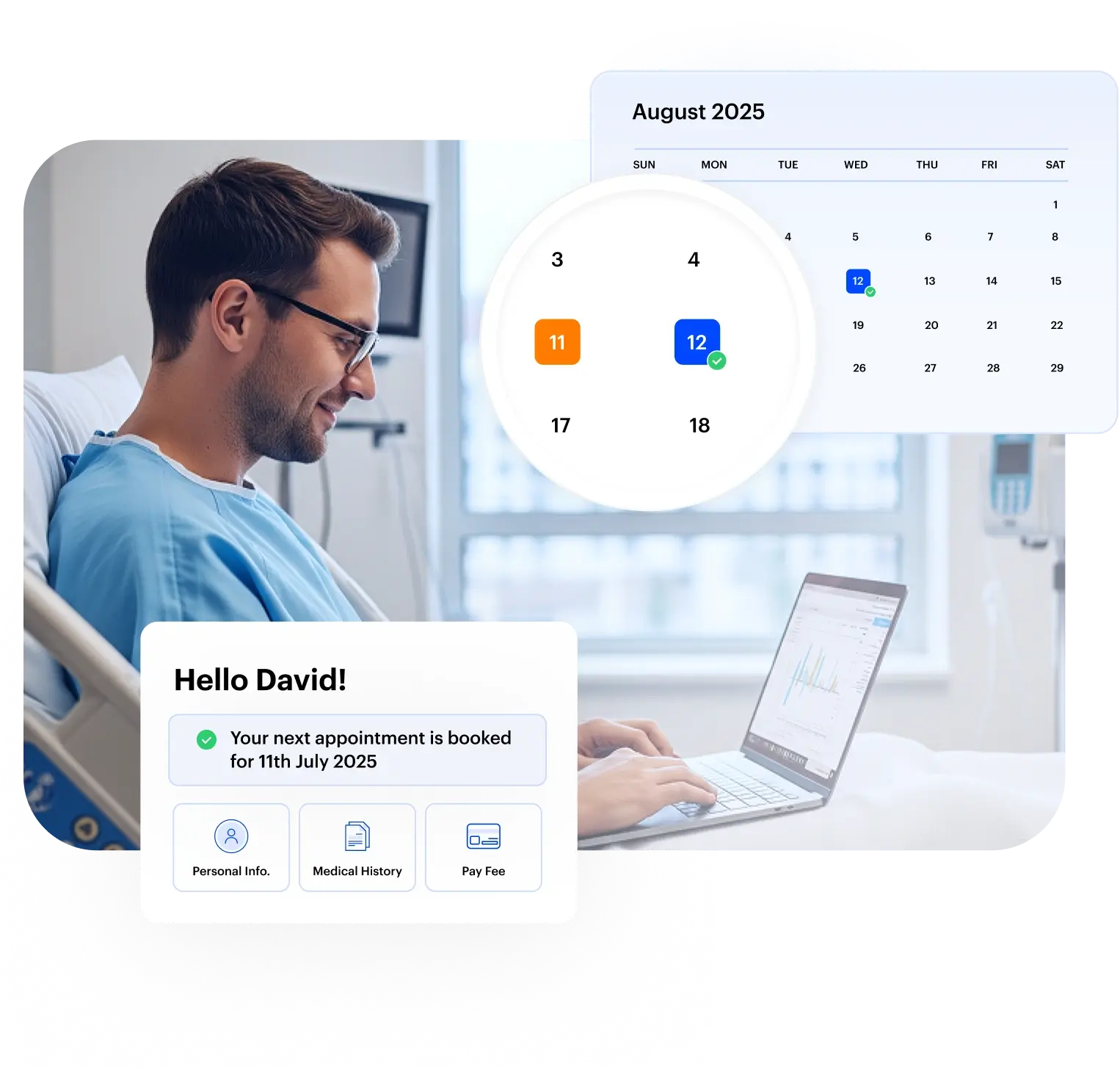
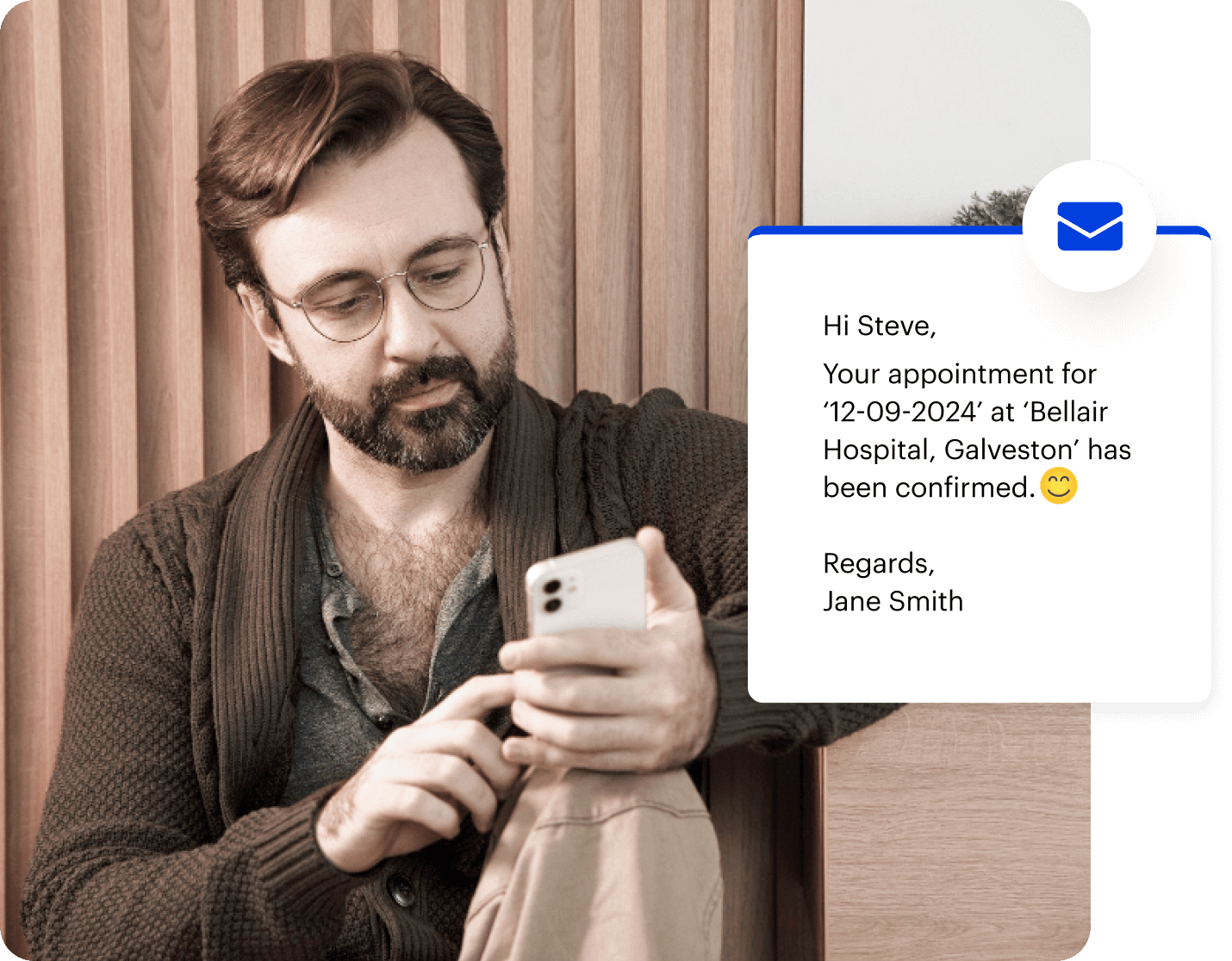
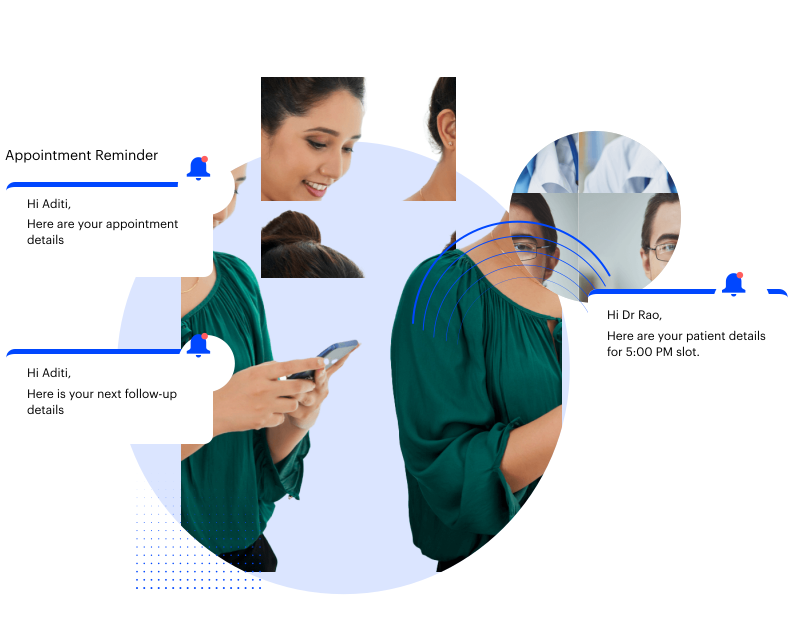
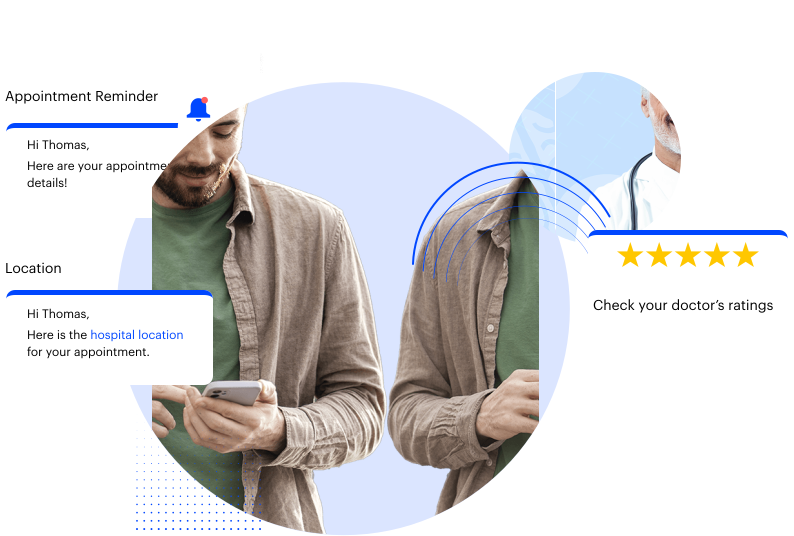
Keep patients updated before their appointments to cut down patient no-shows and reduce scheduling confusion. LeadSquared automates appointment reminders and follow-up communication so patients receive timely updates.
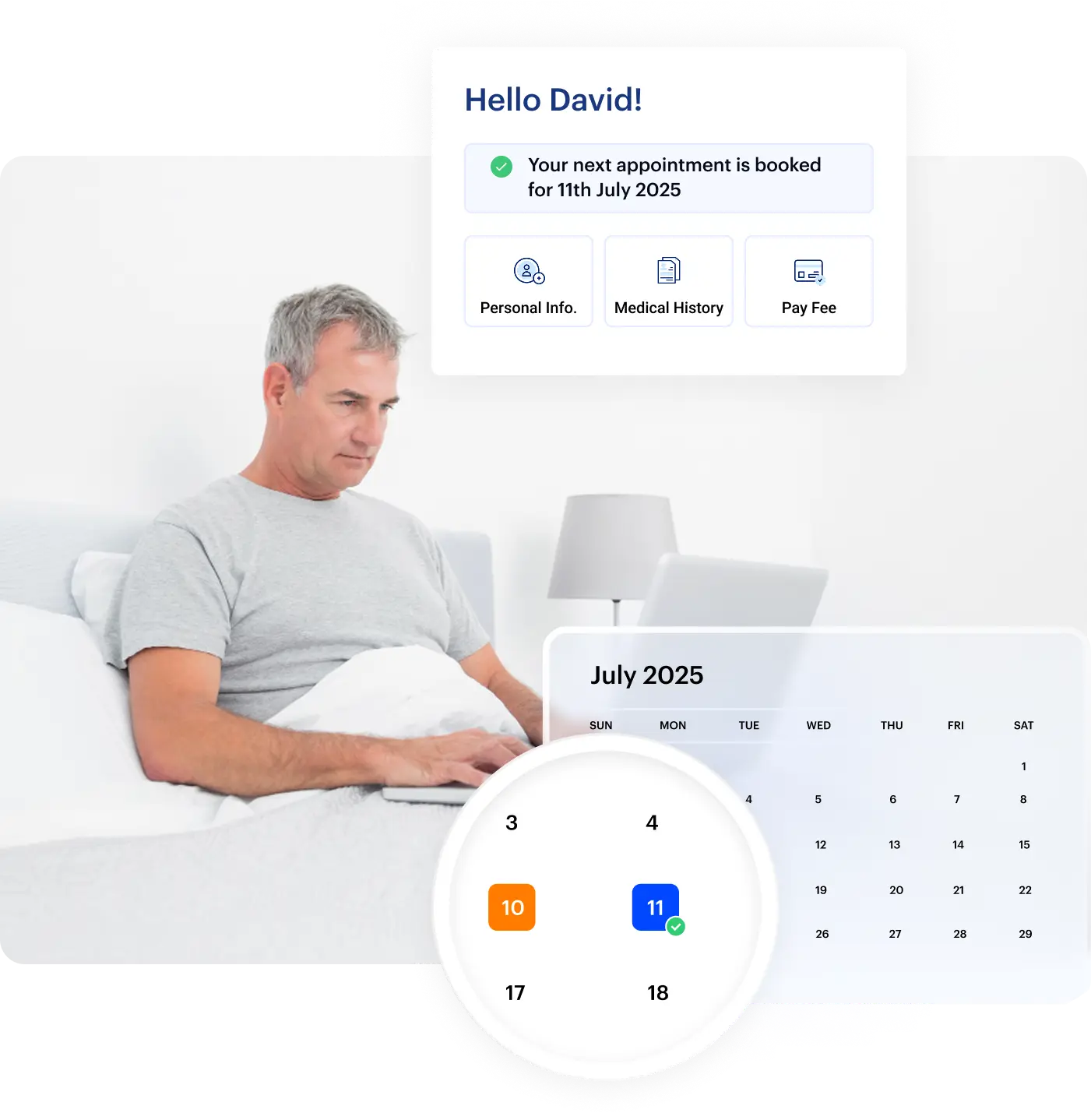
Let patients schedule appointments without calling the clinic or waiting for staff coordination. LeadSquared enables self-service booking so patients can choose available time slots and confirm appointments through a simple digital flow, reducing dependency on front desk teams.
Reduce front desk bottlenecks by allowing patients to complete forms, share documents, and submit important information before arriving for their appointment. Digitize onboarding workflows to help healthcare teams move patients through intake more efficiently while improving the overall scheduling experience.
Help patients stay on track with follow-up visits and recurring care schedules without increasing manual coordination work for staff. LeadSquared automates follow-up reminders and ongoing patient communication so healthcare teams can manage recurring appointments more consistently as patient volumes grow.
Manage appointment reminders and follow-up communication more easily with ready-to-use templates and automated messaging workflows. LeadSquared helps healthcare teams send timely patient updates while reducing the effort required to create and manage repetitive communication manually.
Keep providers and scheduling teams informed about appointment activity as it happens. LeadSquared gives healthcare teams real-time visibility into provider availability, appointment changes, cancellations, and more, so teams can coordinate patient visits better.
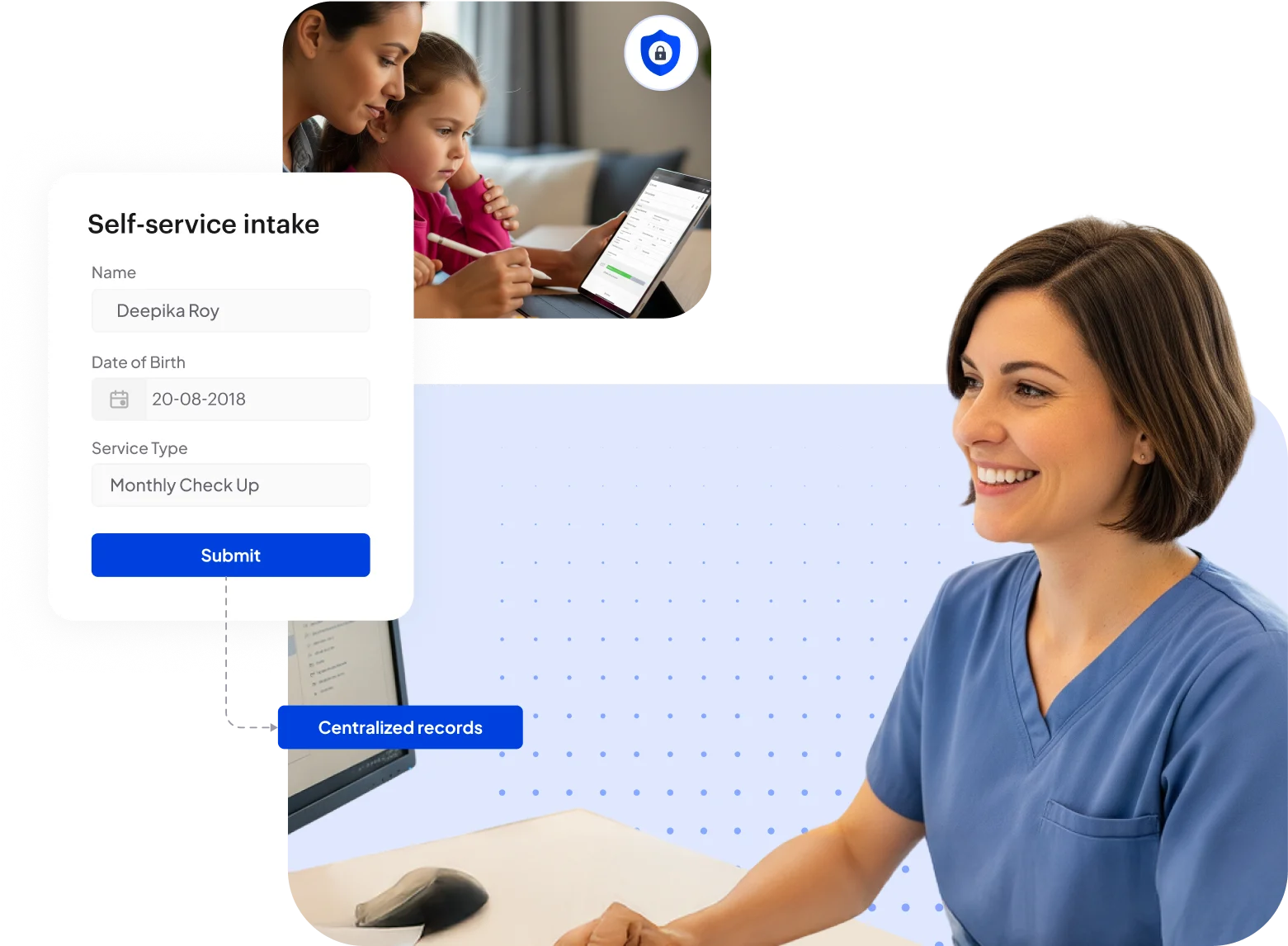

Reduce the time staff spend searching across systems for patient details, appointment history, and scheduling information. Consolidate patient records into one centralized profile with EHR syncing so healthcare teams can access and manage patient information more efficiently across workflows.
Reach patients with timely appointment communication across the channels they are most active on. With LeadSquared, you can coordinate patient outreach across SMS, email, WhatsApp, and other digital touchpoints from one omnichannel messaging workflow instead of managing disconnected communication tools.

LeadSquared helps teams connect appointment workflows with the healthcare systems they already use, making it easier to manage patient communication and scheduling without disrupting existing operations.
As interoperability becomes a growing priority across US healthcare organizations, connected workflows help improve coordination, reduce administrative overhead, and create a more consistent patient experience.
LeadSquared supports integrations with:
Healthcare organizations manage sensitive patient information across scheduling, communication, intake, and follow-up workflows. LeadSquared supports HIPAA-aligned operations with security controls designed to help healthcare teams manage patient data more securely while maintaining operational visibility and access control.
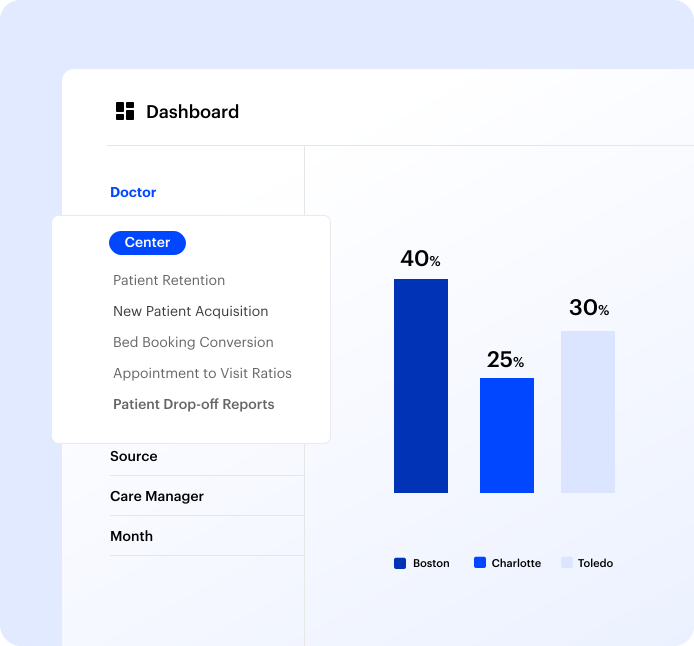
Get a clear view of how your scheduling and patient engagement workflows are performing across providers, locations, and time periods. With our healthcare reporting and analytics tools, you can analyze operational data and make informed decisions as needed to improve your processes.
LeadSquared’s patient appointment reminder software is built to support the operational realities of modern
US healthcare organizations — helping teams manage patient engagement, scheduling workflows, and
communication from its HIPAA-compliant platform.
A men’s health & fertility practice replaced manual outreach with connected, automated
patient engagement — and grew revenue 7× without growing the team.


LeadSquared’s appointment reminder software supports flexible patient engagement and scheduling workflows
that adapt to different healthcare environments across the U.S.
Coordinate patient communication and appointment workflows across departments, providers, and high patient volumes more efficiently.
Support recurring appointments, follow-ups, and long-term patient engagement with more consistent scheduling workflows.
Reduce missed appointments and manage confirmations, recalls, and reschedules with less manual coordination.
Improve scheduling visibility and patient communication across complex referral and follow-up workflows.
Streamline front desk operations and patient outreach while managing growing appointment volumes efficiently.
Handle time-sensitive scheduling updates and patient reminders with faster, more organized communication workflows.
“LeadSquared’s implementation has transformed our operations completely, surpassing all other platforms we’ve used at Tandem.”


“Every person you talk to can comprehend the technical aspects of the platform, guiding you in understanding the features and their use cases.”

Text messages are the most effective way to remind patients about appointments, with open rates as high as 98%. They’re quick, direct, and most people prefer them. Emails are also useful, especially if you include key details in the subject line. Phone calls can be helpful for patients who prefer verbal communication. A combination of these methods ensures you reach patients through their preferred channels.
It’s best to send an initial reminder when the appointment is booked, confirming the date and time. Then, send a reminder 24 hours before the appointment. If your practice has a cancellation policy, consider sending a reminder a few days before the cutoff to allow patients time to reschedule if needed.
Keep your messages clear and concise. Include essential details like the patient’s name, appointment date and time, location, and any preparation instructions. Use a friendly tone and provide easy options for patients to confirm, cancel, or reschedule their appointments.
Personalizing appointment reminders involves addressing patients by name and including specific details about their upcoming appointment. Customizing messages to reflect the patient’s preferences, such as preferred communication channels or specific instructions, enhances the patient experience. Some reminder systems allow for dynamic content insertion, enabling automated personalization at scale. Incorporating personalized elements can increase patient engagement and reduce no-show rates. Regularly reviewing and updating reminder templates ensures they remain relevant and effective.
Reputable appointment reminder systems, like LeadSquared, adhere to HIPAA regulations, ensuring that patient information is handled securely and confidentially. These systems implement encryption, access controls, and regular audits to maintain compliance. Before selecting a reminder system, it’s essential to verify that the provider offers a Business Associate Agreement (BAA) and complies with HIPAA standards. Choosing a HIPAA-compliant system protects patient privacy and mitigates legal risks. Regular training for staff on data security practices complements the use of compliant systems.
Including options in reminder messages for patients to cancel or reschedule their appointments can streamline this process. Utilizing an online scheduling platform that allows patients to manage their appointments independently reduces administrative workload. Setting clear policies regarding cancellation timelines and any associated fees helps manage expectations. Communicating these policies transparently to patients is necessary to foster their trust.
Reduce missed visits with automated reminders and patient
communication workflows


 Read the full story