





CRM for Hematology and Oncology Practices
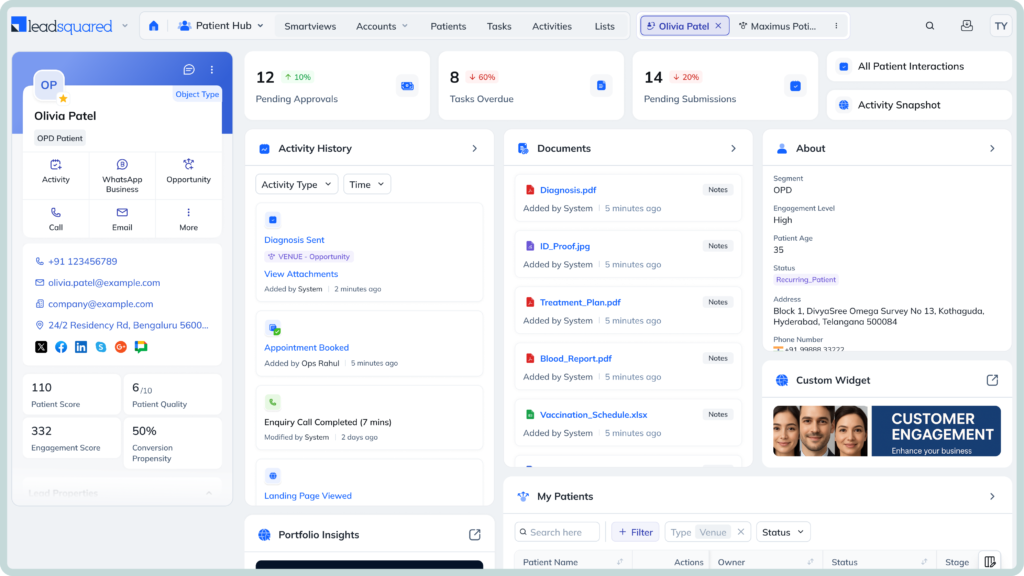

Hematology and oncology teams manage complex patient journeys while facing growing demand, workforce shortages, and administrative pressure. The 2026 President’s Cancer Panel report identifies administrative burden and poorly integrated technology as factors that undermine cancer-care workforce productivity.
Without a centralized CRM, practices may struggle to:
Powering 250,000 unique experiences (and counting)




Designed for modern US healthcare operations
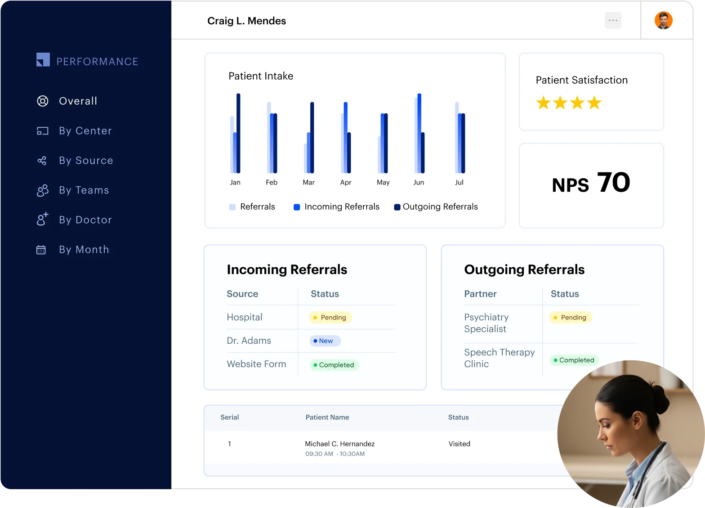
Keep your referrals moving with centralized tracking and automated workflows. LeadSquared can capture referrals from calls, forms, and referring providers, assign them to the right team, and trigger follow-ups based on referral status. We also help you see referral bottlenecks and track performance across referral sources.
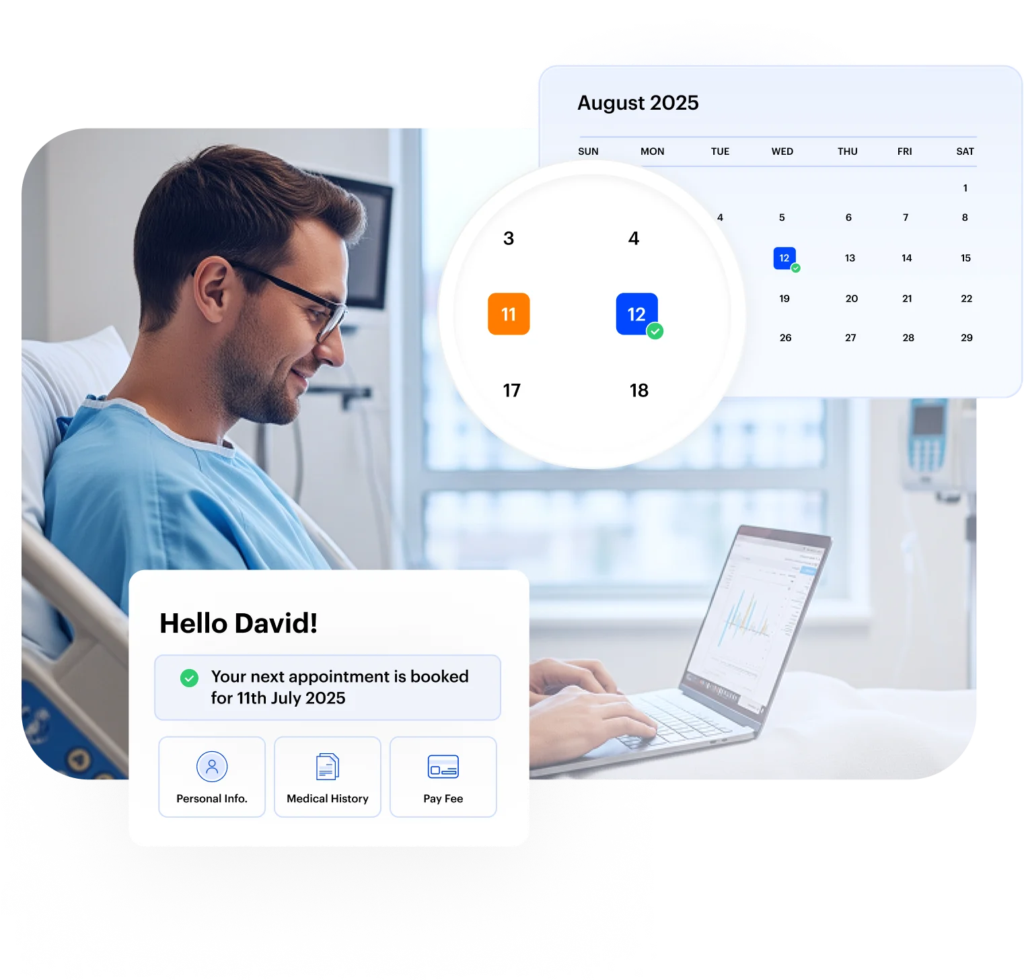
Give patients a simpler way to book, reschedule, or cancel appointments while keeping staff updated on schedule changes. LeadSquared’s CRM for hematology and oncology practices gives you tools to manage online booking, provider availability, automated reminders, and follow-up communication through channels such as SMS and email. Teams can also automate confirmations and reminders for recurring or follow-up visits with the CRM.
Make it easier for new patients to provide the healthcare information your team needs before their visit. With our digital intake and registration workflows, you can easily collect patient details, consent, communication preferences, and other required information online. Teams can also track incomplete submissions and follow up automatically, helping reduce back-and-forth before an oncology or hematology consultation.

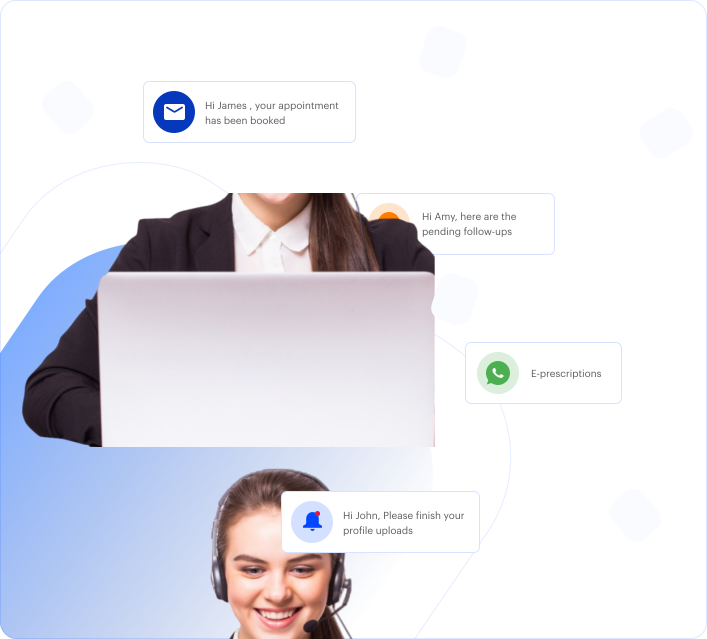
Give patients a faster way to get answers without making your front desk handle every routine call. Invorto, LeadSquared’s AI voice agent, can answer common questions, capture patient details, schedule appointments, send reminders, and follow up on inquiries. It can also route conversations to the appropriate team when human assistance is needed.
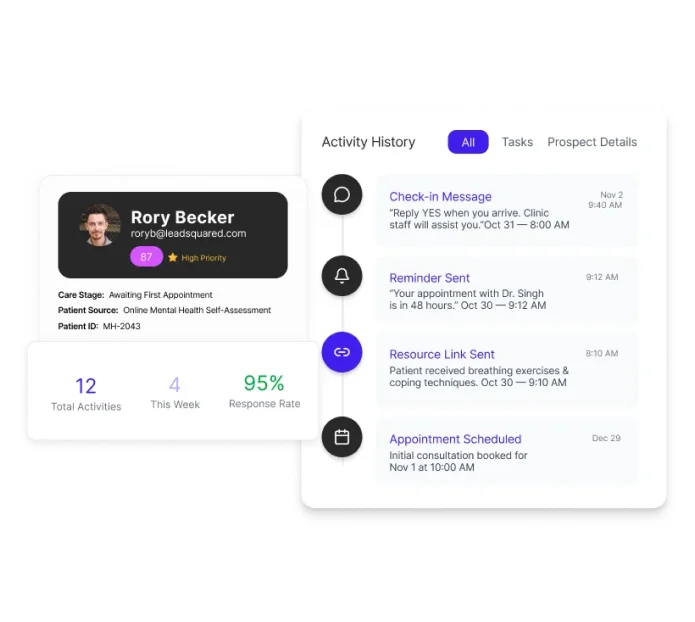
Keep patients informed through the channels they already use, including text, email, WhatsApp, and phone. LeadSquared lets teams automate reminders, appointment updates, follow-ups, and other outreach while keeping communication history in one place. This gives hematology and oncology teams better context when patients or caregivers reach out.

Stay connected with patients who miss an appointment or become inactive. LeadSquared can send automated reminders before visits and follow-up messages after missed appointments, including prompts to reschedule. Teams can also use engagement signals and structured workflows to identify patients who may be dropping off and trigger timely outreach.
Easily build targeted campaigns to attract new patients, nurture inquiries, and stay connected with existing patients. LeadSquared lets healthcare teams segment audiences, create automated campaigns, and trigger communication based on patient activity or engagement. You can also measure campaign performance and see which efforts contribute to patient acquisition and conversion.
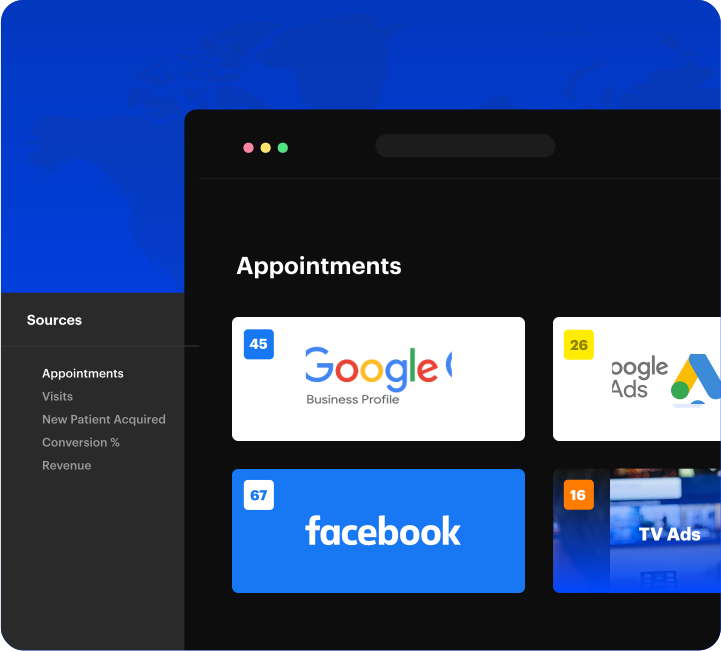

Make follow-up a automated workflow instead of a task staff have to worry over. LeadSquared can trigger personalized outreach based on appointments, patient activity, or engagement status, while automated task assignments help teams act when human follow-up is needed. This can support referral follow-ups, appointment confirmations, and outreach to patients who have not completed the next administrative step.
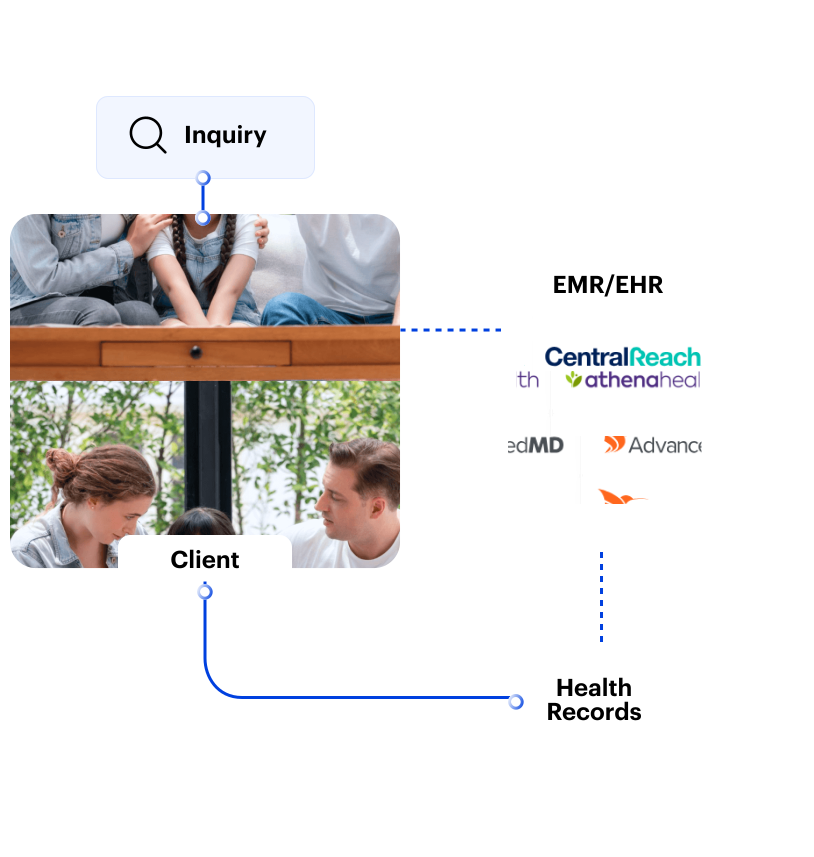
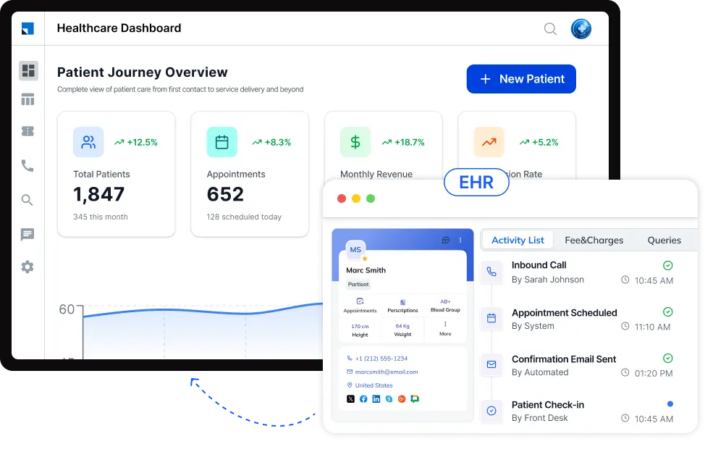
LeadSquared can connect with the systems your practice already uses, helping teams bring patient, appointment, communication, and operational data into connected workflows. Current healthcare integrations include:
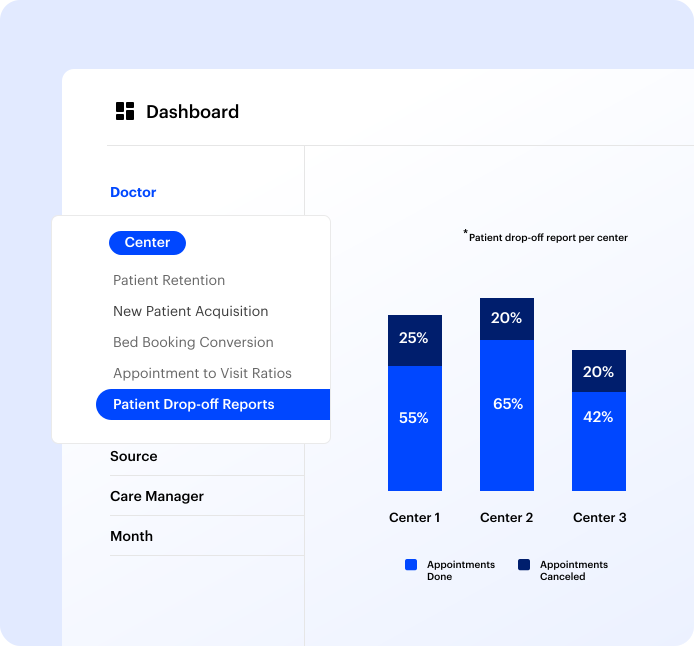
Use healthcare-specific dashboards and reports to understand how patients and referrals move through your practice. LeadSquared can bring referral, appointment, engagement, marketing, and team activity into one view, helping your team spot conversion gaps, follow-up bottlenecks, and changes in practice performance.
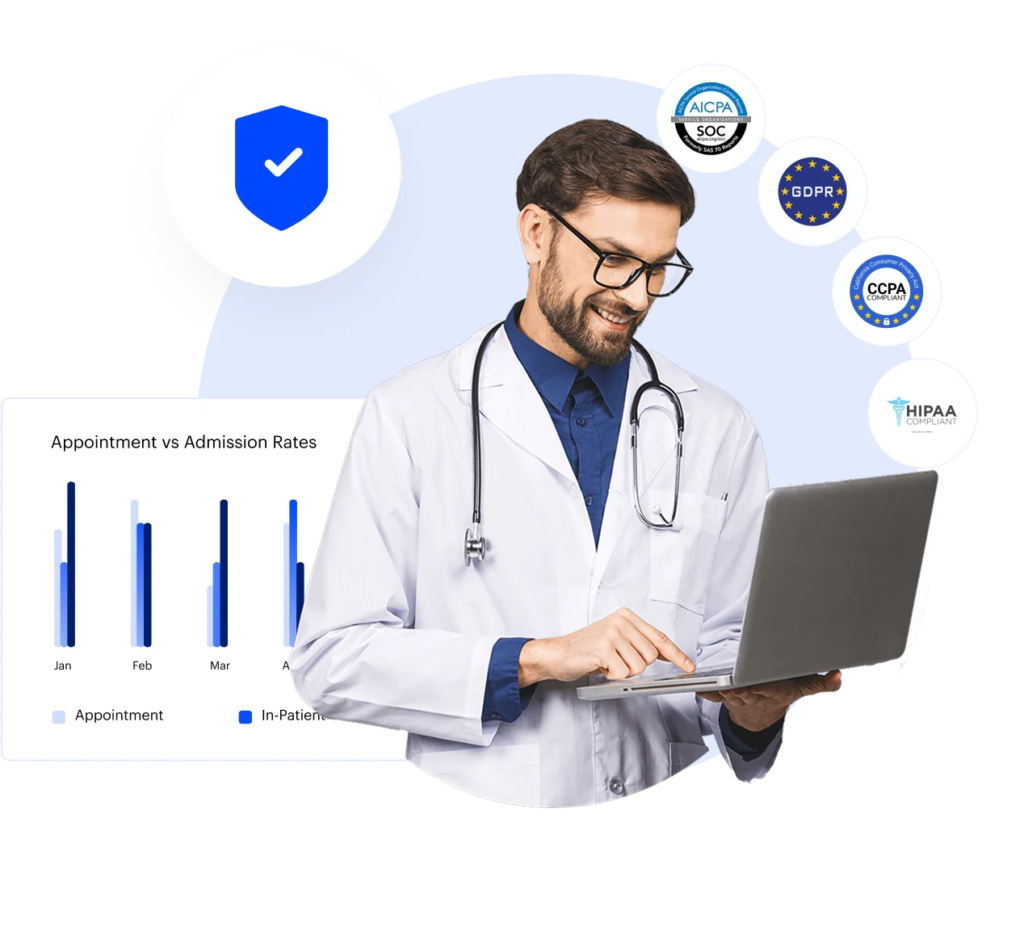
Keep patient information and communication in a CRM designed for U.S. healthcare workflows. LeadSquared offers a HIPAA-compliant CRM with a Business Associate Agreement, role-based access controls, audit trails, and encryption for data in transit and at rest. This helps hematology and oncology teams manage patient information while maintaining appropriate security and access controls.
| LeadSquared | General-Purpose CRM | |
|---|---|---|
| Oncology referral management | Manage the referral journey from initial receipt to follow-up in one place. Teams can see referral progress and use automated workflows to keep pending referrals moving. | Healthcare referral workflows may require additional configuration or customization. |
| Patient intake and conversion | Give new patients a digital path to submit their information before an appointment. Intake activity can then connect with inquiries, scheduling, and follow-up workflows. | Can manage contacts and pipelines, but healthcare intake workflows may require additional configuration. |
| Patient communication | Keep patient conversations organized across supported channels. Automated messages and a shared interaction history help teams communicate with greater context. | Communication capabilities vary and may require additional tools or configuration for healthcare workflows. |
| Patient follow-up workflows | Build follow-up journeys around referrals, inquiries, appointments, and patient activity. Teams receive tasks or automated communications when the next action is due. | Automation is available, but healthcare-specific follow-up workflows may require customization. |
| AI-powered patient communication | Use leadsquared’s Invorto AI to handle routine calls and support tasks such as answering questions, scheduling appointments, sending reminders, and following up with patients. | AI capabilities vary and may require separate tools or integrations for healthcare voice workflows. |
| Healthcare integrations | Connect LeadSquared with supported healthcare systems to keep relevant data and workflows connected. APIs provide additional options for integrating with other applications. | Healthcare connectivity varies and may require third-party connectors or custom development. |
| HIPAA compliance | Use a healthcare CRM with a BAA and safeguards such as role-based access, audit trails, and encryption to support HIPAA requirements. | HIPAA support varies by platform, product, configuration, and contractual arrangements. |
| Healthcare analytics | Get visibility into referral performance, appointments, engagement, marketing activity, and team workflows. Dashboards and reports help teams identify trends and areas for improvement. | Healthcare-specific metrics may require additional configuration or custom reporting. |
| Healthcare workflow automation | Reduce repetitive administrative work with automated workflows for referrals, intake, appointments, and patient outreach. | General-purpose automation can support these processes but may require more workflow configuration. |
Connected, automated outreach replaced manual processes for Posterity Health, enabling 7× revenue growth with the same team.

“LeadSquared’s implementation has transformed our operations completely, surpassing all other platforms we’ve used at Tandem.”

Connect your workflows. Automate the busywork. Give your team a clearer view of every patient journey with LeadSquared.
Can a CRM help hematology and oncology teams coordinate patient navigation?
Yes. A CRM can give patient navigators a clearer view of what needs attention at each stage of the patient journey. Teams can track pending actions and follow up when something needs attention. This creates a more organized way to coordinate the administrative side of navigation.
Can an oncology CRM help prevent patients from missing care?
It can help teams identify patients who need attention before a follow-up is missed. A CRM can flag an inactive referral, remind staff about an outstanding task, or trigger outreach after a missed appointment. This gives teams a structured way to stay on top of patients who may otherwise become difficult to track.
How can a CRM support communication between oncology care teams and referring providers?
A CRM can give referral teams a shared view of referral activity and make it easier to see what still needs attention. Staff can track where a referral stands and record interactions with referring providers. This can make referral coordination more consistent, particularly when a practice works with multiple physicians or organizations.
How should an oncology practice evaluate a CRM’s interoperability with its EHR?
Look beyond whether the CRM simply offers an EHR integration. Ask what information can be exchanged and whether data moves in one direction or both. It is also important to understand how often information is synchronized and whether APIs or other integration methods are available. The goal is to make the CRM work alongside the EHR without creating duplicate data entry.
What should an oncology practice look for in a CRM besides patient communication?
Look for capabilities that support the work surrounding patient communication. Referral management, intake, scheduling, follow-up automation, EHR connectivity, reporting, and appropriate data security are all important considerations. The CRM should also fit into the practice’s existing technology rather than creating another disconnected system.
Can an oncology CRM support different workflows for different teams and specialties?
Yes. A CRM can be configured around the responsibilities of different teams. Referral coordinators may need to manage incoming referrals, while intake teams may focus on patient registration and appointment readiness. Patient navigators may need a different set of follow-up tasks. Separating these workflows can help each team focus on the work they are responsible for.



 The Best Patient Engagement Software for Holistic Care Centres
 Read the full story