

EDUCATION
7 Ways to answer inquiries instantly without a new CRM
Contents

 23 min read



Picture a student filling out your inquiry form at 9:40 on a Saturday night. Your CRM logs the record perfectly. Then no one replies for the rest of the weekend.
At 10 a.m. Monday, an advisor calls. The student doesn’t pick up because they don’t recognize the number. They’d already booked a tour on Sunday with a school that replied within minutes.
That gap is rarely your CRM’s fault. Most CRMs, including Slate, Salesforce, HubSpot, and Element451, can send an instant auto-reply or link to a booking page. But a reply alone doesn’t show the student which advisor they’ll talk to, reach students who called or messaged instead of filling out a form, or tell you which channels lead to enrollments. Closing those gaps inside a CRM usually means custom work for every program and lead source.
Many schools don’t want a new CRM. They want a layer on top of the one they have: a Salesforce add-on for admissions, a Slate companion tool, or a student engagement platform that works with whatever system they run. Something that responds instantly, shows the right advisor, books the appointment, and writes it all back.
This guide walks through why schools keep their CRM, what goes wrong after an inquiry, and what to look for in an engagement add-on. Then it compares seven options side by side, so you can pick the one that fits your school.
Disclosure: This guide is published by an enrollment technology provider whose product is included in the comparison. Each competitor claim links to that vendor’s own documentation or a named review site, so you can check it yourself.
Switching a CRM is a big project, and most schools have good reasons to put it off. Here are the most common reasons.
If the CRM is fine, the fix is to improve what happens around it. And that starts the second a student hits submit. That first moment decides whether a student keeps talking to you or moves on. Here’s where it tends to break down.
The moment after an inquiry is when a student is most interested. It’s also when most schools go quiet. These are the gaps admissions teams describe again and again.
Students don’t answer unknown numbers. An advisor calls quickly, but the student sees a strange number and lets it ring. The fast response never lands.
Your team works 8 to 5. Students don’t. Inquiries come in at night, on weekends, and from other time zones. By the time someone replies, the student has moved on.
The thank-you page is a dead end. “Thanks, we’ll be in touch” gives the student nothing to do. No advisor, no next step, no reason to stay engaged.
The student meets the wrong person. A scheduling page shows a generic calendar or a director’s photo. Then a different advisor calls. The student is confused, and the personal touch is lost.
Booked appointments turn into no-shows. Without reminders and an easy way to reschedule, many tours and calls never happen.
Tools don’t talk to each other. Forms live in one tool, scheduling in another, texting in a third. Advisors switch screens, and activity doesn’t make it back to the CRM.
Nobody can tell what’s working. Leaders can’t see which channels lead to appointments, applications, and enrollments. Budget decisions become guesses.
None of these gaps means your CRM has failed. They mean the CRM needs help at the front door. The right engagement add-on can close these gaps without touching the system your team already relies on.
These are the questions admissions and IT leaders ask when they evaluate a tool that sits on top of their CRM. Use them as your checklist.
Here’s how the most common options stack up.
Each option below is judged on the same points: who it suits, which channels it covers, whether it connects engagement to enrollment and revenue, security, and pricing. Each one also gets an honest watch-out.
| Option | Best for | Inquiry channels | CRM integration | Ties engagement to enrollment? | Pricing model |
| LeadSquared + FloStack | Career, healthcare, and multi-campus schools; groups that may move to a full platform | Calls, SMS, web forms, social, chat, lead vendors, review sites | Reads assigned advisor from your CRM; writes activity back | Yes, by channel, once enrollment data syncs back | Inquiry volume plus one-time setup |
| Slate’s built-in tools | Four-year schools with a dedicated Slate team | Email, text, events, portals, scheduling | Native | Inquiry to decision, natively; ad spend needs custom work | Annual license by submitted applications |
| Salesforce Education Cloud | Large institutions with Salesforce admins | Email, web forms, chat, AI agents; voice often extra | Native; calling and texting via AppExchange apps | Yes, if you build the reports | Per user, per month, annual contract |
| DIY tool stack | Small schools on a tight budget | Depends on the tools | Each tool connects separately | Rarely | Several subscriptions |
| Gecko Engage | Universities focused on chat and events | Chat, SMS, social messaging, calls, forms | Slate: scheduled SFTP exports; others via SFTP or webhooks | Partly | Quote-based |
| Mongoose | Teams that run on texting | Text, WhatsApp, web chat | Salesforce, Ellucian, Slate, Workday | Engagement only | Per user, per year |
| Mainstay | Schools focused on nudging and retention | Text, web chat, Facebook Messenger | Slate, Ellucian, HubSpot, Jenzabar, PeopleSoft and others | Engagement only | Quote-based |
LeadSquared’s student engagement platform is built to work alongside the CRM you already have. For the first five minutes after an inquiry, its core tool is FloStack, an instant engagement add-on that sits between your website and your CRM. It turns every inquiry into a personal next step within seconds. You keep your CRM. FloStack takes care of the first five minutes.
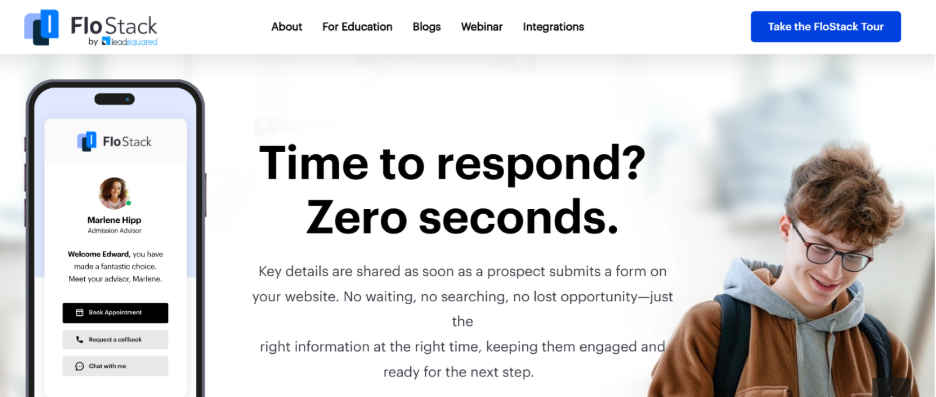
How FloStack works:
You can also run LeadSquared as a full CRM and enrollment marketing platform later, without switching vendors.
Best for: Career colleges, healthcare and nursing schools, beauty and trade schools, graduate programs, and universities. It’s especially strong for multi-campus, multi-program groups, and enterprise systems that handle high inquiry volume and phone-led enrollment.
Inquiry channels: FloStack responds to every channel the same way, because every inquiry comes in through LeadSquared’s Universal Data Sync (UDS) Connector, formerly called Universal Lead Capture. UDS pulls in web forms, landing pages, paid social lead forms, calls, SMS, social DMs, chat, lead vendors, and review platforms. It cleans up fields, removes duplicates, and applies your routing rule. That way, every student gets a fast, personal response, no matter which channel they used.
CRM integration: FloStack reads the assigned advisor from your CRM and writes page visits, bookings and clicks back to the student’s record. Ask us how this connects to your CRM and how often it syncs.
Optional add-ons: Schools can pair FloStack with two other LeadSquared tools when they need them.
Does it close the loop to revenue? FloStack tracks what happens after each inquiry, from page visits to booked appointments, and tags every inquiry with the channel it came from. When enrollment data syncs back, you can see which channels drive enrollments. Schools that later move to the full platform get end-to-end attribution from ad spend to revenue in one place.
Security: LeadSquared is SOC 2 Type II certified, and ISO 27001 certified, audited by BSI. It supports schools in meeting their FERPA obligations through role-based access, audit logs, and encryption of student data in transit and at rest. See ‘Security and Compliance: What IT should ask’ below.
Pricing model: Pricing is based on inquiry volume, plus a one-time setup fee. Ask about setup time and pilot options for your CRM.
Watch-outs: LeadSquared has many configuration options, and some G2 reviewers rate ease of setup below a few niche tools (G2). Plan a short discovery phase so the setup matches your process. AI calling is optional, and some programs, like medical schools, may prefer human-first outreach. Overall, LeadSquared holds a 4.5 out of 5 on G2 across 302 reviews (G2) and a 4.3 on Capterra across 167 reviews (Capterra), as of November 2026.
If you run Slate CRM, start by checking what’s already in your license. Slate includes texting, events, portals, communication plans and appointment scheduling, so some schools can close part of the gap without a new vendor.
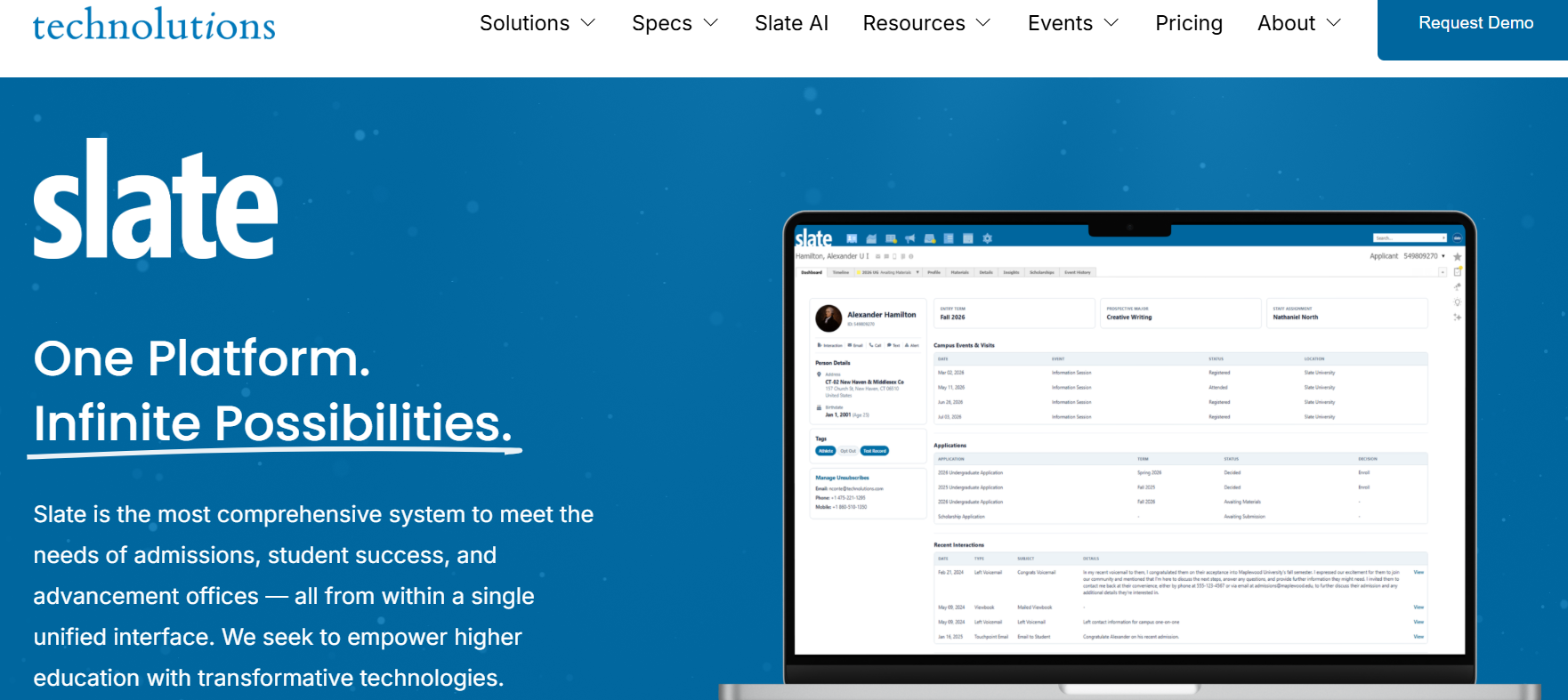
Best for: Four-year private and public universities and graduate schools. It suits schools with at least one person who builds and maintains Slate full time. It’s less suited to small career schools without that in-house expertise.
Inquiry channels: Email, text, phone integration, event registration, forms, and applicant portals. Live chat, social messaging, and AI calling usually come from partners.
CRM integration: Native. Engagement, applications, and decisions all live in Slate.
Does it close the loop to revenue? Slate tracks the funnel from inquiry to application and decision well, because the application lives in Slate. Tying ad spend or a specific channel to enrollments usually takes custom queries or a reporting tool.
Security: A mature higher ed platform. Ask for its security questionnaire and audit reports during review.
Pricing model: An annual license tiered by submitted applications. Licenses start at $30,000 a year, and most clients pay $50,000 (Technolutions).
Watch-outs: Slate is powerful but takes time to configure. G2 reviewers put average implementation at about five months (G2).
Salesforce now markets Education Cloud as Agentforce Education, though its pricing page still uses the Education Cloud name. For many schools already on Salesforce, the natural first question is whether to buy more Salesforce or add a lighter Salesforce add-on built for admissions.
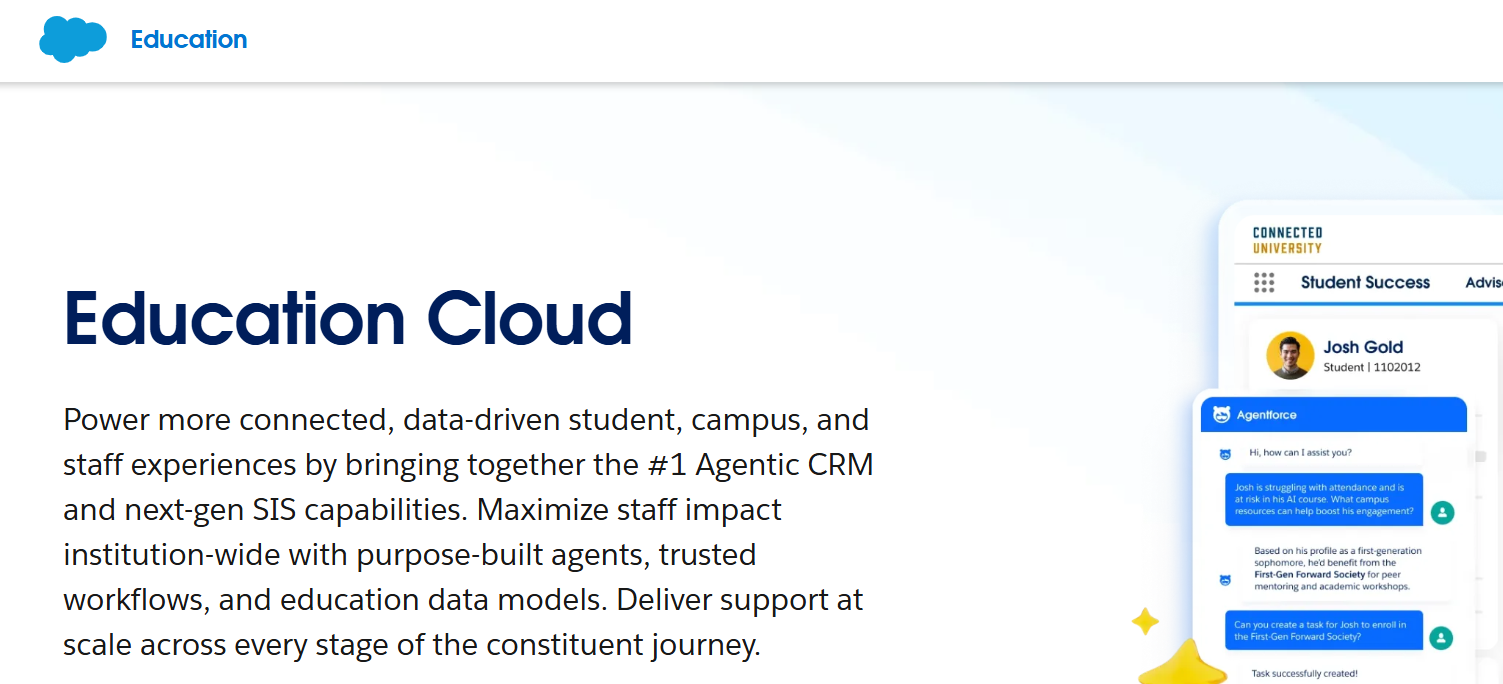
Best for: Large universities and systems that use Salesforce across many departments and have certified admins or a partner on hand.
Inquiry channels: Email, web forms, and chat. Agentforce Student Recruitment can answer FAQs, register tours, and start applications. Calling and texting often need extra licenses or AppExchange apps.
CRM integration: Native. Calling and texting tools usually connect through AppExchange apps, each with its own setup.
Does it close the loop to revenue? Yes, if you invest in it. Salesforce can connect campaigns to applications and enrollments, but the reports and data model need to be built and maintained.
Security: Enterprise-grade security and a long track record with institutions. Your team still controls how student data is configured and shared.
Pricing model: Per user, per month, on an annual contract. Nonprofit pricing starts at $87 per user per month, and the Sales Max edition, which Salesforce positions for recruitment and admissions, lists at $350 (Salesforce, checked [date]). For-profit schools pay commercial rates, which Salesforce publishes in a separate pricing guide (Salesforce).
Watch-outs: AI features often require higher editions or separate add-ons. One G2 reviewer wrote that “a lot of custom work is required to make it work” (G2). For admissions-only teams, much of the platform can go unused. See our Salesforce Education Cloud alternatives guide for more.
Some schools piece together a scheduling tool like Calendly or Microsoft Bookings, a texting tool and a website chatbot.
Best for: Small schools with low inquiry volume and limited budget that need a quick fix.
Inquiry channels: Whatever each tool covers. Some channels get handled well and others not at all.
CRM integration: Each tool connects on its own terms, often through middleware or manual exports.
Does it close the loop to revenue? Rarely. Each tool has its own reports, and none of them sees the full journey.
Security: Every tool is a separate vendor review, contract, and data agreement.
Pricing model: Several small subscriptions. Each is cheap on its own, but the total adds up, along with staff time spent switching screens.
Watch-outs: This is the patchwork many schools want to get out of. Calendars double-book, activity doesn’t reach the CRM, and students see a different brand at every step.
Gecko is a student engagement platform with an AI chatbot, live chat, events, forms, and a cloud call center.
Best for: Universities that lean on chat, events, and open days, including schools recruiting international students.
Inquiry channels: Web chat, SMS, Facebook Messenger, and other social messaging, with a ChatGPT-based chatbot that syncs conversations to Slate, Ellucian, and Salesforce (Gecko). It also offers calling, forms, and event registration.
CRM integration: For Slate, Gecko sends scheduled file exports to Slate’s SFTP server, from hourly to monthly (Gecko Academy). HubSpot connects through webhooks or SFTP.
Does it close the loop to revenue? Partly. Gecko tracks engagement and event attendance. Enrollment outcomes stay in your CRM.
Security: Ask for security documentation and a data processing agreement during review.
Pricing model: Quote-based. Pricing isn’t published (G2).
Watch-outs: The Slate connection runs on scheduled file exports to Slate’s SFTP server, sent hourly, daily, weekly, or monthly (Gecko Academy). That means records aren’t updated in real time. Public US reviews are also limited.
Mongoose is a texting and messaging platform built for higher education, now with AI agents.
Best for: Admissions, student success, and alumni teams that do most of their outreach by text.
Inquiry channels: Text, WhatsApp, and web chat.
CRM integration: Listed integrations include Salesforce, Ellucian, Slate, and Workday. Ask what syncs, in which direction and how often.
Does it close the loop to revenue? It reports on message engagement. Enrollment and revenue reporting stays in your CRM.
Security: Mongoose lists SOC 2 compliance (GetApp).
Pricing model: Annual subscription, listed from $2,500 per user, per year (Software Advice).
Watch-outs: Mongoose is strong at messaging, but it isn’t a scheduling or post-inquiry page tool. You may still need other tools for those. Users praise it: one said integration and implementation “were super-easy” (Capterra). Most public reviews date from 2020, though, and one from that time said it was “still working on integrating with some CRMs, like Slate” (GetApp).
Mainstay, formerly AdmitHub, is an AI chatbot and texting platform built around nudging students through each step.
Best for: Schools focused on reducing summer melt and improving retention, often larger four-year institutions.
Inquiry channels: Text, web chat, and Facebook Messenger, plus surveys. It integrates with Slate, Ellucian, HubSpot, Jenzabar, PeopleSoft, and others (Capterra).
CRM integration: Listed integrations include Slate, Ellucian, HubSpot, Jenzabar One, and Oracle PeopleSoft (Capterra). Ask what syncs, in which direction and how often.
Does it close the loop to revenue? It shows engagement and nudge results. Enrollment and revenue reporting stays in your CRM.
Security: Ask for security documentation and a data processing agreement during review.
Pricing model: Quote-based (Software Advice).
Watch-outs: Reviews are very positive, with one user saying the bot handles “the overwhelming majority of questions” (Software Advice). But there are only 10 public reviews, all from 2021 and 2022. Its focus also spans retention, so check how much is built for the first five minutes after an inquiry.
Any tool that touches student data needs to pass your IT and compliance review. Here’s what to cover.
FERPA. FERPA protects the education records of students who are enrolled or have attended. Applicant records generally fall outside FERPA until the applicant enrolls, and each school decides, consistently, when an applicant becomes a student (AACRAO; SCHEV). State privacy laws may still restrict how applicant data is shared, so check with your counsel. Once a student enrolls, the records you keep from their inquiry and application can become education records. That’s why many schools hold every vendor to FERPA standards from the first inquiry, which is the safer approach.
Sharing student records with a vendor. Normally, you need a student’s consent to share their education records. FERPA makes an exception for vendors that work on your behalf, as long as you stay in control of how they use the data (Future of Privacy Forum). In practice, this means signing a data processing agreement that spells out what the vendor can and can’t do with student data.
Questions to ask every vendor:
A vendor that answers these clearly, in writing, is easier to approve. LeadSquared shares its SOC 2 documentation under NDA and signs DPAs as part of the review process.
The best way to judge an add-on is to test it on real inquiries before you commit. A good pilot is short, focused, and measured against your current numbers.
What should you expect to see? Results vary by school. These examples come from schools using LeadSquared. The first one involves FloStack:
“LeadSquared is up all day; it’s our compass that keeps me on task with things,.. I don’t know how we’d operate without it. It keeps us organized, informed, and our enrollment slots filled. Anyone with access sees real-time lead status and history. It’s top-notch.”
– Thomas Newman, Admissions Representative, West Coast Training
Read the full story here.
“We’re sending all our SMSs through LeadSquared. We’ve set up a landing page. If someone wants to chat with us, they send a message, and it pops up right there in LeadSquared. It’s a very quick turnaround, and we can respond to them, collect their information, and automatically send them emails.”
– Haleh Khani, Compliance Manager and Marketing Director, Esthetic Institute
Read the full story here.
Ask every vendor for pilot terms in writing, including the setup fee, the length and what happens if you don’t continue. LeadSquared can discuss pilot options for FloStack and Invorto, with setup measured in weeks.
You don’t always need a new CRM to fix the first five minutes after an inquiry. You need a layer that answers students instantly, shows them the right advisor, books the next step, and writes everything back to the system you already trust.
Each option here solves part of that problem. Slate and Salesforce can do more natively if you have the team to build it. Messaging tools like Mongoose and Mainstay are strong at texting and nudges. Gecko shines at chat and events. DIY stack costs little up front, but subscriptions and staff time add up.
If you want every channel handled the same way, the assigned advisor front and center, and a clear path from inquiry to enrollment, LeadSquared is built for that. Its student engagement platform works on top of your CRM today, with FloStack handling the first five minutes after every inquiry. And it can grow into a full platform if you outgrow your current system, whether you run one campus or several.
The simplest first step is to confirm it fits your setup. Check compatibility with your CRM and see how instant engagement would work with the system you already have.
Yes. Engagement add-ons sit between your website and your CRM. They respond to the student, book the next step, and send the record and activity to your CRM, which stays your system of record.
LeadSquared’s student engagement platform includes inquiry capture and routing, outreach by email, text and phone, workflow automation and real-time analytics. WhatsApp messaging is available as an add-on. It connects to CRMs and student information systems through APIs, so ask us how an integration with your system, such as Slate or Ellucian Banner, would work. Schools can use it on top of their current CRM or as their full CRM, and it supports both admissions and student success teams.
FloStack is LeadSquared’s instant inquiry engagement add-on. It sends each new inquiry to a personalized page with their assigned advisor, lets them book time right away, and writes all activity back to the CRM you already use.
Yes. Several tools connect to Salesforce, including LeadSquared FloStack, Gecko Engage, and Mongoose. Look for one that pulls the assigned owner from Salesforce and writes page visits, bookings, and call outcomes back to the student record.
Most tools in this guide connect to Slate. Ask how: some sync in near real time, while others use scheduled file exports that run hourly or daily.
The add-on reads the assigned owner from your CRM when the inquiry comes in. The student’s page then shows that advisor’s photo, video, and calendar.
Usually a small website change, such as a script or a form redirect, plus connecting the add-on to your CRM. Ask the vendor who builds and tests each piece.
Most add-ons go live in a few weeks. Multi-campus and multi-program setups take longer because each needs its own pages and routing.
An engagement add-on can either replace those tools or connect to the ones you want to keep. Compare the subscription cost and staff time of your current setup with a single tool.
Not always. It works well for after-hours follow-up and reaching older inquiries. Some audiences, such as medical school applicants, may prefer a human first. Choose a tool where AI is optional.
Enter your details and we'll send you a quick confirmation email to verify your address.
 27 min read 20 min read 26 min read


