

EDUCATION
Zoho CRM alternatives for colleges and career schools
Contents

 26 min read



Zoho CRM earns its spot on many shortlists. It’s flexible and quick to get running, which is exactly what a new school or a lean admissions team needs in year one.
But the trouble starts when enrollment grows.
Admissions runs differently from a B2B sales cycle. You’re juggling hundreds of inquiries from web forms, calls, texts, lead vendors, and events, often from both students and their parents. You have weeks, sometimes days, before the next class begins. And every inquiry you miss is a seat that goes to the school down the road. If your team has started building workarounds to make Zoho fit that reality, you’re not alone, and that’s usually the signal to look at Zoho CRM alternatives built around how schools actually enroll.
Missed inquiries are common, even at established institutions. In UPCEA’s 2025 secret shopper study, researchers sent 1,000 inquiries to online and professional education programs at member institutions, and 44% got no response at all. Only 2% of the inquiries sent by email went on to receive promotional follow-up. That gap suggests many email inquiries never reach the system that sends follow-up.
This guide walks through where Zoho tends to fall short for admissions teams, what to look for in a replacement, and how five alternatives compare on the things that matter most: inquiry channels, revenue visibility, integrations, security, pricing, and the red flags to watch for.
Disclosure: This guide is published by an enrollment technology provider that is one of the platforms compared below. Competitor details come from each vendor’s public pricing pages, documentation and review-site listings, checked in November 2026.
Zoho CRM is a capable general-purpose CRM. Most of the gaps schools hit come down to fit. Zoho is designed around selling to businesses, while admissions is a high-volume, fast-moving consumer journey. Here’s where that mismatch tends to show up.
Schools moving spreadsheets, lead-vendor files, or event lists into Zoho often find that fewer records land than they uploaded. Zoho’s own import troubleshooting guide points to a few common causes. Records get skipped when a value already exists in a field marked unique, such as email, or when a linked parent record can’t be found. Records can also land in an approval queue instead of the Leads list, and, per Zoho’s import FAQ, date and time values can import in the wrong format if they aren’t mapped correctly.
That logic suits B2B data. Admissions data behaves differently, because the same student often shows up more than once: a web form for one program, a lead-vendor record for another, and an event sign-up a month later. Each row carries new information, like the program the student now wants and where they came from. When Zoho finds a match on import, you choose whether to skip, overwrite or clone it. Skipping drops the new details, overwriting replaces the old ones, and cloning creates a second record for the same student. Unless someone checks the import history, your team may not notice which one happened.
Texting has become a core channel for most enrollment teams, so two-way texting on the student’s record is table stakes. In Zoho CRM, SMS typically runs through a Marketplace extension connected to a provider like Twilio. That means a separate account, separate fees, and A2P 10DLC registration before you can text US numbers.
Zoho’s paid editions include built-in calling. What admissions teams need goes further: routing a new inquiry to the right counselor instantly, logging every outcome and recording on the student’s record, and measuring how long it took to make that first call. In Zoho, that usually means configuring telephony providers, writing workflow rules, and building custom reports.
Zoho organizes data around Leads, Contacts, Accounts, and Deals. An admissions funnel moves a student from inquiry to applicant, admitted, enrolled and started, with documents and financial aid tracked along the way. Programs, campuses, start dates, and tour bookings all need custom fields and modules. Every customization works, but each one adds something your team has to maintain, and it adds up quickly.
Getting application and enrollment data flowing between Zoho and your student information system (SIS) usually means working with APIs, Zoho Flow, a third-party integration platform, or custom code, rather than switching on a ready-made connector. Without that sync, admissions can’t see who actually enrolled, and the registrar ends up re-keying data.
Zoho can tell you how many leads came from a campaign. It’s much harder to answer the question your leadership actually asks: how much did we spend per enrolled student, by channel? That answer depends on connecting ad spend, inquiry source, and enrollment status, and that’s where generic setups tend to stall.
Zoho still earns good reviews. Reviewers on G2 (checked November 2026) regularly praise its flexibility and value, while pointing out that setup can be complex and time-consuming for advanced workflows, and that support quality can vary. For schools, those advanced workflows are the whole job.
Before you compare vendors, get clear on what “better than Zoho” means for your school. These are the questions to ask as you evaluate a switch:
If you run a nursing, trade, aviation, or online program, our guide to career school CRM software goes deeper into the workflows that matter most for rolling enrollment and short program cycles.
The five platforms below cover the realistic options for schools leaving Zoho: two built for high-volume enrollment, two higher-ed-native platforms, and one general-purpose CRM that many schools consider.
For each, we look at who it fits best, how it captures inquiries, whether it connects marketing spend to enrollment revenue, how it integrates, how it’s priced, and what to watch out for.
And if you’re looking for a broader list beyond education? See our roundup of Zoho alternatives for sales teams.
LeadSquared is a CRM and enrollment automation platform built for high-volume, B2C-style admissions. Where Zoho asks you to adapt a sales tool, LeadSquared for Education starts with inquiry capture, counselor routing, calling, and enrollment funnels as core workflows.
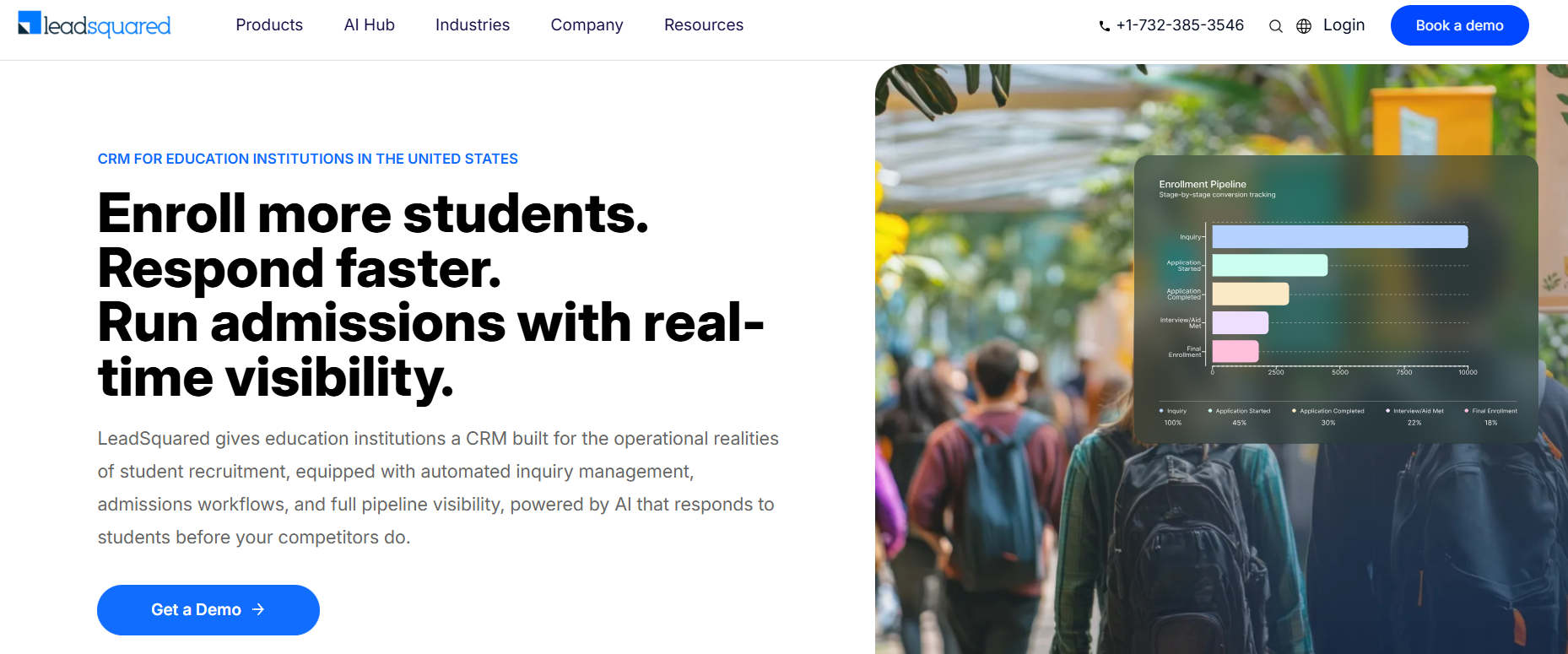
Best for: Colleges and career schools where enrollment depends on speed and volume, such as nursing and allied health, trade, aviation and online programs, and schools that run rolling enrollment with short program cycles. LeadSquared works for a newly launched school with a small admissions team, and it keeps working as the school adds programs, counselors and locations. It also works for large universities.
Asher College, a vocational and career trade school with campuses in Dallas, Las Vegas, and Sacramento, is a good example. It replaced a home-grown setup that depended on separate tools for calling, bulk email, texting, and lead scoring, and it reported a 12x increase in speed-to-lead and a 13% improvement in contact rate.
“After we decided to acquire more colleges under the Asher umbrella, we realized we needed something better to make the admissions process easier for counselors and students… With LeadSquared, we’ve defined a straightforward 21-contact strategy on our CRM so that the reps are notified about each touchpoint and reaction from the prospects regularly… Smart Views helps our reps organize their inquiries by engagement and status in the enrollment cycle. Hence all prospects are informed about every step, which helps us enroll the right students to our school.”
– Kim Gasper, Corporate Director of Marketing, Asher College
Read the full case study here.
Inquiry channels: This is where LeadSquared stands out most. Its Universal Data Sync (UDS) connector, formerly called Universal Lead Capture, lets schools integrate data from external systems through configured API and webhook-based workflows, subject to what each source system supports. You create an “app” for each source, then set up data flows that sync in real time or on a schedule, transform data on the way in, and chain API calls together. Detailed logs show what came in and what happened to it. Read more here.
In practice, that means:
Once an inquiry arrives, Flash, one of LeadSquared’s education AI agents, responds instantly and assigns a 0 to 100 readiness score so counselors know who to call first. Calls run through LeadSquared’s telephony integrations, with calling, logging, and recording on the student record. In the US, LeadSquared enables two-way SMS conversations through supported CallTrackingMetrics (CTM) and RingCentral texting integrations, so counselors can send messages, receive replies, and manage conversations within LeadSquared. With the WhatsApp Business API add-on, WhatsApp conversations are managed in Converse, LeadSquared’s unified inbox.
Schools can also add Invorto for voice AI, and FloStack, which lets prospective students book campus tours or appointments while automatically routing them to the appropriate advisor based on configured rules. Booking information and lead-owner assignments can be synchronized with LeadSquared through UDS.
Key integrations: LeadSquared connects to LMS, payment, and marketing tools through open REST APIs, webhooks, UDS, and its app marketplace. It can also connect admissions workflows with a school’s Student Information System (SIS), helping transfer relevant student and enrollment information between systems. Data synchronization, field mappings, and integration monitoring are configured based on your SIS and implementation requirements, so ask your rep to walk through what that looks like for your system.
Does it close the loop to revenue? Yes. Because the source is captured with each inquiry and kept through the journey, LeadSquared can report campaign ROI and track each student’s path from inquiry to enrollment. Configurable Lead Score and Engagement Score models help you see which channels bring in students who go on to enroll.
Pricing model: LeadSquared publishes its education pricing by enrollment range. At the entry range, the Pro plan is $15,000 a year and the Super plan at $18,000 a year, each for up to 10 users, with unlimited contacts. User limits and usage allowances rise with each range, and custom plans are also available. UDS, Invorto, and FloStack are available as add-ons, and migration, onboarding, and training services are offered alongside.
Watch-outs: LeadSquared covers a lot of ground, and some Capterra reviewers note that advanced customization and reporting can feel limited, and that support response times vary. Plan for a clear admin owner and structured onboarding and confirm which add-ons your workflows need before you sign.
Salesforce’s education platform covers the full student lifecycle, from recruitment and admissions to student success and advancement, on the broader Salesforce ecosystem.
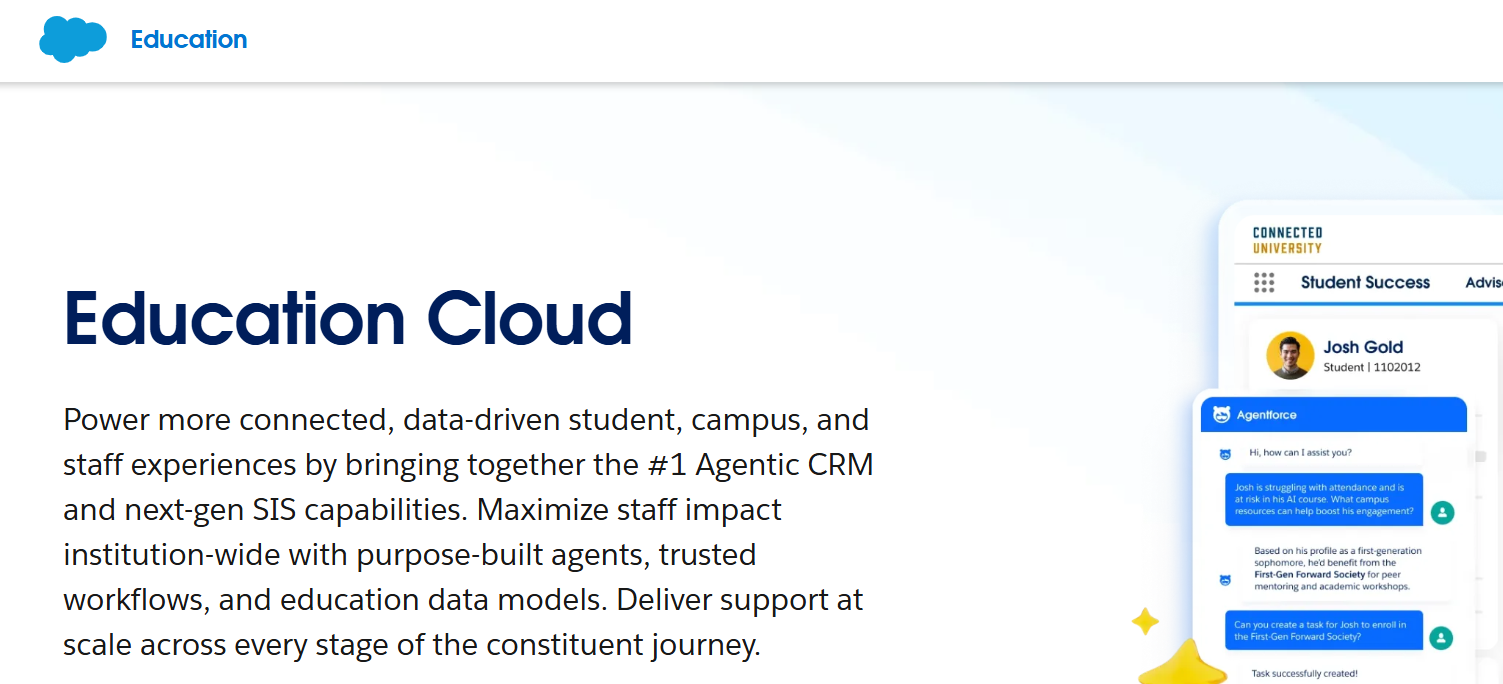
Best for: Large universities and multi-college systems that want one platform across many departments, and that have in-house Salesforce administrators or the budget for an implementation partner.
Inquiry channels: Web forms, email, and campaigns are standard. Voice, digital messaging, and texting typically come through higher editions, add-ons such as Service Cloud Voice and Digital Engagement, or AgentExchange (formerly AppExchange) apps. Expect to configure how each channel creates and matches records.
Key integrations: Salesforce integrates with many systems directly. For those without a built-in connection, its pricing FAQ points to MuleSoft licenses, integration partners, or apps. SIS integration is usually a separate implementation project.
Does it close the loop to revenue? It can, once Data 360, Tableau Next, and campaign attribution are configured. Out of the box, it depends on how your implementation is built.
Pricing model: Per user, per month, with annual contracts. Salesforce’s education pricing page lists nonprofit pricing from $87 to $363 per user per month, billed annually, with usage-based Flex Credits for AI features. For-profit institutions, including many career schools, are directed to a separate commercial pricing guide and an account executive.
Watch-outs: Implementation scope and cost. Reviewers on G2 (checked November 2026) mention that a lot of customization is needed to make it fit, and that keeping data intact is hard if you already ran Salesforce before adopting the education product. For-profit schools should get a full quote early, since the published prices may not apply.
Also read: Salesforce Education Cloud Alternatives For Admissions
Slate is one of the most widely used admissions platforms in US higher education, combining CRM, applications, reading and review, events, and communications in one system.
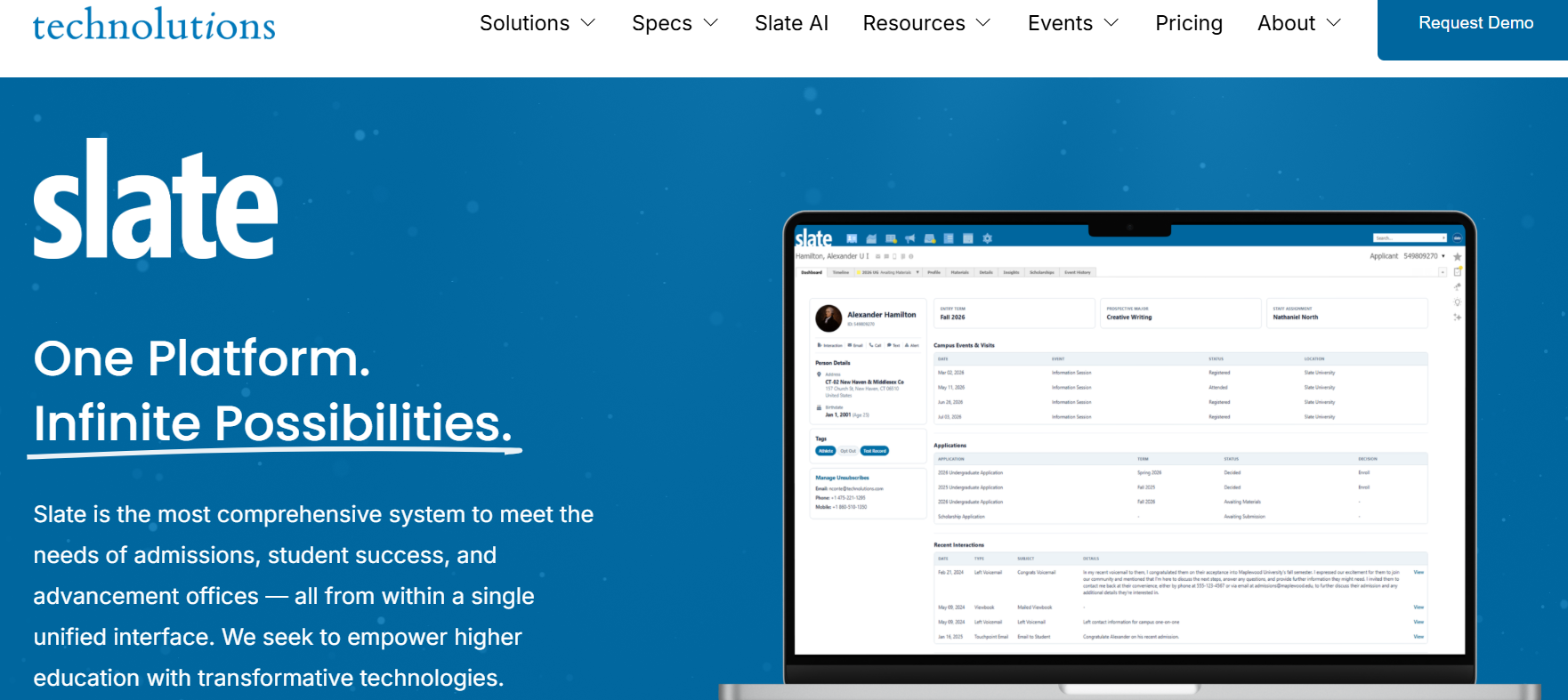
Best for: Nonprofit four-year colleges, universities, and graduate schools with application-heavy, term-based admissions cycles, especially those that need application reading and decision release. It works best with a dedicated Slate administrator on staff.
Inquiry channels: Forms, events, portals, email, SMS, and calling through Slate Voice. Per Slate’s knowledge base, texting and voice draw from prepaid Slate Credits. Chat, lead vendors, and social sources usually need imports or third-party tools.
Key integrations: Slate integrates with SIS platforms through its own data tools and web services, and many schools use implementation partners to build and maintain those feeds.
Does it close the loop to revenue? Partially. Slate’s query and reporting tools can tie inquiry source to applications and enrollments. Connecting paid media spend to enrolled students often relies on partner tools.
Pricing model: Annual license per database, based on submitted applications. Technolutions’ pricing page lists tiers from $30,000 to $175,000 a year, and says most clients pay $50,000. SMS and voice usage are paid through credits.
Watch-outs: The learning curve. G2 reviewers (checked November 2026) say reports and queries are hard to build without extensive training, and G2 users report about five months to implement. Application-based pricing can also feel steep for smaller career schools with rolling enrollment and short programs.
Element451 is a higher-ed-native CRM and engagement platform that leans heavily on AI.
Best for: Small to midsize colleges and community colleges that want a platform with marketing, admissions, and student success in one place, and lean teams that prefer built-in automation over heavy configuration.
Inquiry channels: Forms, email, chatbot and AI agents, plus SMS, MMS, and phone calling. Per Element451’s help center, texting and calling are usage-based and draw from either an annual credit balance or annual usage caps, depending on the plan.
Key integrations: SIS data is typically imported and matched on a stable identifier, such as email or institutional ID. Confirm sync direction and frequency for your SIS.
Does it close the loop to revenue? It offers solid funnel analytics by source. Tying ad spend to enrolled-student revenue requires bringing in spend and SIS data.
Pricing model: Flat annual pricing; Element451’s pricing page lists plans from $20,000 a year. Phone, SMS, and some AI features are usage-based.
Watch-outs: A small public review base. Element451 had seven reviews on Capterra as of November 2026, so there’s less third-party validation, and reviewers mention a learning curve when setting things up. Usage-based messaging and calling also make total cost harder to forecast in a high-texting year.
HubSpot is a popular all-in-one CRM and marketing platform.
Best for: Schools whose biggest need is inbound marketing, content, and website lead generation, and smaller teams or corporate training programs with a more B2B-style sales motion.
Inquiry channels: HubSpot handles forms, live chat, email, and social well. Texting is harder. Its built-in SMS is a paid add-on that only works on the higher Marketing Hub plans (Professional or Enterprise), and you can only text contacts who have opted in, per HubSpot’s knowledge base. That’s why many schools add a separate texting app.
Key integrations: A large app marketplace and APIs. SIS integration usually requires middleware or custom work.
Does it close the loop to revenue? Yes, on higher tiers, with attribution reporting, as long as enrollment status and revenue are fed back into HubSpot.
Pricing model: A free CRM, then paid seats across separate hubs, with Marketing Hub costs also tied to contact tiers.
Watch-outs: Costs grow with your database. Capterra reviewers (checked November 2026) repeatedly note that HubSpot gets expensive as contacts and feature needs increase, which matters for schools that keep large inquiry lists. Education workflows like programs, campuses, and start dates also need custom setup.
Also read: HubSpot For Education: Limits & The LeadSquared Alternative
Here’s how the options stack up side by side, with Zoho CRM included as a baseline.
| Platform | Best fit | Texting and calling | SIS integration | Revenue and ROI view | Pricing model |
| Zoho CRM | Small teams with simple pipelines | Calling on paid editions; SMS through Marketplace extensions | APIs, Zoho Flow, third-party integration platforms, or custom code | Campaign-level; enrollment ROI needs custom setup | Per user; free for up to 3 users, paid editions from $14 per user per month (annual) |
| LeadSquared | Career, vocational and online programs with high inquiry volume large universities | Telephony integrations with calling, logging, and recording; two-way SMS in the US through CTM and RingCentral integrations; WhatsApp through Converse | APIs, webhooks, and UDS; sync and field mappings configured per SIS | Campaign ROI plus inquiry-to-enrollment journey tracking | Published annual plans by enrollment range, from $15,000 a year for up to 10 users; add-ons available |
| Salesforce Agentforce Education | Large institutions on Salesforce with admin capacity | Higher editions, add-ons, or AgentExchange (formerly AppExchange) apps | Built-in connectors, MuleSoft, or partners | Strong once Data 360 and attribution are configured | Per user, annual contract; nonprofit list $87 to $363 per user per month; for-profit by quote |
| Slate | Nonprofit colleges and grad schools with application-heavy cycles | SMS and Slate Voice through prepaid credits | Slate data tools, web services, partners | Source-to-enrollment via queries; ad spend via partners | Annual license by application volume, $30,000 to $175,000 |
| Element451 | Small to midsize colleges wanting AI-forward engagement | SMS, MMS, and calling through usage credits or caps | Imports matched on a stable ID | Funnel analytics by source | Flat annual pricing, listed from $20,000, plus usage-based messaging and calling |
| HubSpot | Marketing-led teams and B2B-style programs | Marketing SMS add-on (Marketing Hub Pro or Enterprise); third-party apps common | Middleware or custom | Attribution on higher tiers | Free CRM, then per-seat hubs plus contact tiers |
Prices come from each vendor’s public pricing page as of November 2026 and may change. Ask each vendor for a written quote before you compare costs.
Security deserves its own conversation, separate from features. Your CRM will hold contact details, application documents, financial aid information, and, once students enroll, records that fall under federal privacy law. Here’s what US schools should check.
FERPA protects students’ education records, and the obligation to comply sits with your institution, not the software vendor. That’s why a vendor calling itself “FERPA compliant” doesn’t tell you much on its own. What matters is whether the platform gives you the controls to meet your obligations.
One nuance trips up a lot of admissions teams. As AACRAO’s FERPA Professor explains, records about applicants generally aren’t education records under FERPA, because applicants aren’t yet students. Once an applicant enrolls and attends, the records you keep can become education records. Since most CRMs now support enrolled-student outreach, retention, and re-enrollment too, plan for FERPA-level controls from day one: role-based access, audit trails, and clear rules on who can see what.
If your school participates in federal student aid (Title IV), you’ve agreed to comply with the GLBA Safeguards Rule. As this BakerHostetler summary of Federal Student Aid’s guidance explains, Title IV schools are treated as financial institutions, the updated rule requires a written information security program with specific elements, and GLBA compliance is part of annual audits. If your CRM stores financial aid data, it’s part of that program.
Texting and outbound calling bring their own rules. US texting from a standard business number requires A2P 10DLC registration, and the Telephone Consumer Protection Act (TCPA) sets consent, opt-out, and calling-hour requirements. Your CRM should capture consent with the inquiry, honor opt-outs automatically across every counselor, and keep a record of both.
“Can we migrate from Zoho?” is one of the first questions schools ask. The answer is yes, and a good migration fixes the data problems that pushed you to switch in the first place. Here’s a practical sequence.
LeadSquared offers business process mapping, migration, and onboarding support for schools making this move, and its duplicate blocking and lead merging help clean data on the way in.
Zoho CRM is a solid starting point, and plenty of schools get real value from it early on. But once inquiry volume climbs, the workarounds start to cost more than the software saves: skipped imports, texting bolted on through extensions, calls logged by hand, SIS data that never makes it back, and no clear line from marketing spend to enrolled students.
The right replacement depends on how your school enrolls. Slate and Element451 suit traditional, application-centered admissions. HubSpot suits marketing-led teams willing to customize. Salesforce suits large institutions with the budget and admin capacity for a major implementation.
If your enrollment depends on responding fast across every channel, routing the right inquiry to the right counselor, and proving which campaigns produce enrolled students, LeadSquared is built for exactly that, whether you’re a newly launched nursing school or an established trade school adding programs.
When you compare Zoho CRM alternatives, put each one through the same test: Does every inquiry land in one record? Can counselors call and text from it? Does it sync with your SIS? Can you see cost per enrolled student? And will the vendor help you move?
Ready to stop working around your CRM? Considering switching from Zoho to LeadSquared and see how your inquiries, counselors, and enrollment reporting come together in one platform.
Book a demo to talk through your migration.
Zoho CRM for schools works well when the team is small and the process is simple. It’s affordable and flexible. As inquiry volume grows, schools often run into skipped records on import, texting that depends on Marketplace extensions, and custom work to connect their SIS and track enrollment ROI.
Zoho’s pricing page lists the same CRM editions for every industry, so schools using Zoho CRM for education typically configure the standard product with custom modules, fields, and workflows. Education-specific platforms, like LeadSquared, come with admissions concepts like programs, campuses, start dates, and application stages already built in.
Yes, in the US. LeadSquared enables two-way SMS conversations through supported CallTrackingMetrics (CTM) and RingCentral texting integrations, so teams can send messages, receive replies, and manage conversations within LeadSquared. The connector needs to be configured, and your plan must include SMS integration. WhatsApp conversations are managed in Converse, LeadSquared’s unified inbox. LeadSquared supports schools in meeting their TCPA requirements for texting. Ask your rep how consent and opt-outs are recorded in your setup. You’ll also need A2P 10DLC registration before texting US numbers.
Yes. FloStack by LeadSquared lets prospective students book campus tours or appointments while automatically routing them to the appropriate advisor based on configured rules, such as program, location, and priority. Booking information and lead-owner assignments can be synchronized with LeadSquared through UDS, so the appointment and the assigned counselor both show up on the student’s record.
Yes. LeadSquared supports migration from Zoho, including leads, activities, and custom fields, with duplicate blocking and lead merging to clean data on the way in. Its team also helps with process mapping and onboarding so counselors are productive quickly.
FERPA obligations sit with the school, not the vendor. Records about applicants generally aren’t FERPA education records until the person enrolls and attends, but most CRMs also hold enrolled-student data. Choose a platform with role-based access, audit logs, encryption, and current security certifications so you can meet your obligations. Consider LeadSquared.
It varies widely. LeadSquared’s education plans start at $15,000 a year for up to 10 users and scale with your enrollment range. Salesforce lists nonprofit education pricing from $87 to $363 per user per month. Slate charges $30,000 to $175,000 a year based on application volume, and Element451 is listed from $20,000 a year. HubSpot starts free, with costs rising by seat, hub, and contact tier.
Yes. New nursing, beauty, trade, and aviation schools can start with a focused setup covering inquiry capture, counselor routing, calling, and follow-up, then add programs, counselors, and locations as they grow. Pricing is published, starting at a 10-user plan with custom plans available, and LeadSquared offers process mapping, migration, and onboarding support, which helps when a small team doesn’t have a dedicated CRM admin.
Enter your details and we'll send you a quick confirmation email to verify your address.
 21 min read 18 min read 22 min read


