





CRM for Dermatology and Plastic Surgery Practices
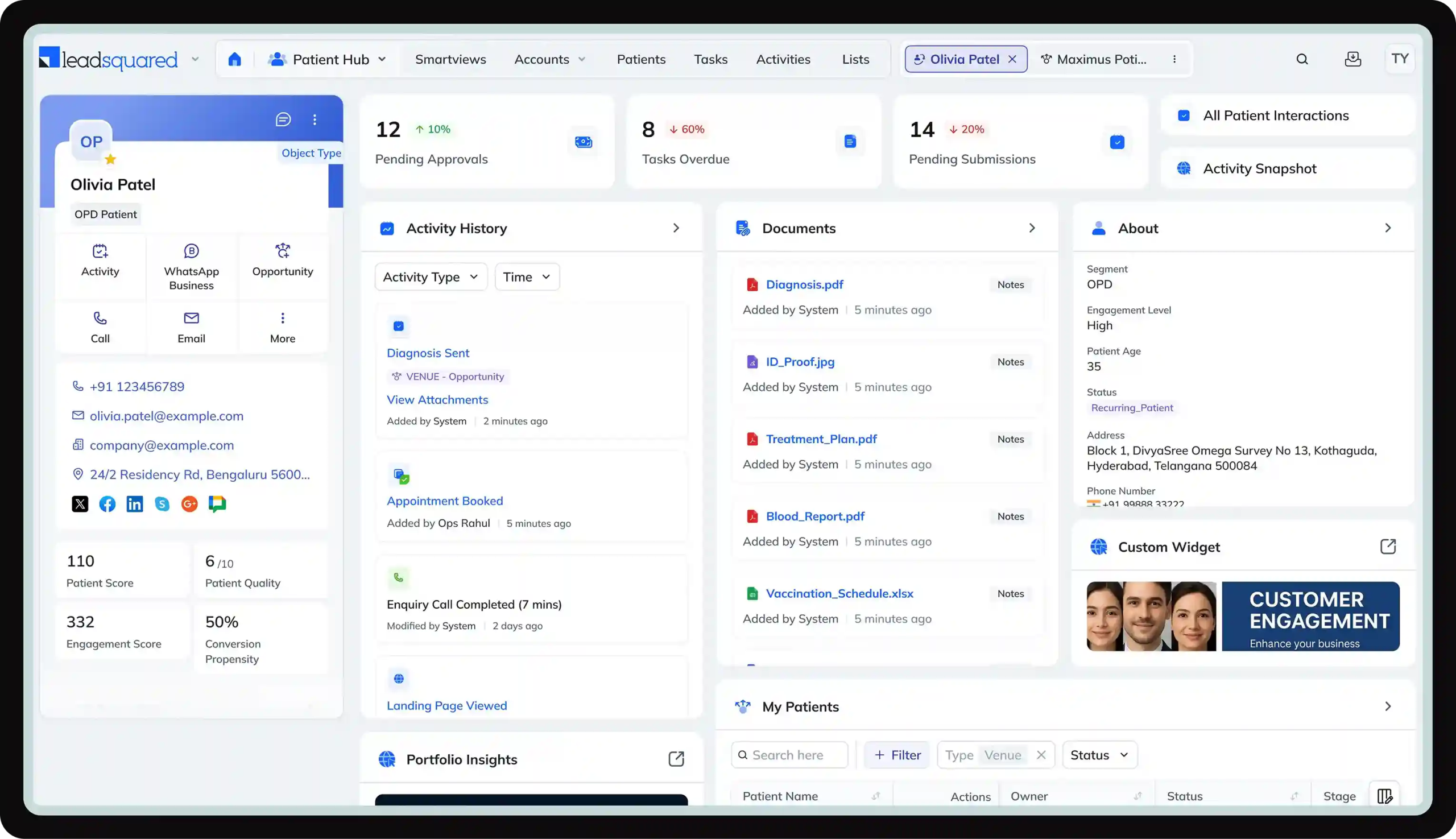

For high-consideration aesthetic procedures, speed and persistence are critical. Yet, many practices struggle with it due to manual processes that create delays and cause valuable inquiries from channels like Instagram and Google Ads to fall through the cracks.
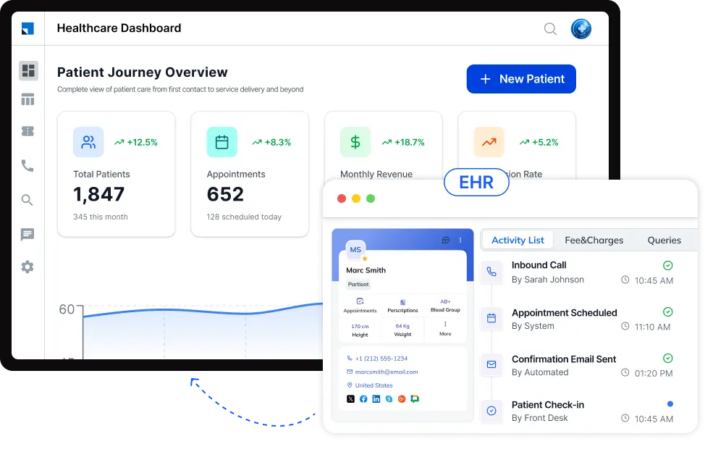
Our dermatology and plastic surgery CRM software is built to deliver measurable business outcomes, helping you grow more efficiently and profitably.
Powering 250,000 unique experiences (and counting)




LeadSquared’s CRM for dermatology and plastic surgery practices brings together the tools you need to capture, track, and manage patient interactions in one system.

Instantly capture every inquiry from your website, social ads, call tracking, and referrals. Our lead management CRM for plastic surgery uses AI to qualify, score, and route leads to the right coordinator, triggering personalized follow-up sequences immediately.
The time between a patient inquiry and your first response plays a critical role in whether that inquiry turns into an appointment.
Patients often reach out when their intent is highest. Delays in response can reduce interest or lead them to consider other providers. LeadSquared helps you respond instantly to every inquiry through automated responses and real-time alerts, so no patient is left waiting.


A full calendar does not always mean a fully utilized schedule. Missed appointments, late cancellations, and back-and-forth coordination can create gaps that are hard to fill at the last minute.
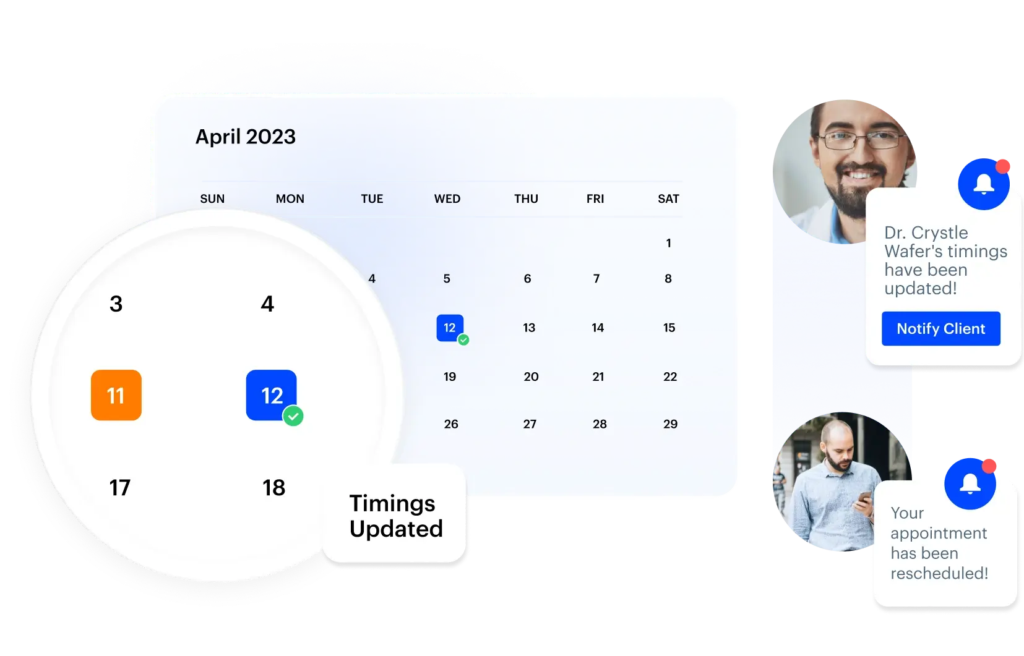
LeadSquared helps you manage appointments in a more structured way, so bookings, appointment reminders, and changes all stay in sync. Your team gets a clear, up-to-date schedule without having to manually coordinate every step.
Patient decisions in the dermatology and plastic surgery context rarely happen in a single step. After the initial inquiry, there is often a gap where patients are considering options or waiting before taking the next step.
Staying in touch during this period is important. LeadSquared allows you to set up automated follow-up sequences that keep communication going without relying on manual reminders or tracking.
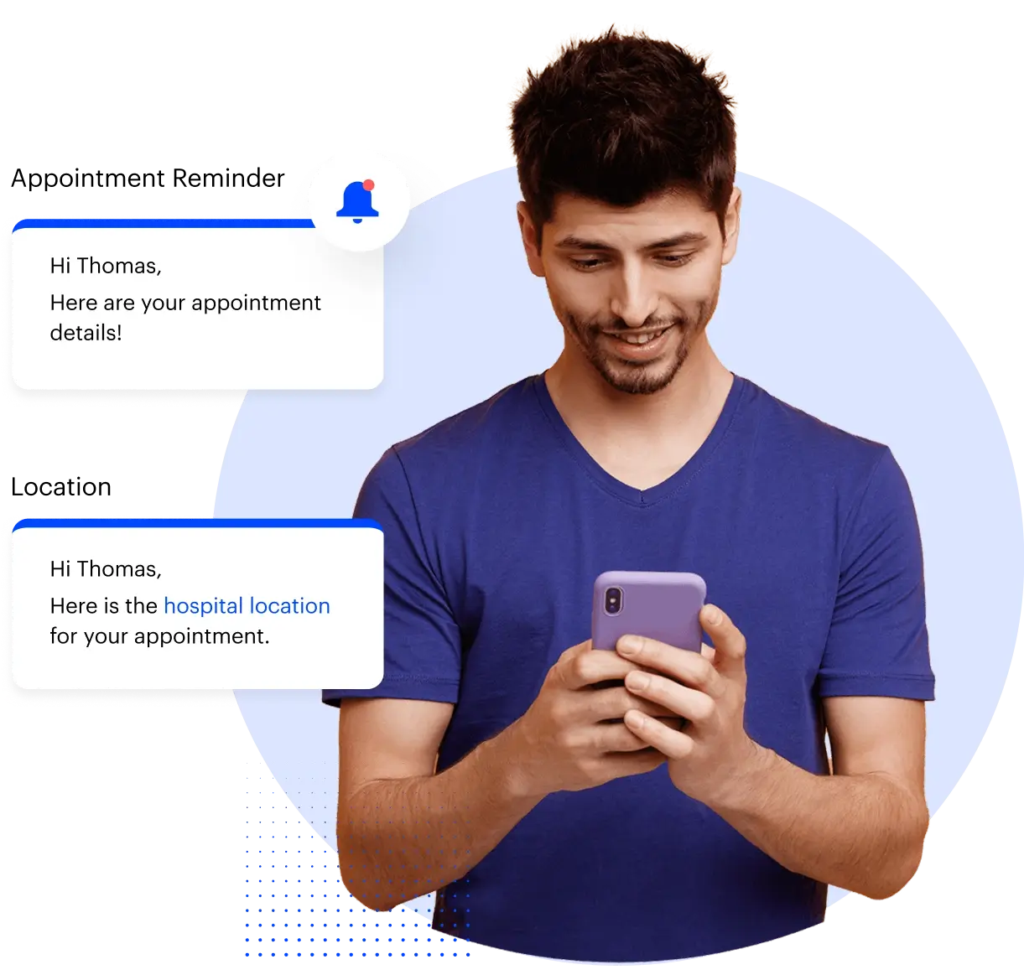
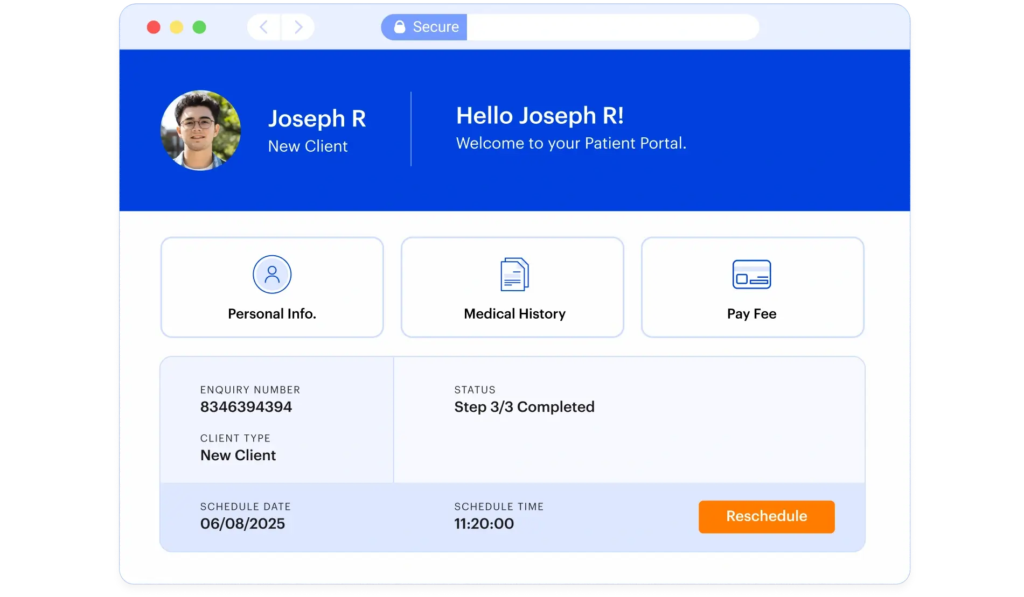
Give patients and your team dedicated portals to manage appointments without constant back-and-forth.
LeadSquared helps you manage the complete patient journey, from the first inquiry to long-term follow-up, in one connected platform. Automated workflows keep patients engaged at every stage while giving your team complete visibility into where every patient is in their care journey. The result is a more consistent experience for patients and fewer manual tasks for staff.

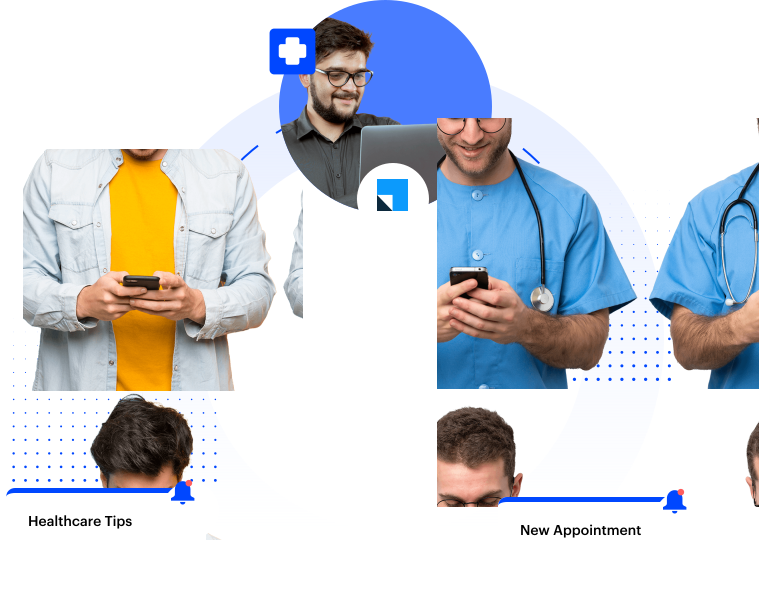
Choosing an aesthetic procedure often takes time. LeadSquared helps you stay engaged throughout the decision journey with automated, personalized communication that can be tailored to each patient’s interests and actions.
Get a clear, real-time view of your practice’s schedule without switching between different tools.
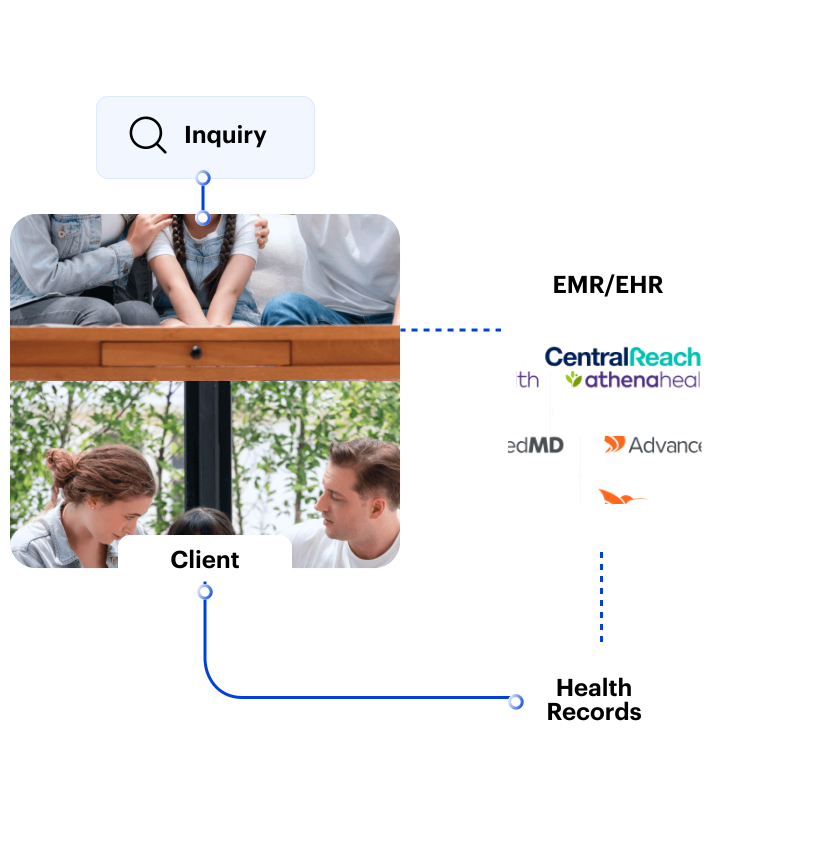
Our platform connects seamlessly with your existing derma and plastic surgery clinic tech stack, creating a single source of truth and eliminating data silos. Key integrations include:
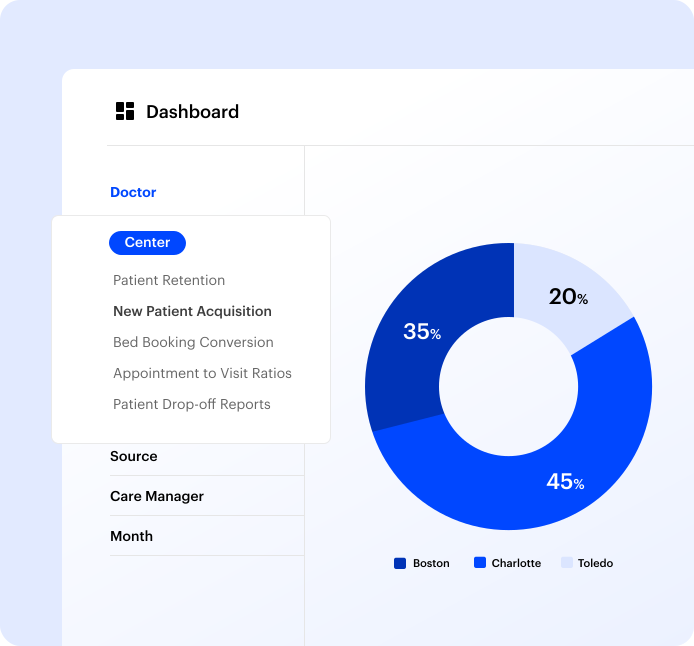
LeadSquared gives you clear visibility into performance across the entire client journey.
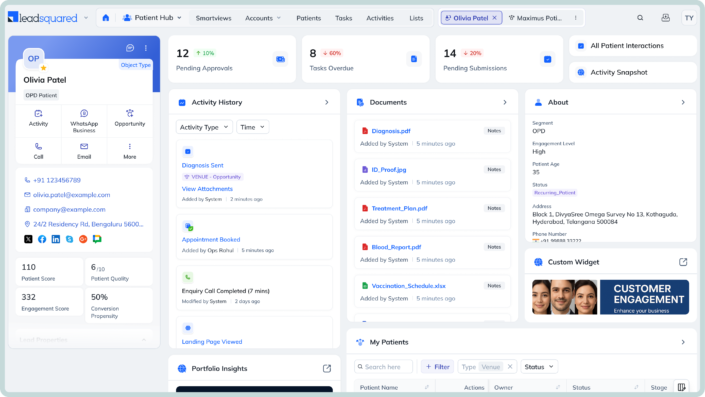
While platforms like HubSpot and Salesforce are powerful, they are not designed for the specific, compliance-driven workflows of an aesthetic or dermatology practice. LeadSquared offers a purpose-built solution.

LeadSquared is the best dermatology practice management software for a variety of aesthetic and medical providers, including:
With connected, automated patient engagement replacing manual outreach, Posterity Health scaled operations and revenue—without increasing staff.


“LeadSquared’s implementation has transformed our operations completely, surpassing all other platforms we’ve used at Tandem.”

How much does a CRM for a plastic surgery practice like this cost?
LeadSquared’s pricing is tailored to your practice’s size and the specific features you need. We offer competitive plans designed to deliver a clear and rapid ROI. Please contact our team for a customized quote.
How do I justify the cost of a CRM to practice owners or partners?
Clinics often struggle to link software cost to financial impact. A CRM helps you quantify real revenue gains by showing how many inquiries convert to consultations and treatments, how follow‑up automation reduces leakage, and how appointment adherence improves. When you measure these outcomes and compare them to staff time saved or increased bookings, it becomes easier to build a business case for ROI.
Will adopting a CRM disrupt everyday operations initially?
Many practices worry that implementing new software will slow down staff or confuse workflows. With a practice‑focused CRM, onboarding is phased and support‑led — meaning teams can start with core workflows (like lead capture and follow‑ups) and expand usage gradually. Good CRMs allow you to maintain existing tools in parallel during transition to avoid service disruption.
How does a CRM help manage patients who aren’t ready to book immediately?
In dermatology and plastic surgery, decision delays are normal — patients often research, compare options, and ask questions over weeks. A CRM lets you design extended nurturing workflows that send relevant information at appropriate intervals, so patients stay engaged without feeling spammed. That increases the likelihood of return once they are ready.
Can a CRM help improve staff accountability and reduce errors in high‑volume environments?
Yes — practices with multiple coordinators, receptionists, or providers benefit from shared visibility and task assignment. A CRM for dermatology and plastic surgery practices can track who contacted whom and when, who is responsible for a given follow‑up, and which actions are pending. This reduces dropped messages or inconsistent responses that commonly happen in busy dermatology clinics or multi‑provider plastic surgery groups.
How do we measure whether our communication templates are actually working with a derma CRM?
Instead of guessing which messages resonate, a CRM lets you A/B test communication sequences, track open and reply rates, and correlate message touchpoints with conversion outcomes. Over time, this turns follow‑up messaging from a best guess into a measurable, optimized process.
Is there a difference in how CRMs should be used for medical dermatology versus cosmetic treatments?
Yes. Medical dermatology often involves clinical workflows, long‑term care plans, and insurance interactions, while cosmetic dermatology workflows lean more on marketing and conversion sequencing. A good CRM for aesthetic practices needs configurable workflows that can support both: clinical continuity on one hand and promotional nurturing on the other.
Can a CRM help coordinate multi‑channel marketing efforts for my dermatology practice?
Beyond lead capture from forms, CRMs can unify responses from marketing channels — e.g., Google ads, social ads, organic search, referrals — and help you measure which combination of channels and follow‑ups yields the best patient acquisition cost (PAC). This lets you invest your marketing budget more effectively.
How can I tell when the CRM itself is underperforming — and how do I fix it?
Some clinics adopt a CRM but still see no improvement. Key performance indicators (KPIs) to watch include:
If these don’t improve over time, it’s often a workflow configuration issue, not a CRM limitation. Adjusting automation sequences or staff roles can fix this.
Why do dermatology and plastic surgery practices choose LeadSquared over generic CRMs?
Dermatology and plastic surgery practices use LeadSquared because it helps them manage the entire patient journey in one place. From the moment a prospective patient submits an inquiry to consultation scheduling, treatment, and post-procedure follow-up, every interaction is connected and easy to track.
Instead of relying on separate tools for lead management, patient communication, and follow-ups, practices can automate routine tasks with Invorto AI, engage patients through built-in chatbots, and keep data in sync with bidirectional EHR integration. Combined with a HIPAA-first architecture and an in-house implementation team that tailors the platform to your workflows, LeadSquared helps practices respond faster, stay organized, and deliver a consistent patient experience.
Is this plastic surgery CRM fully HIPAA compliant?
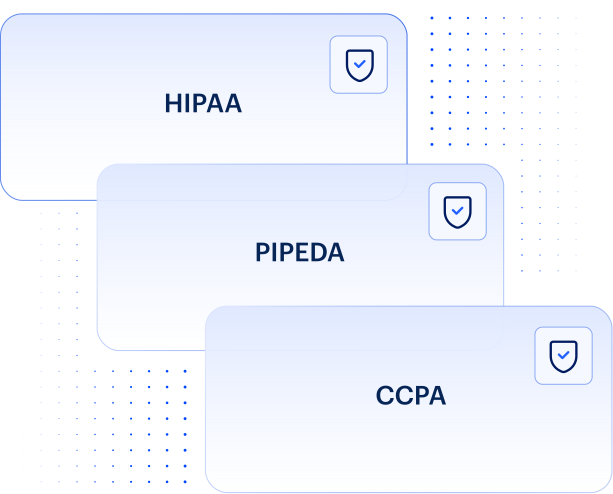
Yes. LeadSquared is fully HIPAA compliant, and we sign a Business Associate Agreement (BAA) with all our healthcare clients. Our platform is designed to securely manage PHI, including patient photos and sensitive treatment information.
Does your platform integrate with ModMed and Athena?
Yes, we offer robust, bidirectional integrations with leading EMR and practice management software, including ModMed and Athena/AthenaOne. This eliminates manual data entry and keeps patient records synchronized across systems.
How does the CRM handle nurturing for cosmetic procedures with long decision cycles?
Our platform excels at this. You can create automated, multi-channel (email, SMS, etc.) nurture campaigns that send personalized, educational content to prospective patients over weeks or months, keeping your practice top-of-mind until they are ready to book.
Can this software manage both our medical dermatology and cosmetic patients?
Absolutely. You can create distinct, customized patient journeys and workflows for different service lines. This allows you to manage insurance-based medical patients and self-pay cosmetic clients within the same unified platform.
How can we measure the ROI from our marketing spend with this CRM?
Our platform provides end-to-end attribution. You can track an inquiry from the specific Facebook ad or Google search that generated it all the way through to a booked and completed procedure, giving you precise data on your cost-per-acquisition and campaign profitability.


 Read the full story