





CRM for Skincare Clinics
One place to manage your entire skincare client lifecycle
Capture leads, manage consultations, track treatments, and grow repeat visits with LeadSquared’s CRM for skincare clinics.
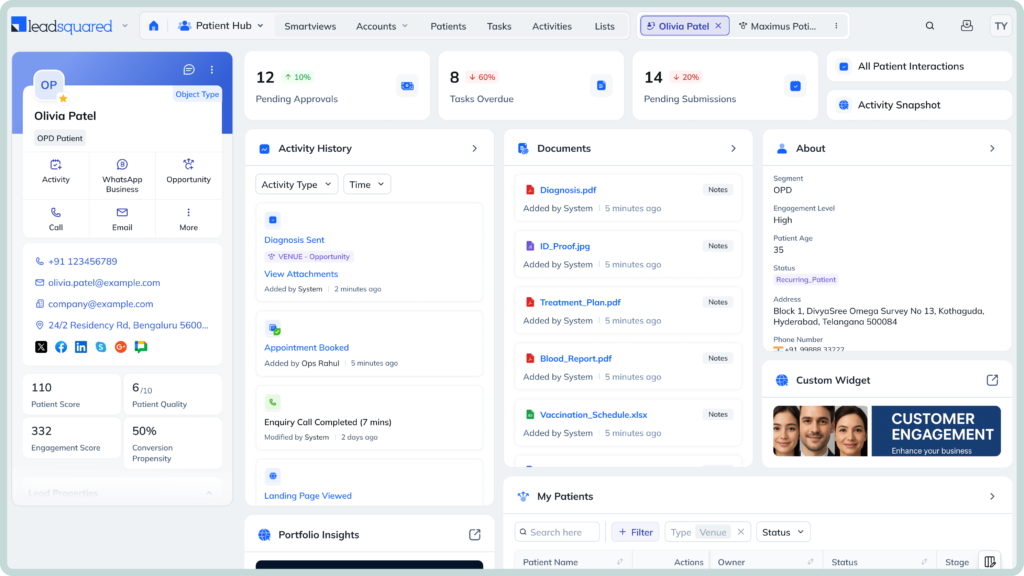
Tailored tools to run and grow your skincare practice





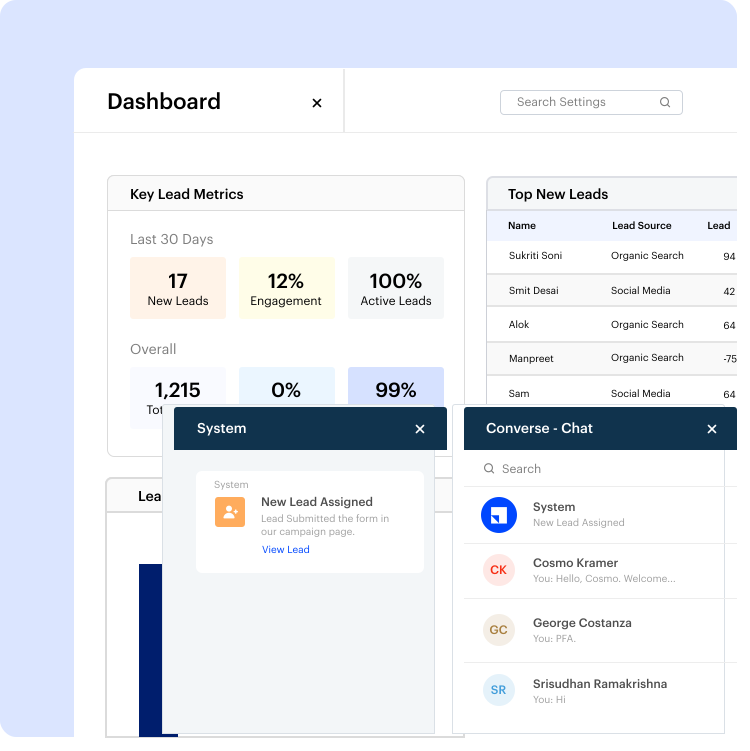
Bring every new inquiry—from your ads, website, calls, or walk-ins—into one system. Assign leads to the right staff, track conversations, and move each prospect from first contact to confirmed consultation.
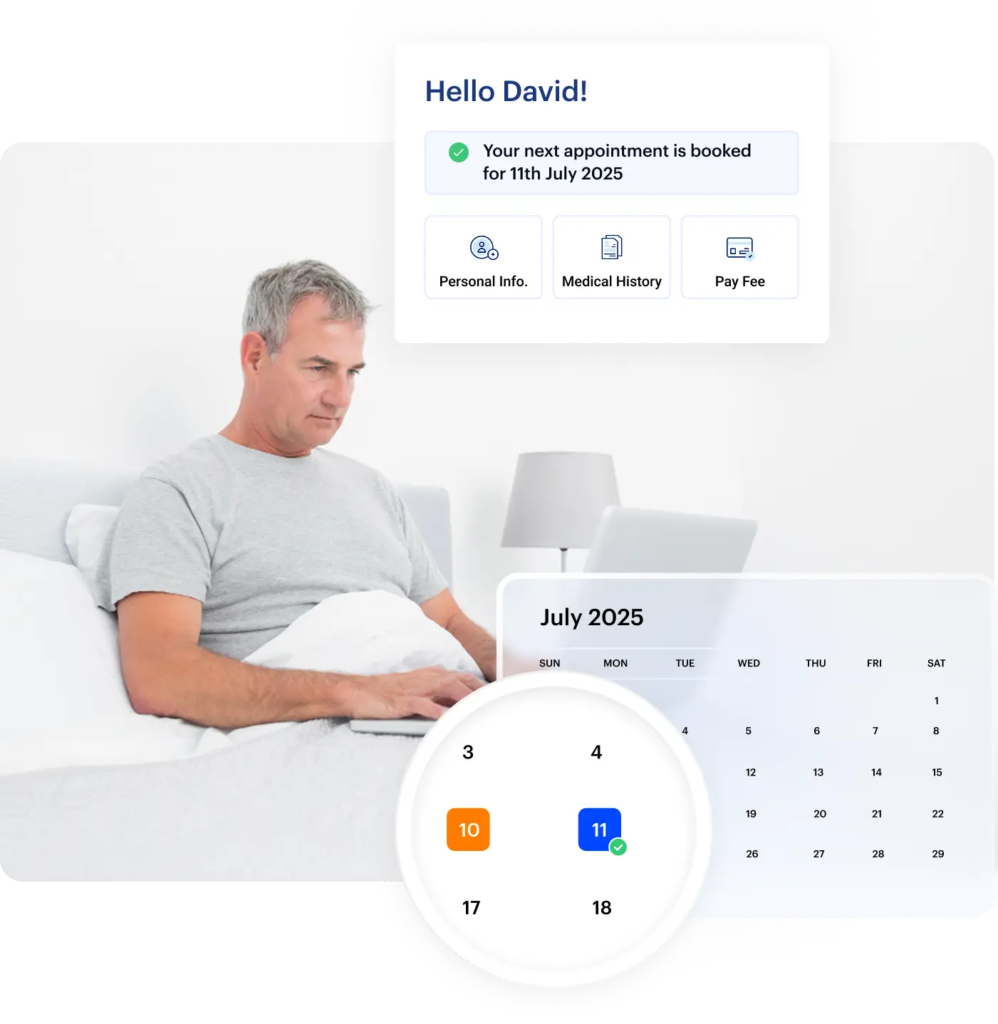
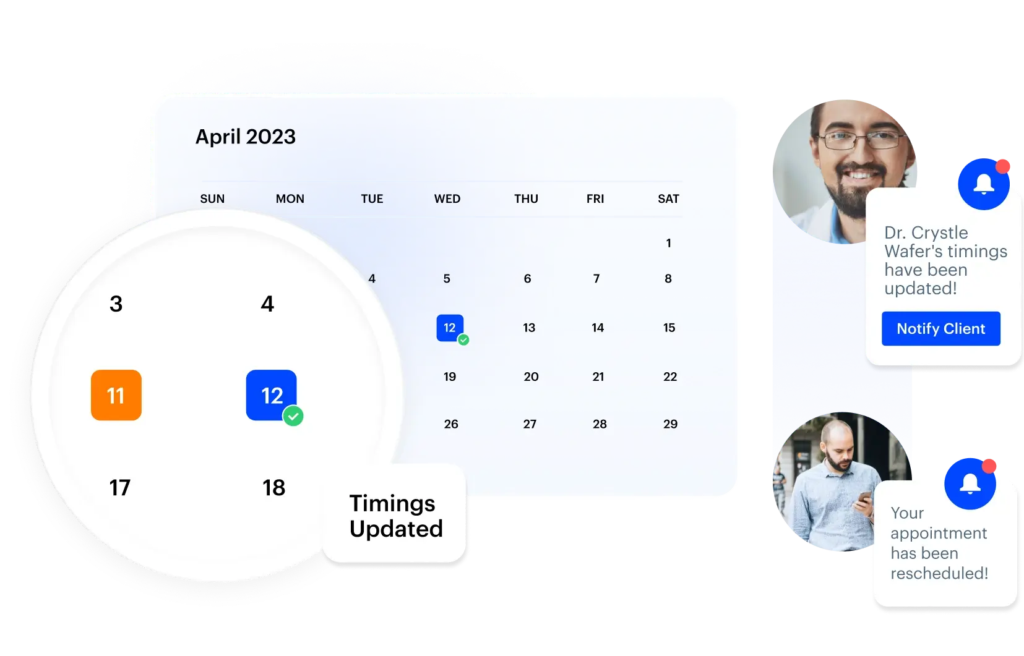
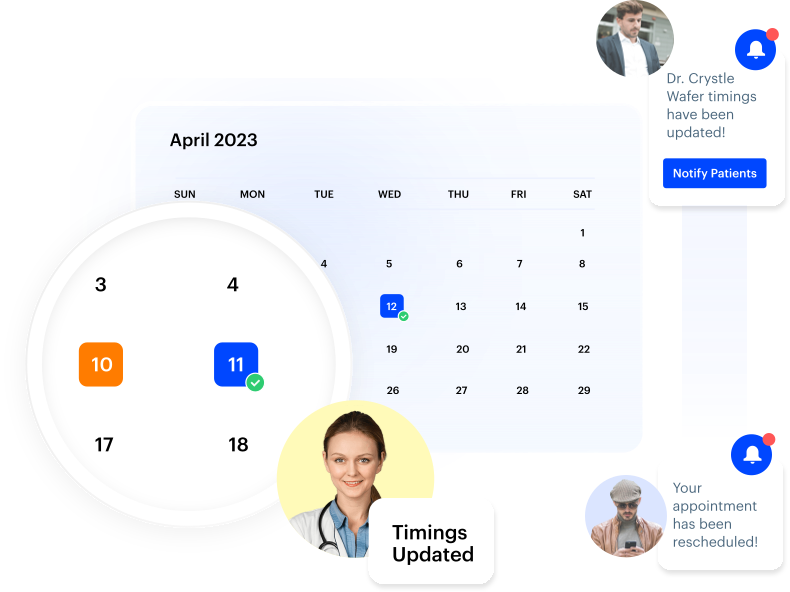
Run your skincare clinic’s entire appointment desk from an online calendar your team can rely on. Let clients book consultations and treatments online, or have your staff schedule them instantly.
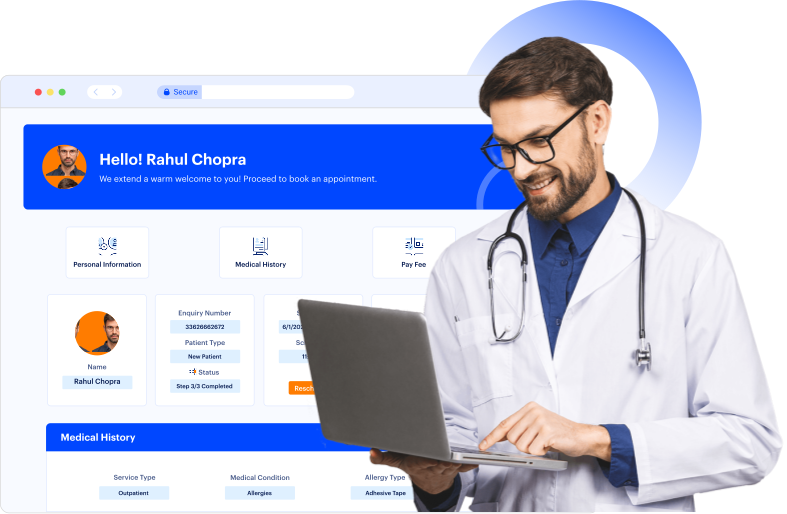
Keep a complete, up-to-date view of every skincare client by capturing their concerns, past visits, and interactions in one place. Give your team the context they need during every consultation, without switching between systems or losing information.
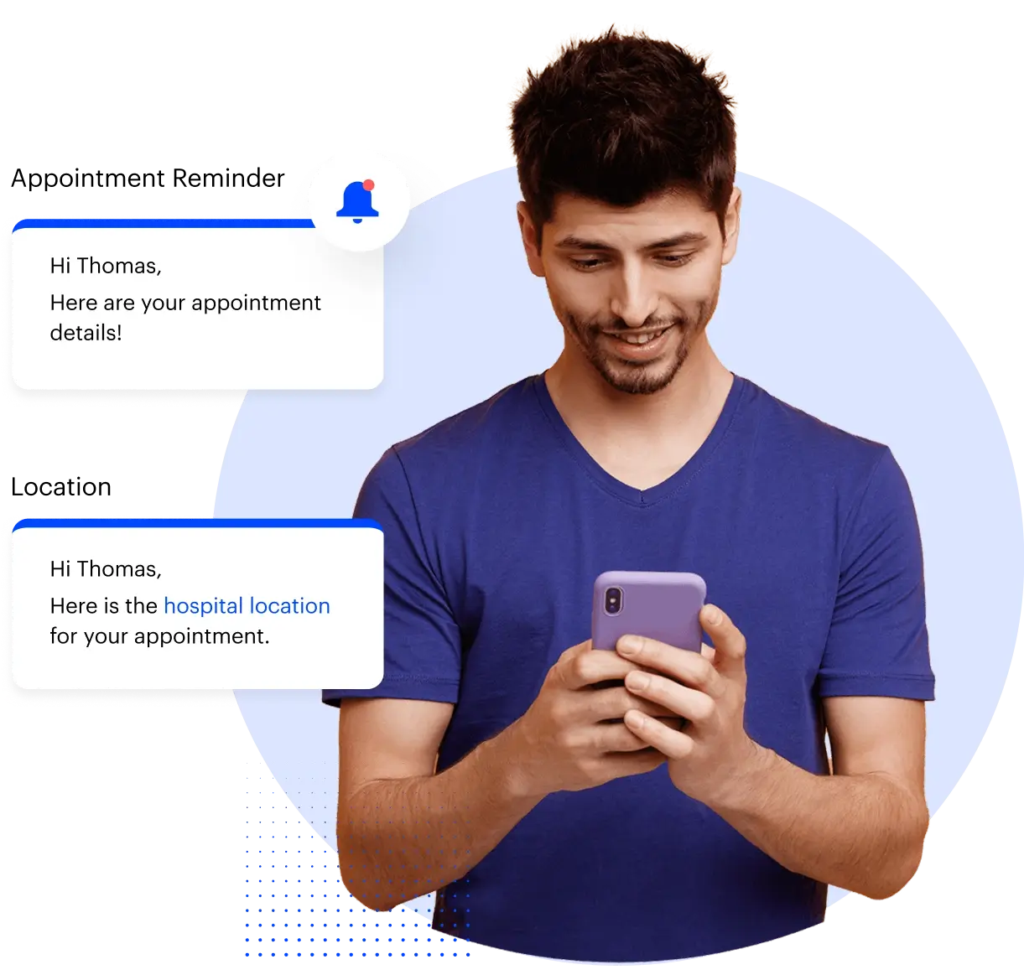
Stay connected with your skincare clients at every stage without relying on manual follow-ups. Automatically send messages based on client actions, treatment timelines, or lifecycle stages, so every client receives the right communication at the right time.
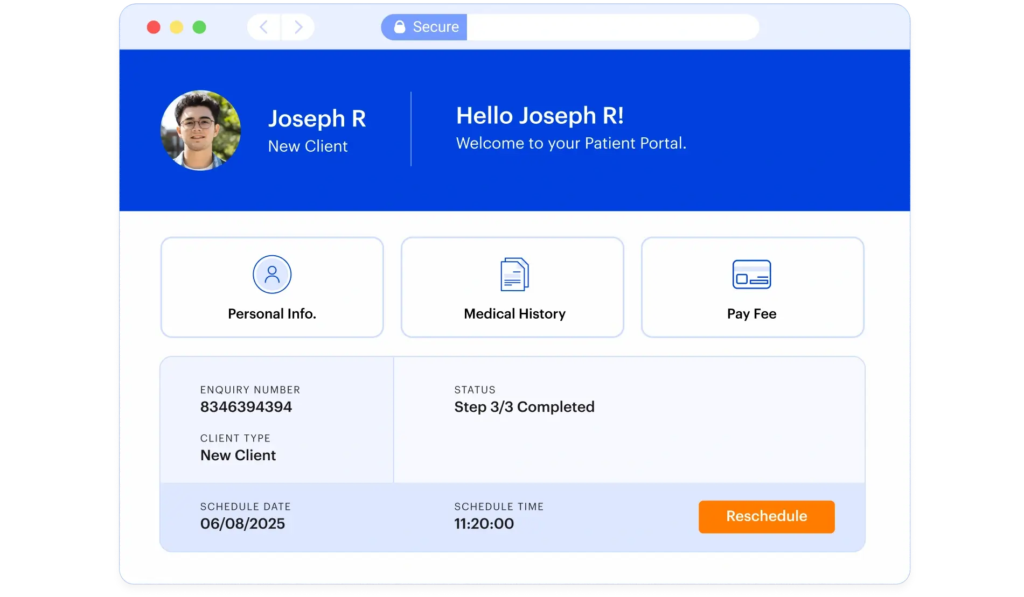
Track the services and packages each client has purchased and manage payments without switching systems. Capture payments during bookings or consultations, and use this data to follow up on renewals, upsell additional treatments, and increase revenue per client.
Bring structure to your skincare clinic’s day-to-day operations by organizing tasks, follow-ups, and team activities in one system. Make sure every inquiry, consultation, and client interaction is assigned, tracked, and completed on time.
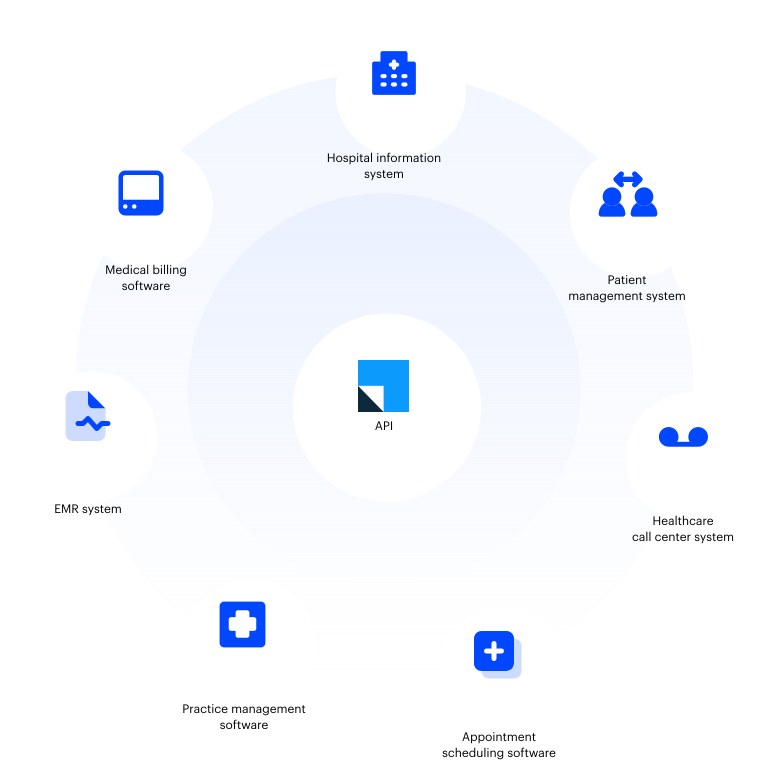
Connect LeadSquared CRM with the tools you already use to run your skincare practice. From communication channels and payment gateways to internal systems, bring your workflows into one platform without duplicating effort.
What you can connect:
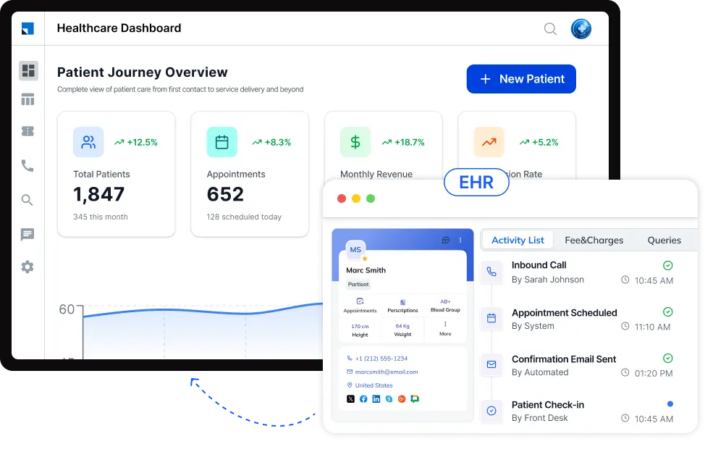
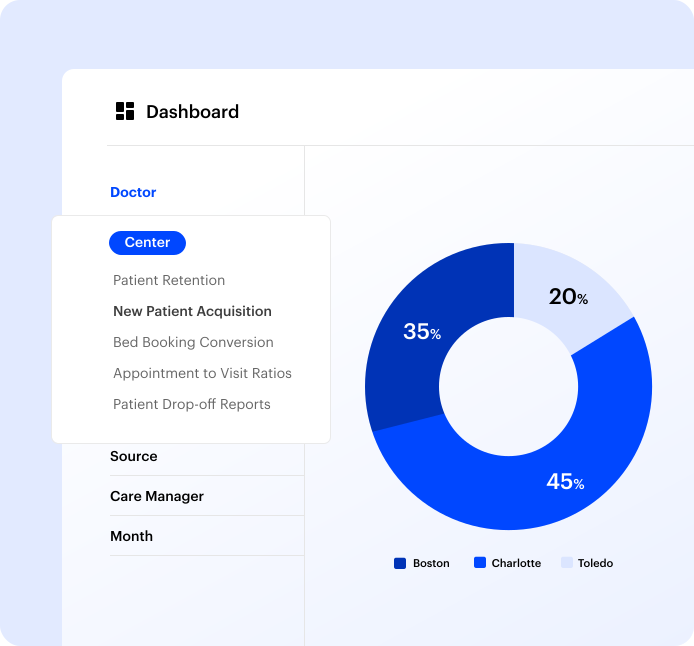
Track how your skincare clinic is performing with real-time dashboards and reports built on your CRM data. Monitor key metrics across leads, appointments, campaigns, and team activities to understand what’s working and where to improve.
Capability
By connecting key healthcare systems and automating patient engagement, Posterity Health scaled revenue by 7× without increasing team size.


Yes, you can use a CRM alongside your existing systems without replacing them. Most skincare clinics continue using their current clinic management or EHR software for medical records. The CRM software is used to manage leads, client communication, follow-ups, and marketing. Your clinical system handles treatments and records, while the CRM ensures that no inquiry, follow-up, or opportunity is missed.
The time required depends on how complex your workflows are, but most clinics can get started fairly quickly.
Typically, implementation happens in stages:
Many clinics begin with the most important processes and gradually expand usage as their team becomes more comfortable with the system.
Some initial training is usually required, but it is typically straightforward and role-based.
Each team member only needs to learn what is relevant to their work. For example:
Because everything is organized in one system, teams often find it easier to use than managing multiple tools or spreadsheets.
Yes, a CRM can help you manage multiple locations from a single system.
You can track leads, appointments, and team activities across all branches while keeping data organized by location. This makes it easier to:
This is especially useful as your clinic expands, since managing each location separately can lead to missed follow-ups and fragmented data.
A CRM improves client experience by making interactions more timely, consistent, and informed.
Clients receive faster responses because inquiries are captured and assigned immediately. Follow-ups and reminders are sent automatically, so they are less likely to miss appointments or feel ignored.
At the same time, your team has access to past interactions and preferences, which helps them provide more personalized consultations. This reduces repetition and creates a smoother experience for the client.
Most CRM systems are designed with data security in mind, especially for industries like healthcare and skincare.
They typically include:
This helps ensure that client information remains protected and is only available to the right people within your clinic.
Before choosing a CRM, it is important to evaluate how well it fits your day-to-day operations.
You should look for a system that:
Many clinics face challenges not because they lack demand, but because they do not have a structured way to manage it. A well-chosen CRM helps you organize, track, and act on every client interaction more effectively.


 The Ultimate CRM Solution for Eye Care Clinics
