





AI-powered Medical Practice Management Software
Powering 250,000 unique experiences (and counting)






Simplify how you track, manage, and deliver patient care with our medical practice management software as your trustworthy assistant.
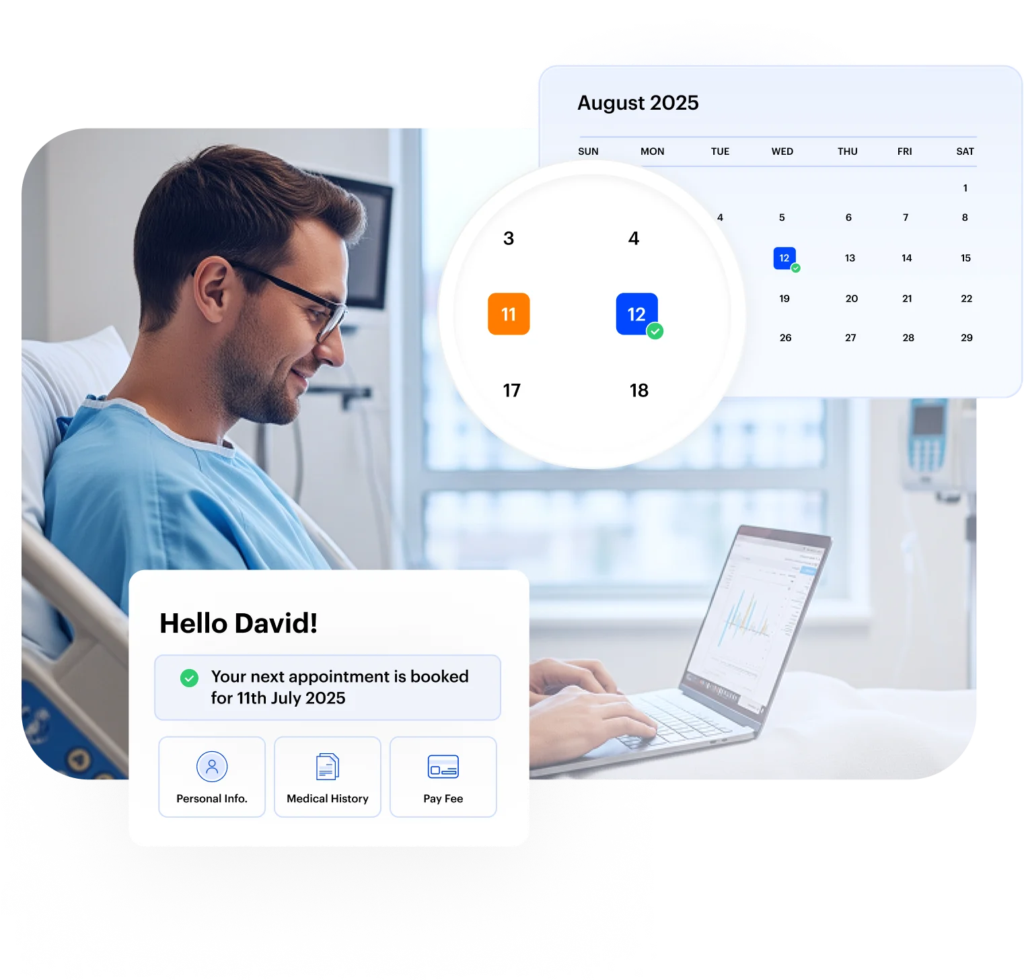
Handle appointment scheduling through one system that keeps bookings and updates easy to follow. Our medical practice management software gives your team a clear way to manage patient visits from start to finish.
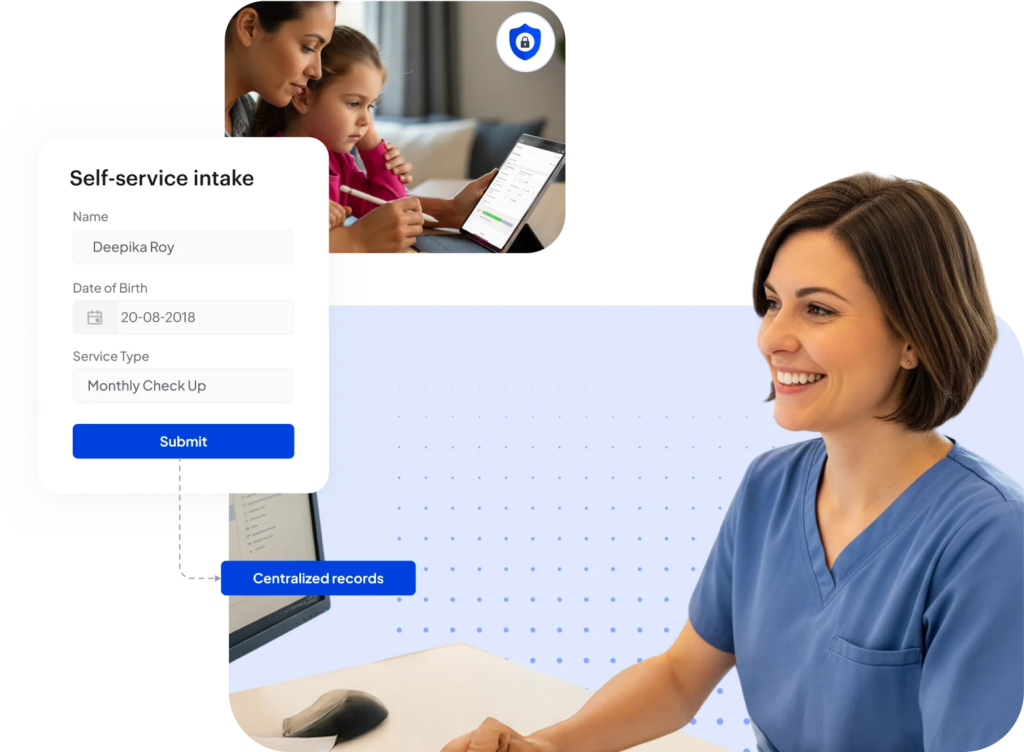
Use digital intake forms to collect patient information before the visit. Our medical practice management software helps you capture and organize patient details without relying on manual processes.
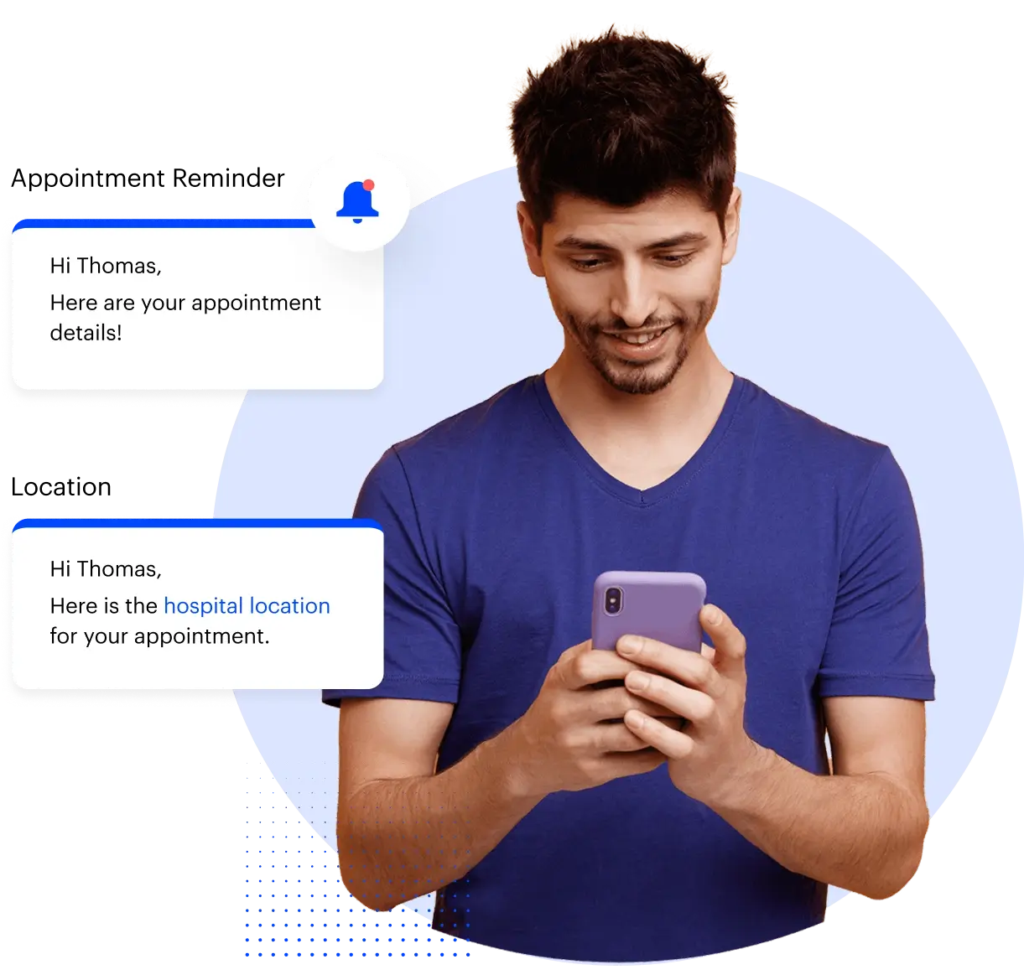
Engage patients the easy way. We help you send automated messages and reminders, so your team doesn’t have to manually handle every message or update.
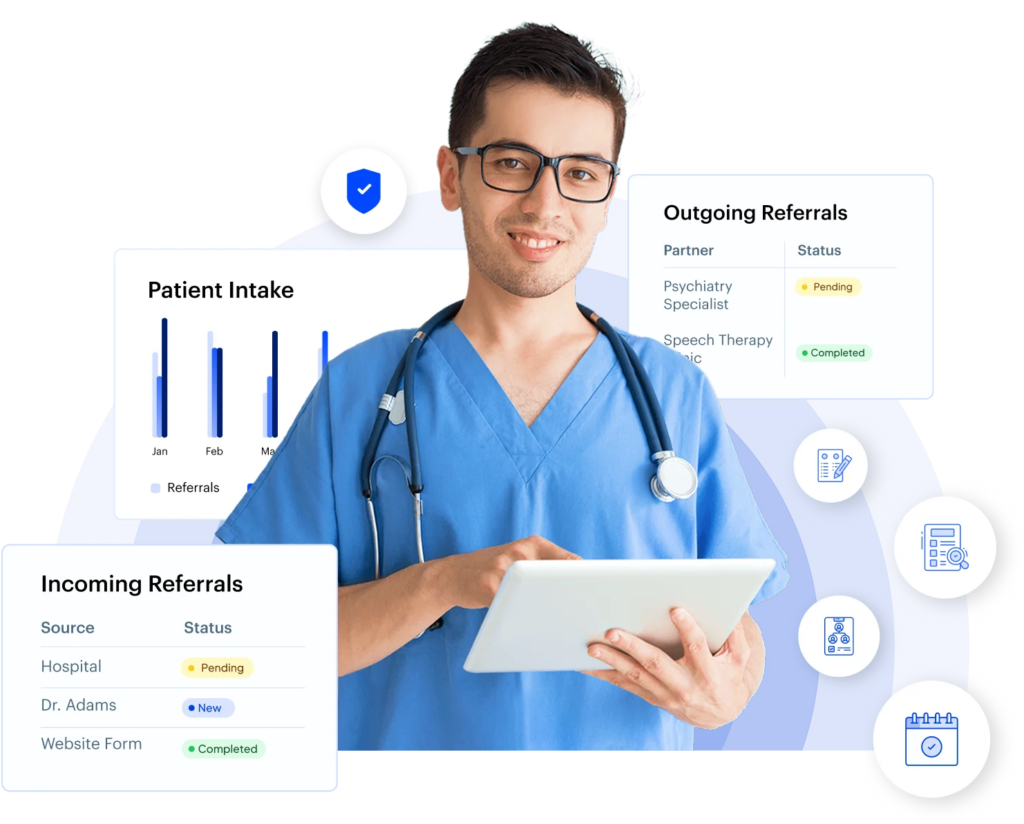
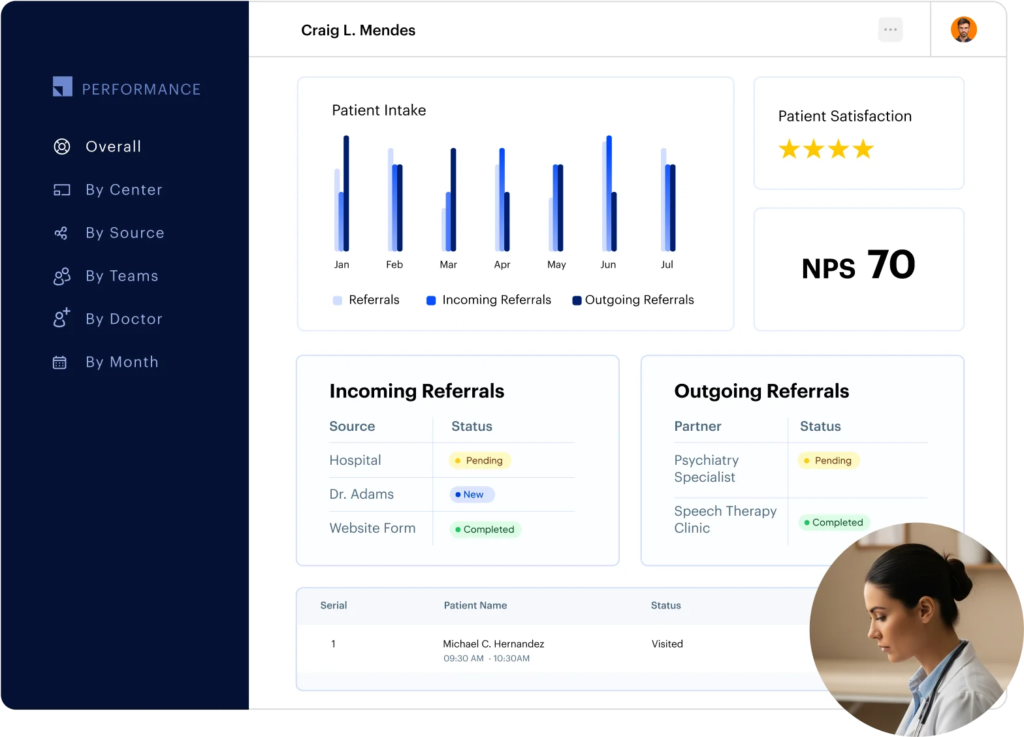
Never lose track of your referrals. With pipeline tracking, you can monitor both incoming and outgoing referrals in real time. Our medical practice management software also gives complete visibility into where each referral stands, while automated follow-ups keep communication flowing.
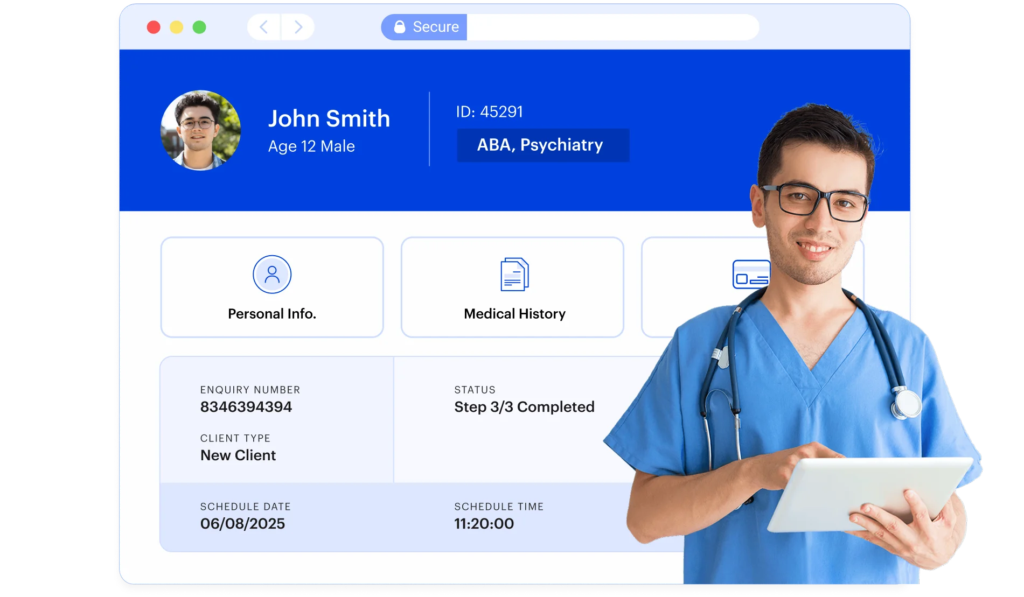
Managing patient information shouldn’t feel like a scavenger hunt.
Our medical practice management software centralizes all your records so your team can find the right details instantly.
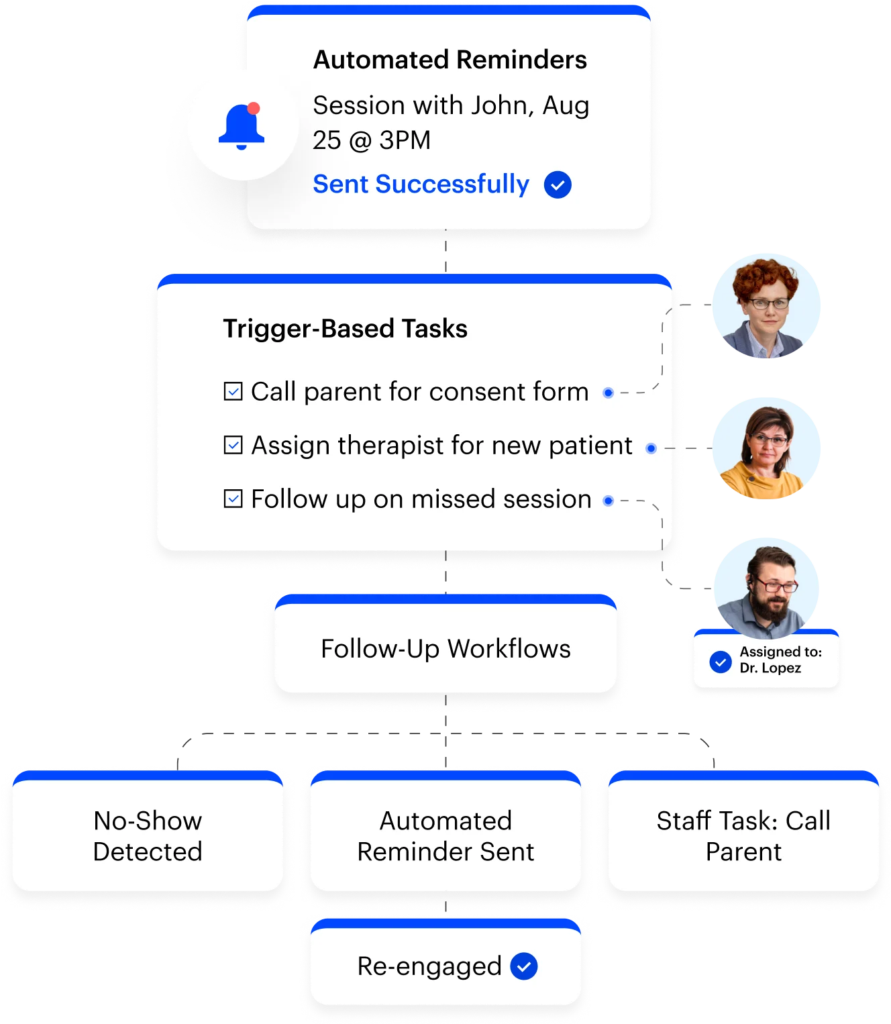
Your practice runs on dozens of small but important tasks every day. What if our software could handle the ones that don’t need your deepest attention? Our workflow automation tools take care of routine work for you.
See all your upcoming appointments and schedules in one place.
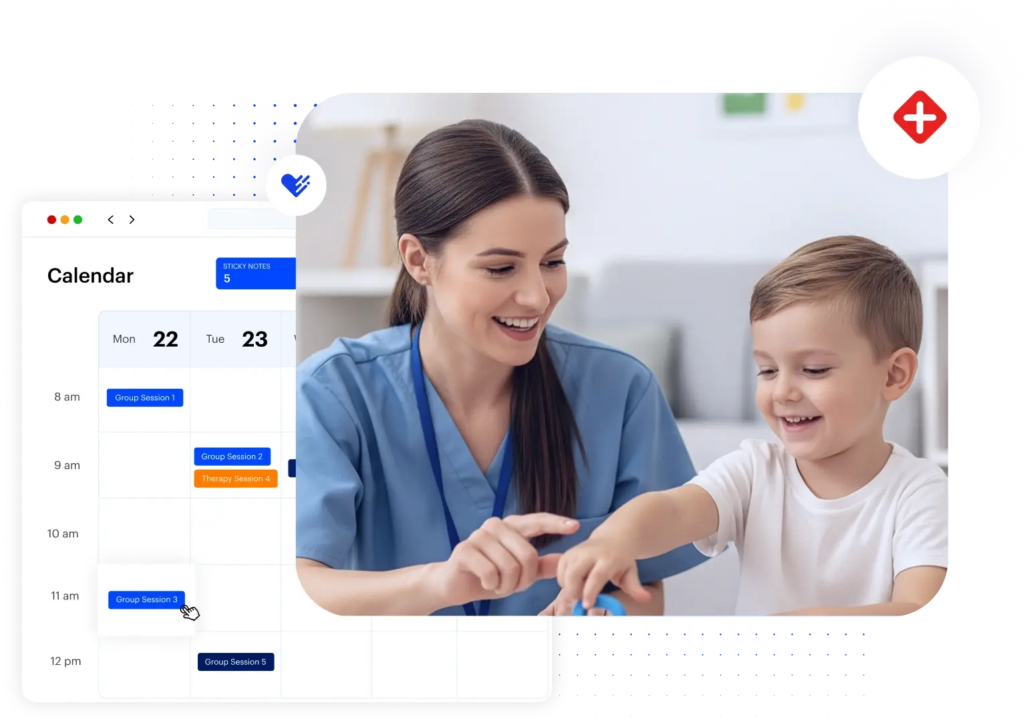
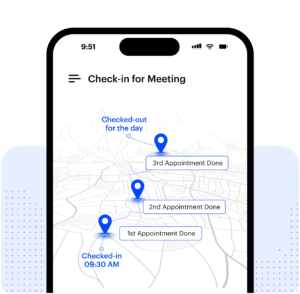
Take full control of your schedule, no matter where care happens. Our medical practice management software keeps schedules organized across clinics, home visits, and virtual sessions.
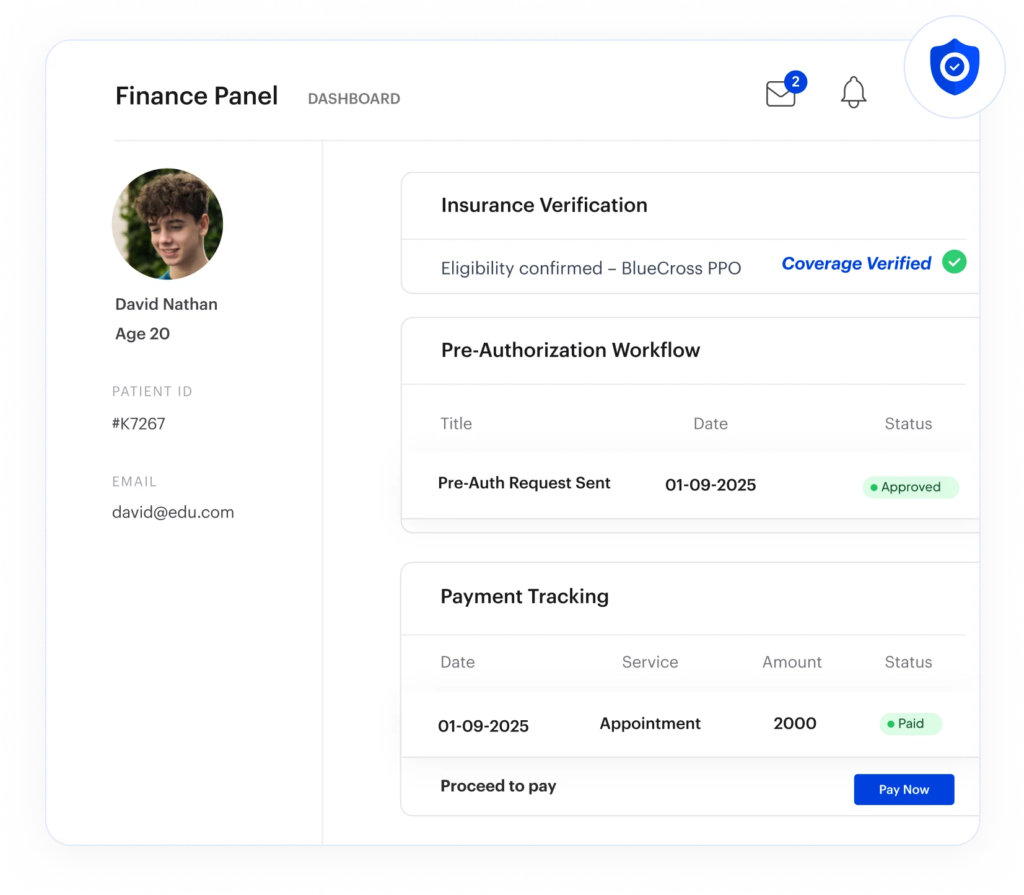
Our medical practice management tool integrates directly with your billing and insurance tools, allowing you to verify coverage and manage payments in one place.
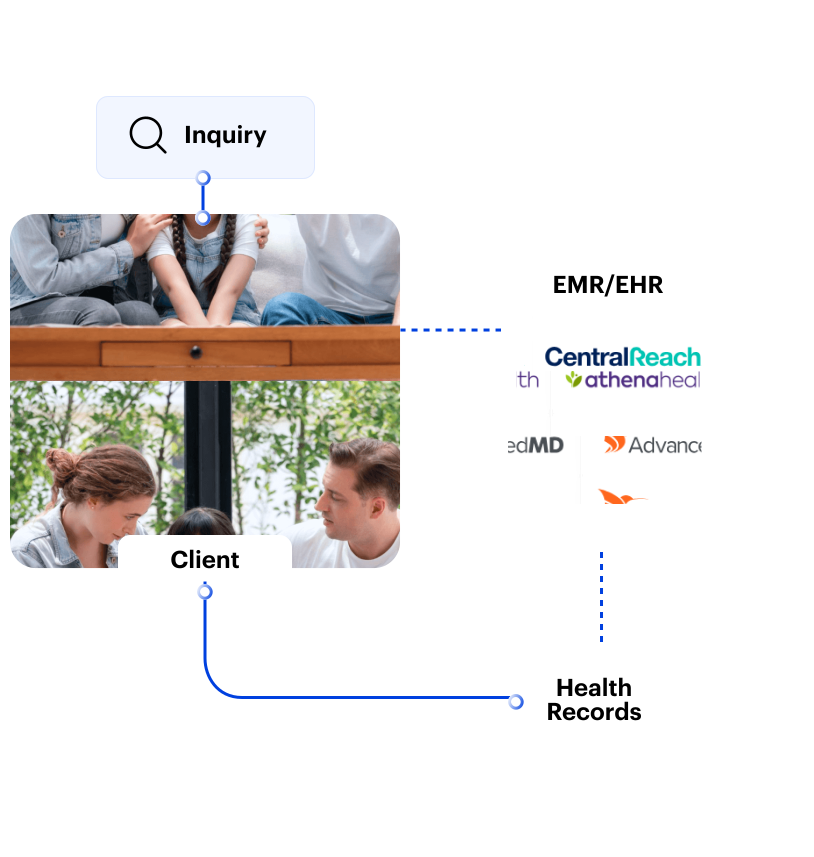
Keep clinical and administrative workflows in sync. With deep integrations to leading EMRs and EHRs, data flows effortlessly between your systems. This allows you to access accurate patient and scheduling information in one place, and support telehealth workflows to deliver care without disruption.
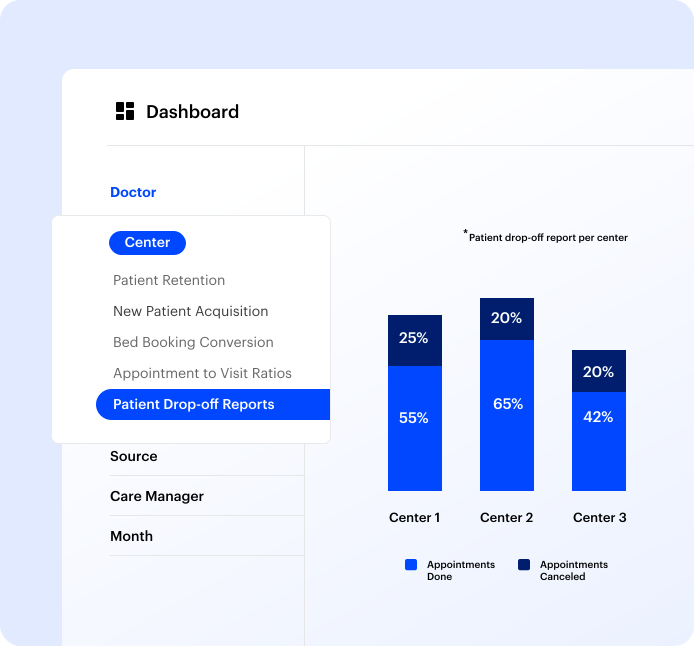
Numbers tell the story, if you know how to read them. LeadSquared’s medical practice management software helps you organize your practice’s data into reports, spot inefficiencies, and make decisions that improve patient care.
Patient data needs to be handled carefully, and your systems should support that without adding extra steps for your team. We help you manage access, track activity, and keep records in line with healthcare data standards.

“LeadSquared’s implementation has transformed our operations completely, surpassing all other platforms we’ve used at Tandem.”

How does a medical practice management software keep track of what happens after a patient books an appointment?
Once an appointment is booked, the system continues to track each step.
It can send reminders before the visit, update the appointment status after the visit, and store any related notes or actions. If a patient needs a follow-up, that can also be recorded and scheduled.
This creates a clear record of what has already happened and what still needs attention, without relying on memory.
What changes for the front desk team after using a medical practice management software?
The front desk usually handles a mix of calls, scheduling, and follow-ups at the same time. Without a system, this often means switching between different tools or writing things down to handle later.
With a practice management system, most of this work happens in one interface. Appointments can be booked while viewing availability; patient details are already stored, and reminders can be triggered without manual effort.
How does the medical practical management software help reduce missed appointments without extra manual work?
Missed appointments often happen because patients forget or are not reminded in time.
A medical practice management system allows reminders to be sent automatically before the appointment. These reminders include the necessary details, so patients know when and where to come.
If a patient cannot attend, the system can guide them to reschedule the appointment. This helps reduce empty time slots without requiring staff to call every patient manually.
Where is patient communication stored in the medical practice management software, and how does the team keep track of it?
In many clinics, communication happens across calls, messages, and emails, which makes it hard to track later.
A practice management system stores communication alongside the patient’s profile. When a reminder is sent or a follow-up is done, it is recorded in the same place as appointments and patient details.
This makes it easier for anyone on the team to understand the history of interactions without asking around.
How does the system handle clinics that operate in more than one location?
Managing multiple locations usually means dealing with separate schedules and limited visibility across branches.
A medical practice management system combines this into one view. Staff can check availability across locations, book appointments in the correct branch, and manage schedules without switching systems.
This is useful when patients or providers move between locations.
How are payments and billing details tracked alongside patient activity?
Payments are often tracked separately, which can make follow-ups harder.
A practice management system links payment information to the patient’s record. When a payment is made, it is recorded against that visit. If something is pending, it remains visible until it is resolved.
This allows staff to see both appointment and payment status in one place, which makes coordination easier.
How does a medical practical management software make sure patient data is not accessed by the wrong people?
Different roles in a clinic require different levels of access.
A medical practice management software allows you to control who can view or update specific types of information. For example, front desk staff may only see basic details, while clinical staff may have broader access.
The system also keeps a log of actions, so it is possible to see who accessed or changed information. This helps maintain control over patient data.
How long does it usually take for a team to get comfortable using a practice management software?
Most of the tasks in a medical practice management software should be familiar to clinic staff; it’s just handled in a more structured way.
Booking appointments, updating patient details, and sending reminders follow a clear flow inside the system. Because of this, teams usually start using the basic features quickly and then expand to other features over time.
The transition is more about changing how tasks are organized than learning completely new processes.


 Read the full story