

- Home

- Learn
- Healthcare
- 5 Best CRM alternatives to Salesforce Health Cloud
HEALTHCARE
5 Best CRM alternatives to Salesforce Health Cloud
Contents

 19 min read
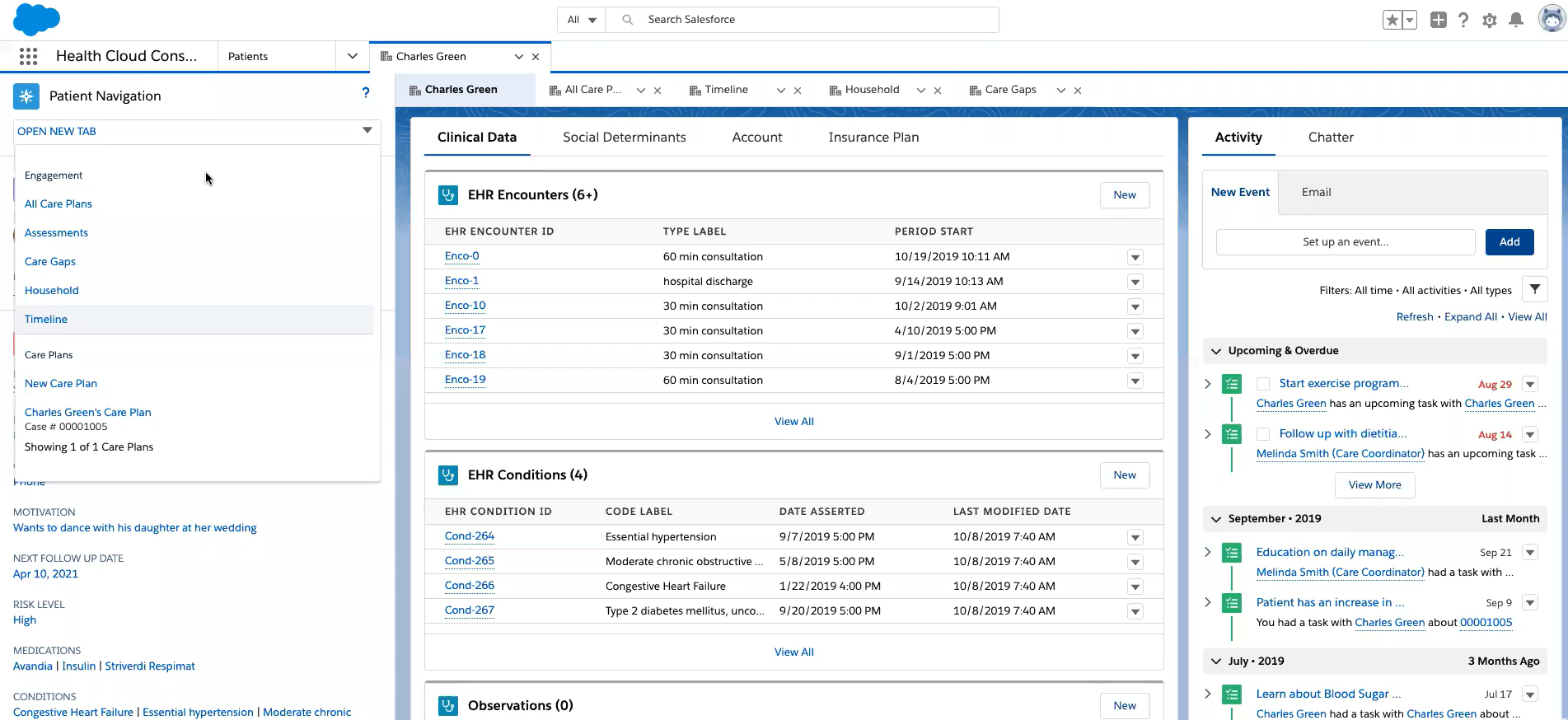


Salesforce Health Cloud offers healthcare organizations a platform to manage patient relationships and coordinate care-related interactions.
However, putting the platform to work can require significant investment in licensing and implementation. Organizations with specialized intake and referral processes may also need technical expertise to configure workflows and connect existing systems.
This can make Salesforce a substantial commitment, particularly for teams that need greater flexibility without relying heavily on developers or implementation partners.
Fortunately, if you are looking for alternatives to Salesforce, several healthcare CRM platforms offer better approaches to managing these requirements.
This guide compares 5 best CRM alternatives to Salesforce Health Cloud to help you evaluate their capabilities, costs, and suitability for your organization.
Salesforce Health Cloud offers extensive healthcare capabilities, but its cost and implementation requirements can make it a substantial investment. Here are three reasons healthcare organizations evaluate other options.
Salesforce Health Cloud starts at $350 per user per month. Higher editions cost between $525 and $725 per user per month, billed annually. For a 20-member team, the starting subscription alone amounts to $84,000 annually.
Implementation adds to this expense. Organizations must account for data migration, EHR integrations, workflow configuration, and ongoing administration. One Medicare plan in LeadSquared’s internal sales discussions reportedly received an implementation estimate of approximately $300,000. This illustrates why buyers should evaluate total implementation costs rather than subscription fees alone.
Healthcare organizations often have specialized workflows based on their locations and intake requirements. Configuring Salesforce to support these processes can require technical expertise, particularly when integrations and complex automations are involved.
Although administrators can manage many routine changes, more advanced customization may require developers or implementation partners. This can make adapting workflows more resource-intensive.
Capturing inquiries is only the beginning of patient acquisition. Healthcare teams also need to identify genuine prospects and ensure they receive timely attention. When qualification and follow-up depend heavily on manual effort, intake teams can struggle to keep up with growing inquiry volumes.
For example, an anonymized multi-state ABA provider reportedly had to manually call 47,000 leads to identify approximately 9,000 genuine prospects while using Salesforce. This illustrates the need for workflows that help teams qualify inquiries and prioritize follow-ups rather than relying on manual screening.
| CRM | Best suited for | Key strengths |
| LeadSquared | Healthcare organizations managing patient acquisition and intake across multiple locations | Healthcare-focused referral management, automated lead distribution, patient follow-ups, and EHR integrations. Universal Data Sync (UDS) also enables teams to configure data flows between LeadSquared and supported external applications. |
| Microsoft Cloud for Healthcare | Healthcare enterprises invested in Microsoft’s cloud and productivity ecosystem | Patient access and engagement, unified patient views, care coordination, virtual care, and healthcare data integration through Microsoft Cloud, Dynamics 365, Azure, and Power Platform. |
| Creatio | Healthcare organizations that need to adapt CRM workflows to their operational processes | Low-code customization, configurable business processes, lead qualification and distribution, campaign automation, and sales and service management. |
| HubSpot | Marketing-led healthcare organizations focused on attracting and converting patients | Lead capture from multiple channels, contact and lead scoring, campaign management, automated nurturing, and connected marketing and sales workflows. |
| Freshsales | Healthcare organizations looking to organize sales and outreach teams across territories | Territory-based lead assignment, automated workflows, sales sequences, contact management, and activity tracking. Freshworks’ BAA does not cover Freshsales, so it should not be used to process ePHI. |
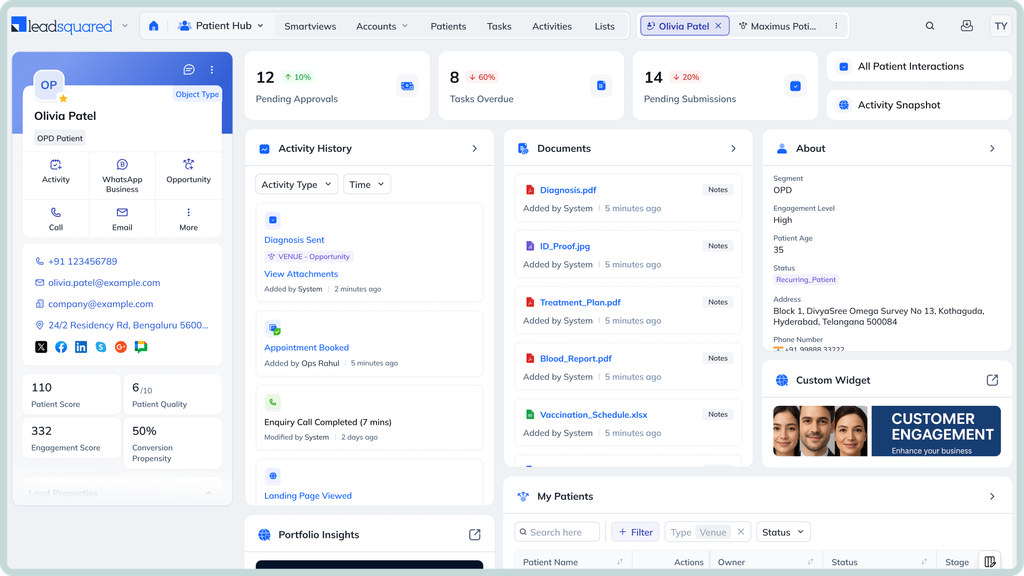
LeadSquared is best suited to healthcare organizations that manage high volumes of patient inquiries and referrals across multiple teams, locations, or service lines. It helps centralize patient acquisition and intake workflows, automate follow-ups, and give teams visibility into how inquiries progress toward appointments.
LeadSquared supports patient acquisition and intake through features such as:
LeadSquared works alongside EHRs and other applications used by healthcare organizations. Its published integrations include platforms such as AthenaOne, AdvancedMD, CentralReach, ModMed, and DrChrono.
For other applications, LeadSquared’s Universal Data Sync (UDS) allows teams to configure inbound and outbound data flows through APIs. This can support workflows such as transferring patient inquiry details to an EHR or bringing appointment updates back into the CRM. The exact data exchanged depends on API access, field mapping, and the integration setup.
LeadSquared offers a HIPAA-compliant healthcare CRM with a Business Associate Agreement (BAA) in place. Its security measures include:
LeadSquared offers subscription-based pricing. The total cost for a healthcare deployment depends on the number of users, required modules, integrations, and implementation scope. Healthcare organizations should request a quote based on their workflows and technology stack.
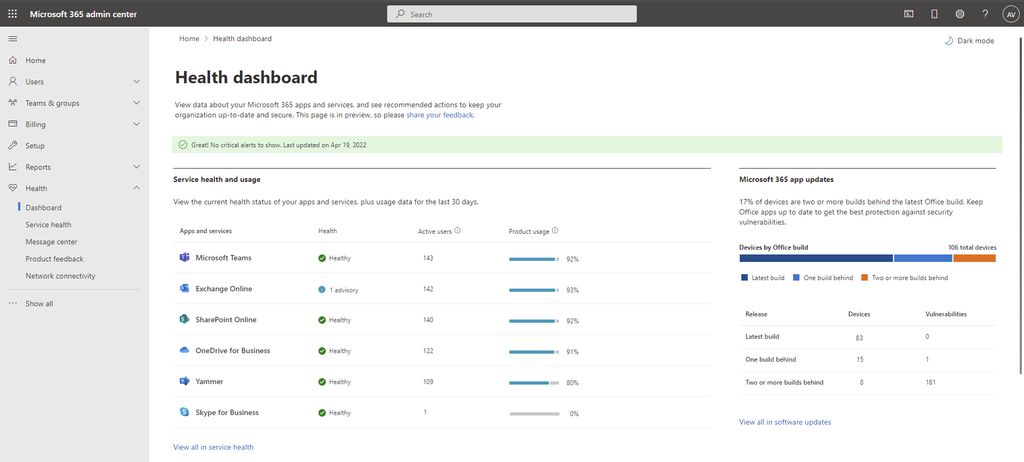
Microsoft for Healthcare is best suited to healthcare enterprises that already use Microsoft technologies and want to connect patient engagement, care coordination, and healthcare data workflows. It is particularly relevant to organizations looking to build connected experiences across multiple departments using Dynamics 365, Microsoft Teams, Power Platform, and Azure.
Microsoft Cloud for Healthcare offers healthcare-specific applications and workflows that support activities such as:
Microsoft Cloud for Healthcare includes tools for connecting healthcare data from different sources and making it available for operational and clinical insights. Its capabilities include:
For example, a healthcare organization can use Azure Health Data Services to bring FHIR-formatted data from an EHR into its broader Microsoft environment.
Microsoft offers a Business Associate Agreement (BAA) for customers using eligible Microsoft services. Its in-scope services include Dynamics 365, Azure, Microsoft 365, and Power Platform. However, the BAA does not automatically make an organization’s implementation HIPAA-compliant. Customers remain responsible for configuring services appropriately and meeting their own HIPAA obligations.
Microsoft Cloud for Healthcare does not have a single, straightforward CRM subscription price. Costs depend on the applications and services an organization deploys. These can include:
Healthcare organizations should work with Microsoft or an implementation partner to establish the licenses and services required for their intended workflows.
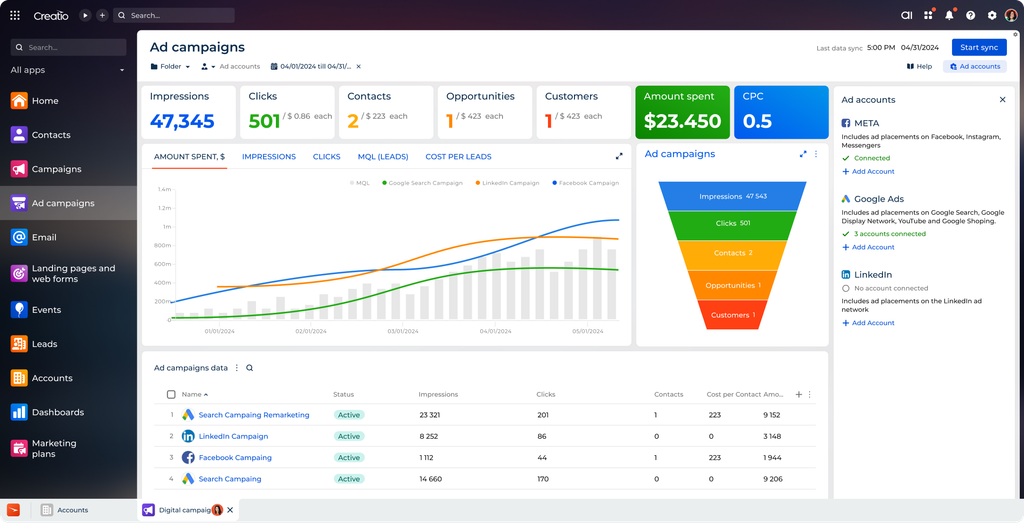
Creatio is best suited to healthcare organizations that need to adapt CRM records and workflows to their operational requirements. Its low-code platform allows teams to customize how they capture information, manage referrals, assign work, and automate processes across departments.
Creatio combines CRM applications with visual tools for designing business processes. Its capabilities include:
Creatio offers healthcare-oriented solutions built on its CRM and no-code platform. Its healthcare deployments demonstrate how organizations can adapt the platform to different operational needs.
Creatio supports integrations through REST and SOAP APIs, and other development tools. Its low-code capabilities also allow teams to connect external applications and automate data exchange.
For a healthcare organization, this can support integrations with an EHR or other operational applications. For example, patient or referral information could be transferred between Creatio and an EHR, depending on the available APIs and integration design.
Creatio states that its software complies with HIPAA security requirements. Its documented safeguards include role-based access controls, audit logs, encryption, and regular security testing.
However, organizations planning to store or process protected health information (PHI) should confirm BAA availability and the contractual coverage of their specific deployment with Creatio.
Creatio follows a modular pricing model, with separate charges for its platform and CRM applications.
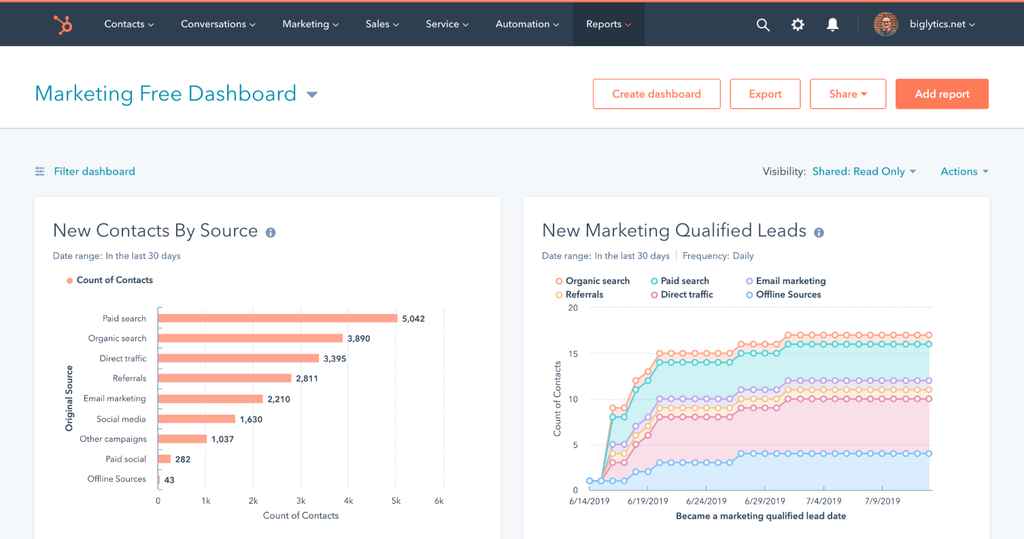
HubSpot is best suited to marketing-led healthcare organizations that want to attract prospective patients, manage inquiries, and measure campaign performance. Its connected marketing and sales tools help teams track interactions from the first website visit or form submission through follow-up and conversion.
HubSpot provides tools to attract and capture prospective-patient inquiries through different digital channels. Its capabilities include:
HubSpot connects with external applications through its App Marketplace, APIs, and integration partners. Healthcare organizations can use these options to connect the CRM with scheduling applications, communication tools, and EHR platforms.
Organizations should verify whether the integration supports the required patient data and has appropriate security and contractual arrangements.
HubSpot supports HIPAA-related data handling for qualifying Enterprise customers. Organizations must enable Sensitive Data settings, identify themselves as a HIPAA-covered entity or business associate, and accept the applicable Sensitive Data Terms and BAA.
Its documented safeguards include:
Not all HubSpot tools support sensitive data. Organizations should review the covered services and restrictions before storing PHI in the platform.
HubSpot offers separate subscriptions for its marketing and sales products. Its published U.S. pricing includes:
Professional and Enterprise plans also have mandatory one-time onboarding fees. Additional seats and marketing contacts can increase the total subscription cost. Organizations should account for the products and subscription tiers needed to support their workflows.
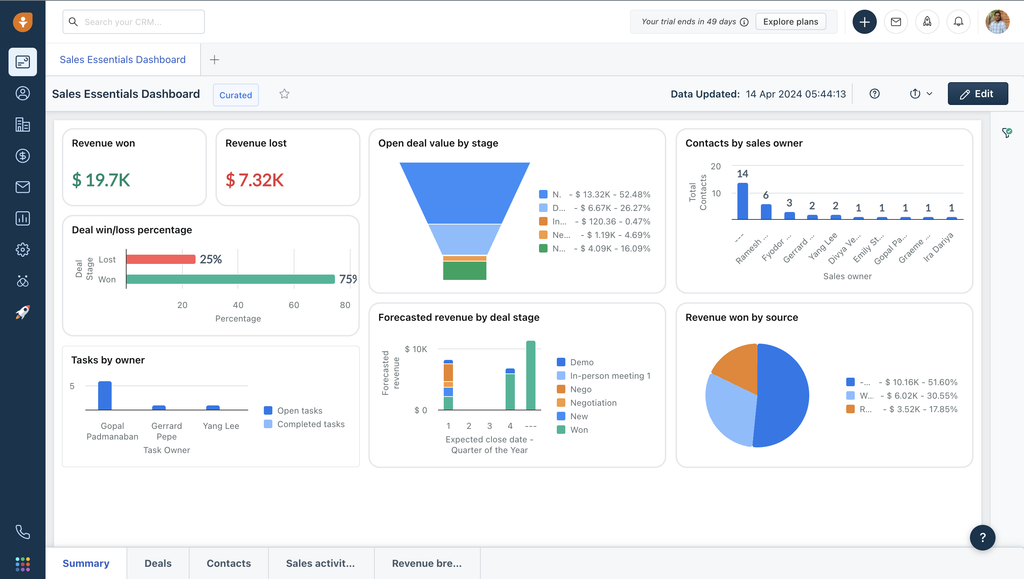
Freshsales is best suited to healthcare organizations that need a straightforward CRM to organize prospective-patient inquiries, assign leads to staff, and automate follow-ups. Its territory management and contact scoring features can help teams prioritize inquiries and coordinate outreach across different service areas.
Freshsales provides tools to capture, organize, and manage leads through different stages of the sales process. Its capabilities include:
Freshsales supports integrations through its marketplace and APIs. Its marketplace includes connectors for applications such as Mailchimp, Calendly, and other business tools. Its APIs allow developers to create, retrieve, and update CRM records, including contacts, accounts, deals, appointments, and custom-module records.
A healthcare organization could use an API-based integration to exchange inquiry or appointment information with an EHR or scheduling application. However, the integration would need to be developed or configured around the available endpoints and data requirements. Freshsales does not provide a universal, ready-made EHR integration.
Freshworks’ Freshsales-specific HIPAA documentation states that it may execute a BAA with customers that qualify as covered entities or business associates. The BAA covers Freshsales, subject to mandatory security configurations.
These requirements include:
The BAA does not automatically cover custom mailboxes or third-party applications connected to Freshsales. Customers must configure and assess these independently. They must also continue to meet the mandatory security requirements for the BAA to remain valid.
Freshsales offers a free plan and three paid subscription tiers. Its published U.S. pricing, billed annually, includes:
Choosing a healthcare CRM involves more than comparing features. Evaluate each option against your workflows, existing technology, and long-term costs.
Ask for a breakdown of subscription fees, implementation, data migration, integrations, customization, training, and ongoing support. Request a realistic implementation timeline based on your requirements.
Check whether the CRM supports patient inquiry capture, intake, referral management, lead assignment, and automated follow-ups. Find out which capabilities work out of the box and which require custom development.
Confirm whether the vendor will sign a BAA covering the services you plan to use. Review its security measures, including encryption, access controls, and audit trails.
Verify compatibility with your existing EHR. Ask which data fields can be exchanged, how frequently records sync, and whether the integration supports updates in both directions.
Establish whether your team can modify forms, workflows, assignment rules, and reports independently. Clarify when changes require developer involvement or vendor support.
Before making a decision, ask each vendor to demonstrate your key workflows and provide a detailed implementation and integration plan.
Consider a prospective patient who contacts a multi-location dermatology practice to ask about acne treatment. LeadSquared’s healthcare CRM and connected tools can help the practice manage the inquiry through the following stages.
The patient calls the practice outside regular office hours. LeadSquared’s AI voice agent, Invorto, can handle the conversation using the practice’s configured knowledge base. It can collect the caller’s details and treatment interest, then generate a call transcript and summary. The team can use this information to understand the inquiry and plan the next step.
The patient wants to book an appointment. FloStack can direct them to a relevant booking link or personalized microsite, where they can view available slots and schedule a consultation based on configured availability. This reduces the back-and-forth involved in arranging an appointment.
Once the patient books, UDS can sync the appointment details to LeadSquared. Its configurable workflows also support updates such as rescheduling, cancellations, and callback requests. This helps the practice keep its inquiry records aligned with booking activity across connected applications.
The practice team can review the original inquiry, call history, appointment updates, and follow-up activity in LeadSquared. Managers can use reports to understand how inquiries progress and identify where prospective patients are dropping off. With the required appointment data connected, they can also assess which sources generate consultations.
Together, these capabilities help practices manage patient acquisition from the first conversation through appointment booking, while their EHR continues to support clinical records and care delivery.
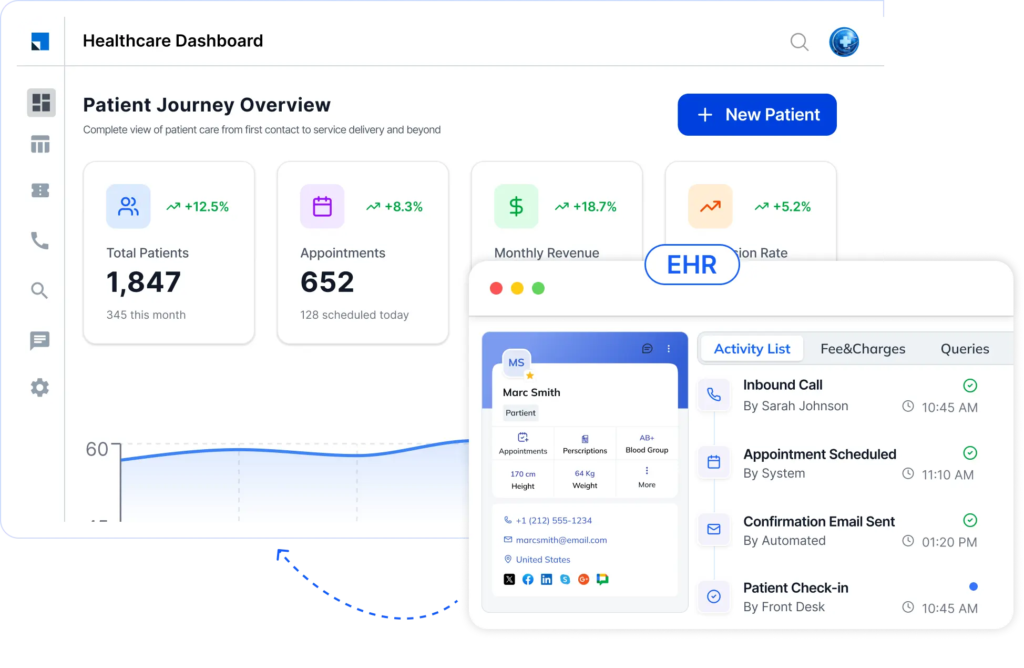
If the capabilities discussed in this guide align with your organization’s patient acquisition and intake needs, a demo can help you explore how LeadSquared’s healthcare CRM, Invorto, FloStack, and UDS can support these workflows.
Book a demo today to discuss your organization’s growth goals and see how LeadSquared can fit into your existing healthcare technology setup.
Yes. Salesforce supports exporting Health Cloud data through tools such as Data Loader and third-party data extraction tools. However, moving the data into a new healthcare CRM requires planning. Practices should identify which records need to move, including patient and prospect details, inquiry history, referral sources, communication records, and custom fields. They should also check how the new CRM maps these fields and preserves record relationships. Test the migration with a sample before moving the full dataset, and confirm how records that cannot be transferred will remain accessible.
There is no standard timeline. The duration depends on the amount and structure of data being moved, the number of locations involved, and the complexity of existing workflows and connected applications. A straightforward setup may take less time than a heavily customized Salesforce environment. Ask shortlisted vendors for a project plan that covers data assessment, migration testing, workflow setup, staff training, and go-live support before agreeing on a transition date.
Plan the transition around active patient acquisition workflows. Before switching, identify how new inquiries arrive, who handles follow-ups, and which teams need access to existing records. Test inquiry capture, assignment, and follow-up in the new CRM before going live. Some practices may also benefit from a limited parallel run or a phased rollout, such as moving one location or team first. Set clear rules for which CRM is the source of truth during the transition to prevent duplicate records or missed follow-ups.
Involve the people who use the CRM every day when evaluating alternatives. Front-desk teams, intake coordinators, marketing staff, and managers may have different requirements. Demonstrate how the new platform handles their actual tasks rather than relying on a general product walkthrough. Provide role-specific training before launch and collect feedback after implementation. Tracking usage and workflow completion can help identify where teams need further support.
Set a baseline using your current CRM before making the switch. Then track whether the new platform improves the outcomes that prompted the change. For a practice focused on patient acquisition, useful measures include time to first response, inquiry-to-consultation conversion, follow-up completion, and consultations generated by each marketing or referral source. Compare results over a consistent period and account for changes in inquiry volume or marketing spend. This helps establish whether the new healthcare CRM is improving acquisition performance, rather than simply replacing one software platform with another.
Enter your details and we'll send you a quick confirmation email to verify your address.
 14 min read 13 min read 13 min read


