


- Home

- Learn
- Healthcare
- Best CRM to integrate with ModMed EMA for specialty practices
HEALTHCARE
Best CRM to integrate with ModMed EMA for specialty practices
Contents

 13 min read
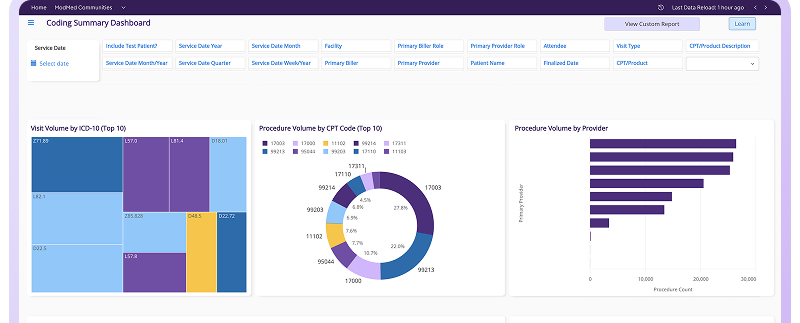


As an EHR, ModMed EMA is built around the clinical needs of specialty practices, from maintaining medical records to documenting patient visits.
But bringing new patients into the practice and maintaining a relationship with them demands a different set of workflows from that of ModMed.
Who has inquired about a treatment at your practice? Have any of your team members followed up with a prospective patient’s inquiry? How many of those inquiries have progressed into consultations?
A customer relationship management (CRM) system helps specialty practices answer these questions by tracking prospective patients and their interactions with the team. It can also help the practice see how many inquiries from each marketing source turn into booked consultations.
This guide explores CRM options for ModMed EMA users, compares their patient acquisition and engagement capabilities, and explains what to check to ensure the integration supports the workflows your practice needs.
ModMed EMA (Electronic Medical Assistant) is a specialty-specific electronic health record (EHR) designed around the clinical workflows of specialties such as dermatology, ophthalmology, and plastic surgery. It helps practices manage clinical information through features such as:
What a CRM does differently to ModMed:
When the two systems are connected, the CRM can help the practice relate marketing activity to consultation outcomes, provided the integration supports the required data exchange.
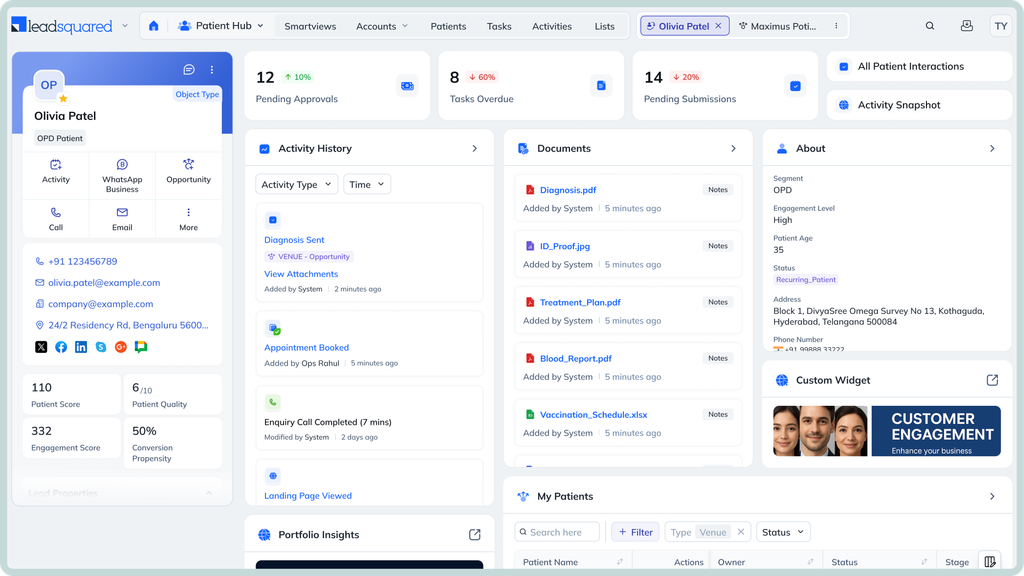
A CRM should help a specialty practice to attract and capture patient inquiries, and understand which marketing efforts lead to appointments. Use this checklist to assess whether a system fits the practice’s needs.
The CRM should capture inquiries from website forms, calls, and other relevant channels. It should assign them to the right team member and track outstanding follow-ups, so prospective patients do not get overlooked.
The CRM should record which providers or organizations refer prospective patients. A clear pipeline helps the team see which referrals are new, being followed up, or have resulted in consultations.
The CRM should connect inquiry sources to consultation outcomes. This helps the practice assess whether its advertising, website, and referral efforts are generating appointments, rather than simply counting inquiries.
Practices with multiple locations need to route inquiries to the appropriate office or team and compare performance across locations.
The CRM should support the channels the practice uses to communicate with prospective patients, such as email, SMS, and other communication mediums. It should also let the team configure automated messages for relevant stages of the patient acquisition process
The CRM should provide appropriate access controls and security safeguards for patient information. Practices handling protected health information (PHI) should also establish the required HIPAA and Business Associate Agreement arrangements.
| CRM | Best suited for | Relevant capabilities | Compatibility with ModMed | HIPAA compliance |
| LeadSquared | Multi-location specialty practices that need to manage prospective patients, referral sources, intake, and marketing performance across their teams or locations. | Lead capture and assignment, automated follow-ups, referral pipeline tracking, campaign attribution, conversion reporting, and configurable patient intake workflows. | LeadSquared supports direct integration with ModMed. Its Universal Data Sync (UDS) feature supports configurable API-based connections between systems. UDS lets teams map data fields and configure inbound and outbound data flows to exchange information between LeadSquared and connected platforms. The specific ModMed records and workflows supported depend on the integration configuration. | HIPAA-compliant, with a BAA in place. Security measures include encryption, role-based access controls, and audit trails to help protect PHI. |
| ADvance Leads | Plastic surgery, dermatology, med spas, and other elective or cash-based practices focused on converting inquiries into consultations and revenue. | Lead generation and conversion workflows, lead follow-up, reactivation of previous leads, and marketing support tailored to aesthetic and elective care. | ModMed appears on its public EMR integration list. ADvance Leads also advertises API-based and custom integration options. | Publicly advertises HIPAA compliance and publishes a BAA covering the handling of PHI. |
| Afters | Dermatology, plastic surgery, and aesthetics practices looking to improve consultation conversion and repeat business. | Marketing and reactivation opportunities, AI-assisted before-and-after treatment simulations, visual treatment plans, and 6- or 12-month treatment roadmaps. | Afters advertises a two-way ModMed integration that reads patient, visit, and provider data and writes treatment plans and activity back to the chart. | HIPAA-compliant, with a signed Business Associate Agreement (BAA) available for workflows involving protected health information (PHI |
| Klara | Practices that want to improve patient communication and front-desk workflows within the ModMed environment. | Two-way patient texting, web chat, call-to-text, voicemail transcription, shared communication workflows, and patient engagement tools. | Klara powers ModMed Patient Engagement and is integrated into ModMed’s patient communication offering. | Yes. Klara claims HIPAA compliance and offers a Business Associate Agreement (BAA). |
Marketing automation helps specialty practices follow up with prospective patients and track which marketing efforts lead to consultations. A CRM manages the inquiry and follow-up process, while an integration with ModMed can connect that activity to appointment outcomes when the necessary data is available.
Consider a dermatology practice promoting laser treatment. Here is how the workflow could work.
A prospective patient submits a website form asking about laser treatment. The CRM records the patient’s contact details, treatment interest, and source, such as a Google ad, the practice website, or a referral.
For example, over a month, the practice receives 100 inquiries from Google ads, 60 from its website, and 40 through referrals. The CRM keeps these inquiries organized so the team can track each source separately.
The CRM assigns each inquiry to a team member and creates a follow-up task. If a prospective patient has not booked a consultation after two days, the CRM can remind the team member to reach out. The practice can also configure appropriate email or text follow-ups.
These follow-up workflows can be adjusted based on whether a person responds, books, or remains undecided.
Suppose a prospective patient books a laser consultation after a follow-up call. If the ModMed integration supports appointment data exchange, the CRM can associate that booking with the original inquiry.
At the end of the month, the practice compares inquiries with consultation bookings.
| Inquiry source | Inquiries | Consultations booked | Conversion rate |
| Google ads | 100 | 30 | 30% |
| Practice website | 60 | 24 | 40% |
| Referrals | 40 | 20 | 50% |
These figures are illustrative. They show how a practice could discover that referrals generate a higher proportion of consultations than its paid ads, even though Google ads bring in more inquiries.
This reporting depends on the CRM retaining the original inquiry source and matching it to appointment outcomes. An integration alone does not guarantee accurate campaign attribution; the necessary source and appointment data must be available and linked correctly.
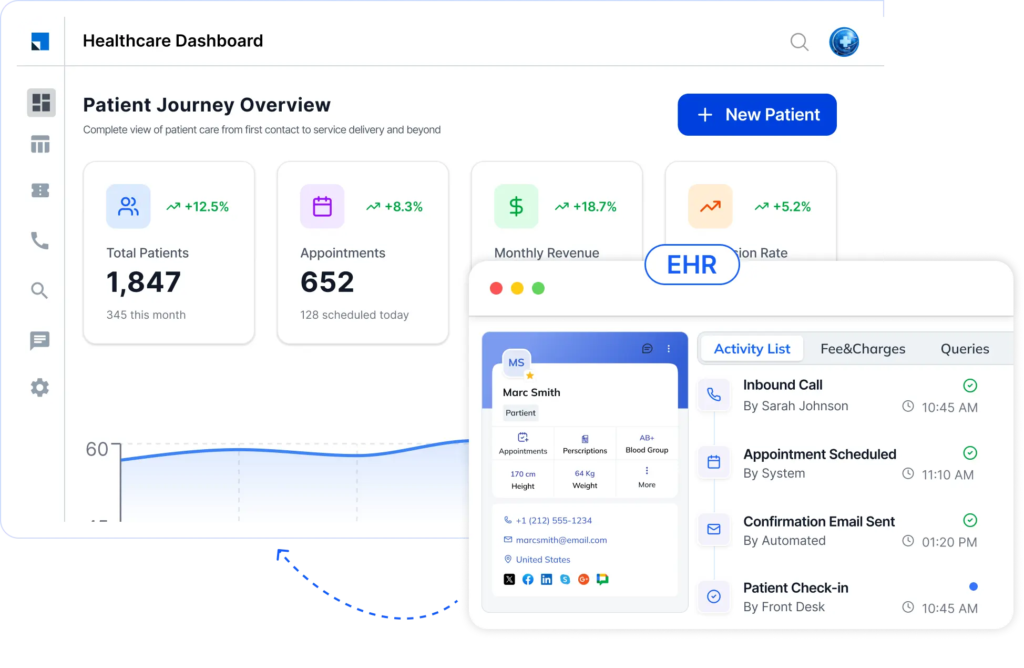
Run through this checklist to make sure the CRM integration fits your practice’s workflows, budget, and technical requirements.
Ask whether the connection is prebuilt, provided by an integration partner, or developed specifically for your practice. ModMed supports several integration methods, including APIs and HL7 interfaces, but each supports different capabilities.
Ask which records and fields move between the systems, such as patient details, inquiry sources, and appointment information. Confirm whether data flows into the CRM, back into ModMed, or both.
Find out whether updates appear in real time or at scheduled intervals. Delays can affect how quickly staff see new information.
Confirm whether ModMed access, API permissions, or practice-specific credentials are needed. Ask about setup, connector, ongoing maintenance, and support fees. ModMed’s proprietary API process includes application approval and practice-level access permissions.
Ask whether the CRM provider or integration partner is responsible for fixing data-sync problems. Confirm what safeguards protect patient information, who can access it, and whether the CRM vendor will sign a Business Associate Agreement (BAA) if it handles protected health information (PHI) on the practice’s behalf.
ModMed EMA supports the clinical workflows of specialty practices. LeadSquared’s CRM helps teams manage the work involved in turning referrals and treatment inquiries into consultations.
Consider an orthopedic practice that receives a referral for a patient with persistent knee pain. The following workflows show how LeadSquared can support the practice as it moves the patient toward a consultation.
The orthopedic practice receives a referral from a primary care physician. The referral coordinator records the referring provider in LeadSquared and tracks the patient’s progress toward a consultation. Over time, the practice can compare referral volumes and consultation conversions across providers. This helps the team identify which referral relationships generate patient volume and where referrals are failing to progress.
The patient’s referral arrives without the supporting documents the practice needs. The coordinator records the missing information in LeadSquared and assigns a task to obtain it. The team can see which referrals are waiting on documentation and follow up with the appropriate contact. This reduces the risk of incomplete referrals being overlooked in busy inboxes.
Before the patient proceeds with the next step in care, the practice needs to establish whether prior authorization is required. Staff can use LeadSquared to assign administrative follow-up tasks and track outstanding requirements. The coordinator can see whether the process is still pending instead of relying on separate reminders or spreadsheets. Insurance verification and authorization decisions remain dependent on the relevant payer and administrative systems.
The patient wants to understand the available treatment options before committing to a consultation. The coordinator can record the patient’s interests in LeadSquared and use them to guide subsequent communication. For example, the practice can configure follow-up messages around the service the patient asked about, rather than sending the same generic information to every orthopedic inquiry.
The patient decides to wait before scheduling a consultation. Instead of closing the inquiry, the coordinator can schedule a future follow-up in LeadSquared. If the patient does not respond to the initial message, the team can continue outreach according to its configured workflow. When the patient is ready to proceed, the coordinator can pick up the conversation using the available interaction history.
The practice manager reviews the acquisition pipeline and sees that several referrals have not reached the consultation stage. LeadSquared’s reports can help identify where these inquiries are stalled and which ones need attention. The manager can investigate whether missing documents, outstanding administrative tasks, or delayed patient responses are contributing to the backlog.
Integration note: These examples describe LeadSquared CRM capabilities alongside ModMed EMA. The specific integration configuration determines which referral, patient, and appointment data can be exchanged.
If the capabilities discussed in this guide align with your specialty practice’s needs, a demo can help you explore how LeadSquared could support patient acquisition alongside ModMed EMA.
Book a demo today to discuss your practice’s growth goals and see if LeadSquared would be the right fit for your team.
ModMed EMA is a specialty-specific EHR designed to support clinical documentation and care workflows. A healthcare CRM such as LeadSquared focuses on patient acquisition and engagement. It helps practices manage prospective patients and understand how they move from initial interest to consultation. The two systems serve different purposes and can work alongside each other.
Potentially, yes. The key question is whether the required data can be exchanged across the practice’s specific systems. ModMed supports API and HL7-based integrations, but EMA and ModMed Practice Management provide different capabilities. Practices using a third-party practice management system should establish which system holds appointment data and whether the proposed integration can access it.
No. The integration only exchanges the data supported by its configuration and authorized interfaces. A specialty practice should identify which records the CRM needs and whether those fields are available through the relevant ModMed products. Patient acquisition workflows may need contact details and appointment status without requiring access to detailed clinical records.
The practice should establish how records will be matched before enabling synchronization. The integration may use identifiers from ModMed alongside agreed matching rules to associate CRM contacts with the correct patient records. This is particularly important when an inquiry becomes a registered patient or when someone contacts multiple locations. The integration team should also define how duplicate records are detected and resolved.
Yes. A CRM can be configured around the practice’s administrative and acquisition processes while ModMed EMA continues to support clinical workflows. For example, a plastic surgery practice might use a CRM to manage inquiries about elective procedures, while an ophthalmology practice might configure workflows around new-patient consultations. The exact setup depends on the practice’s requirements and the integration.
Enter your details and we'll send you a quick confirmation email to verify your address.
 12 min read 13 min read 12 min read


