- Home

- Learn
- Healthcare
- CRM That Works with Kareo (Tebra): Automating Patient Acquisition Beyond Built-in Tools
HEALTHCARE
CRM That Works with Kareo (Tebra): Automating Patient Acquisition Beyond Built-in Tools
Contents

 16 min read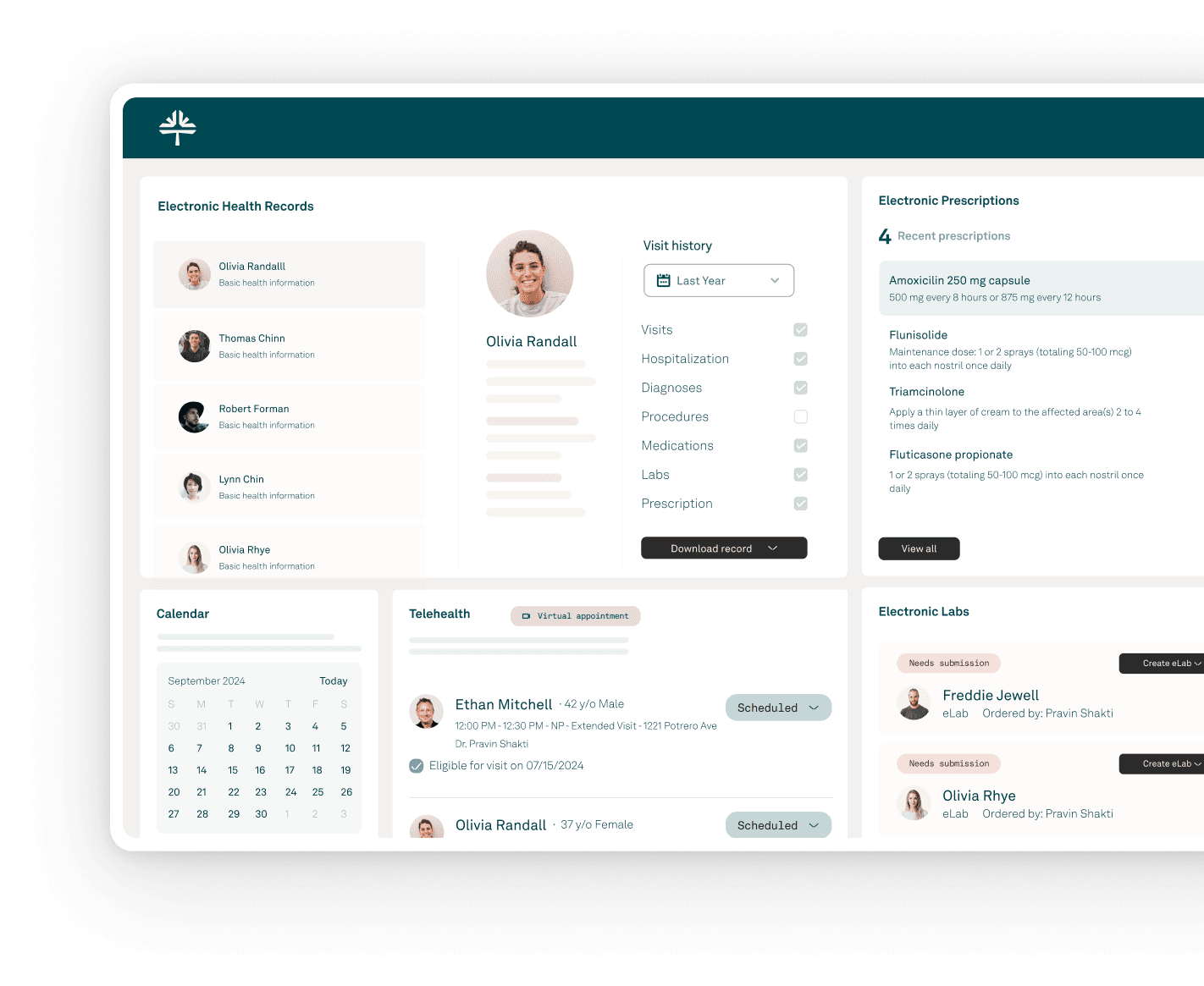


Tebra (formerly Kareo) has evolved into much more than an EHR. Its platform brings together practice management, billing, scheduling, patient engagement, and tools designed to help practices grow.
That makes the decision to add a separate CRM less straightforward: if Tebra already handles so much, what would another system really add?
The answer lies in how your practice manages relationships around care.
A CRM can complement Tebra when teams need a dedicated layer to organize their patient inquiries, referral relationships, follow-ups, and longer patient journeys.
Instead of duplicating Tebra’s clinical or practice-management functions, it can help coordinate interactions across these journeys while giving teams greater visibility into the operations involved.
This guide compares five best CRMs that you can integrate with Tebra, to help you understand which may best complement your existing workflows.

Tebra handles online booking, intake, and appointment communication. A CRM can take ownership of the journey that leads to the appointment. Teams can see new inquiries in one pipeline, assign them to the right person, and track each follow-up until the prospect books or drops out.
Tebra supports clinical referrals and keeps records of referral activity. A CRM can extend this into relationship management. Instead of viewing a referral only as part of a patient’s record, teams can track the referring organization as a partner. They can monitor activity, plan follow-ups, and understand which referral relationships generate results.
Tebra already automates reminders and other patient communications. A CRM can coordinate what happens next based on a person’s actions. Someone who responds can enter one workflow. Someone who doesn’t enter a different one. A cancellation can start a rescheduling journey. An inactive patient can enter a re-engagement campaign.
Tebra provides tools for attracting patients and monitoring practice growth. A healthcare CRM can connect those efforts to what happens afterward. Teams can follow the path from acquisition source to inquiry, appointment, and conversion. This helps them understand which channels and referral relationships are leading to more patient acquisition.
Not every Tebra practice may need a separate CRM. If your team handles a manageable number of inquiries and referrals, has straightforward follow-up processes, and can get the visibility it needs from Tebra’s existing tools, adding another platform may not be necessary.
But a CRM becomes more worthwhile as those workflows grow more demanding. Consider one if:
The key question is not whether Tebra can perform these individual tasks. It can. The question is whether your team needs a dedicated system to coordinate them at greater scale and complexity.
Start with the connection itself. Tebra provides APIs that allow third-party applications to access Tebra data and functionality. Ask what the CRM can exchange with Tebra. Check whether the integration is native, API-based, or requires custom development. Find out whether data moves one way or both ways. Also check which records synchronize and how often updates occur.
Look for tools that help your team capture inquiries and move them through a defined pipeline. Useful capabilities include lead routing, ownership, follow-up tasks, pipeline stages, and conversion tracking. The goal is to give staff a clear view of where each prospective patient stands.
Look beyond basic referral records. A healthcare CRM should let teams maintain profiles for referring providers and organizations. It should also support relationship history, referral follow-up, and performance tracking.
Look for automation of multi-step workflows that can respond to what people do. For example, a response, booking, cancellation, or period of inactivity could trigger a different next step automatically.
Look for reporting that connects the patient journey. This can include source-to-conversion tracking, referral performance, response times, pipeline metrics, campaign attribution, and lifecycle reporting.
If the CRM must handle PHI, verify its HIPAA safeguards and BAA terms. Also check for role-based access, audit controls, encryption, and policies for protecting and limiting PHI. HIPAA requires appropriate safeguards for electronic PHI, while the minimum-necessary principle calls for limiting PHI to what is needed for the intended purpose.
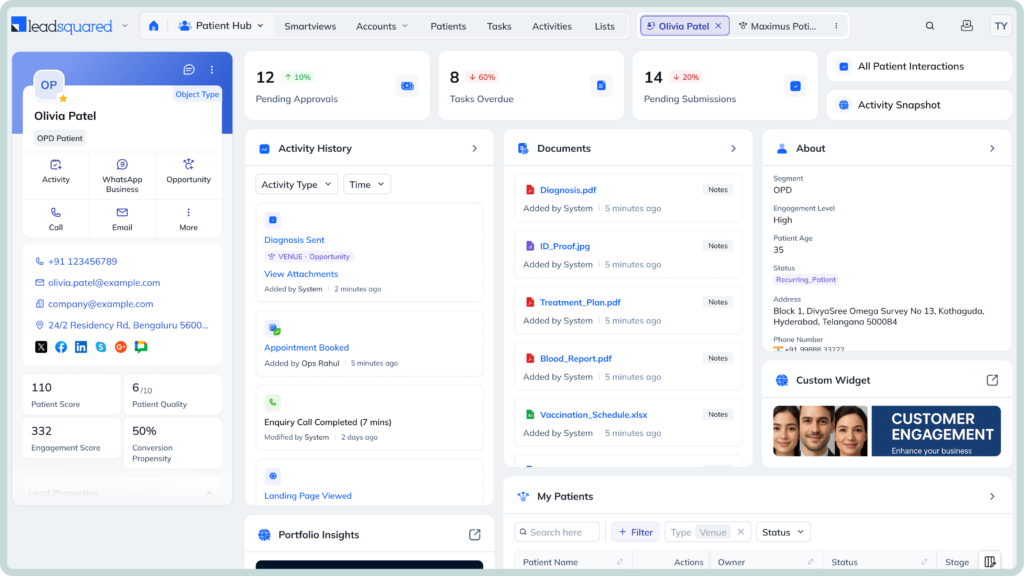
LeadSquared is a healthcare CRM that helps practices manage the workflows surrounding patient acquisition and engagement. It brings inquiries, referrals, intake, follow-ups, patient communication, and marketing activity into a single CRM, while allowing the EHR or practice-management system to remain the source for core clinical and operational records. Its healthcare offering is designed for U.S. organizations and supports HIPAA-compliant workflows.
Tebra users that need a dedicated healthcare CRM to manage patient acquisition, referrals, intake, engagement, and follow-up alongside their existing EHR and practice-management workflows. It is particularly suited to practices with multiple staff members, higher inquiry or referral volumes, or complex patient journeys.
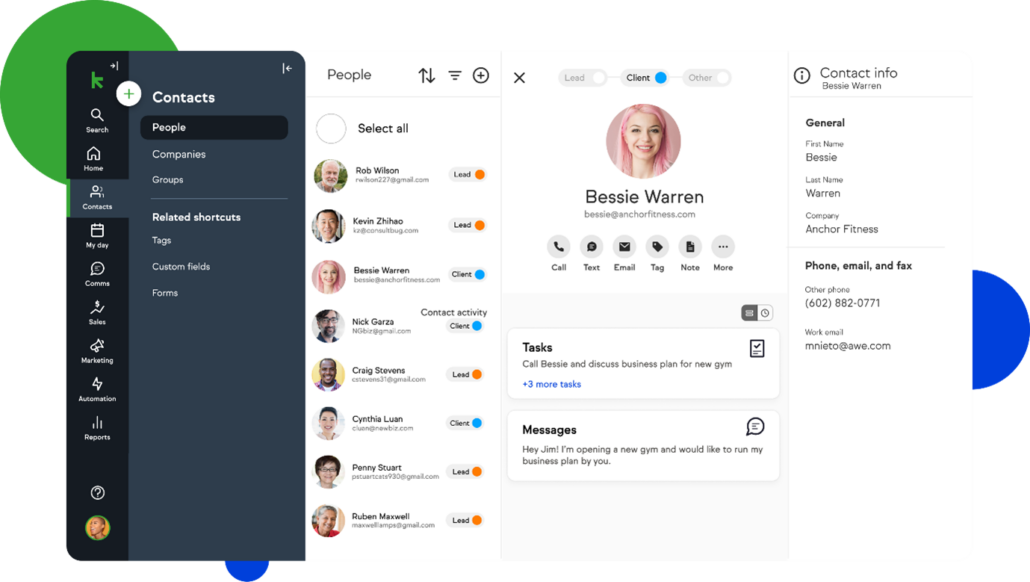
Keap combines CRM, sales automation, and marketing automation in one platform. For a Tebra user, its strongest role is managing the prospect and patient engagement workflows that happen around the core EHR and practice-management system. It can capture leads, automate follow-up, manage pipelines, and nurture contacts through email and text.
Small and growing Tebra practices that primarily want stronger lead nurturing, marketing automation, and follow-up without adopting an enterprise-level CRM. Keap is particularly suited to teams that want to automate the journey from new inquiry to appointment and maintain ongoing engagement with existing contacts.
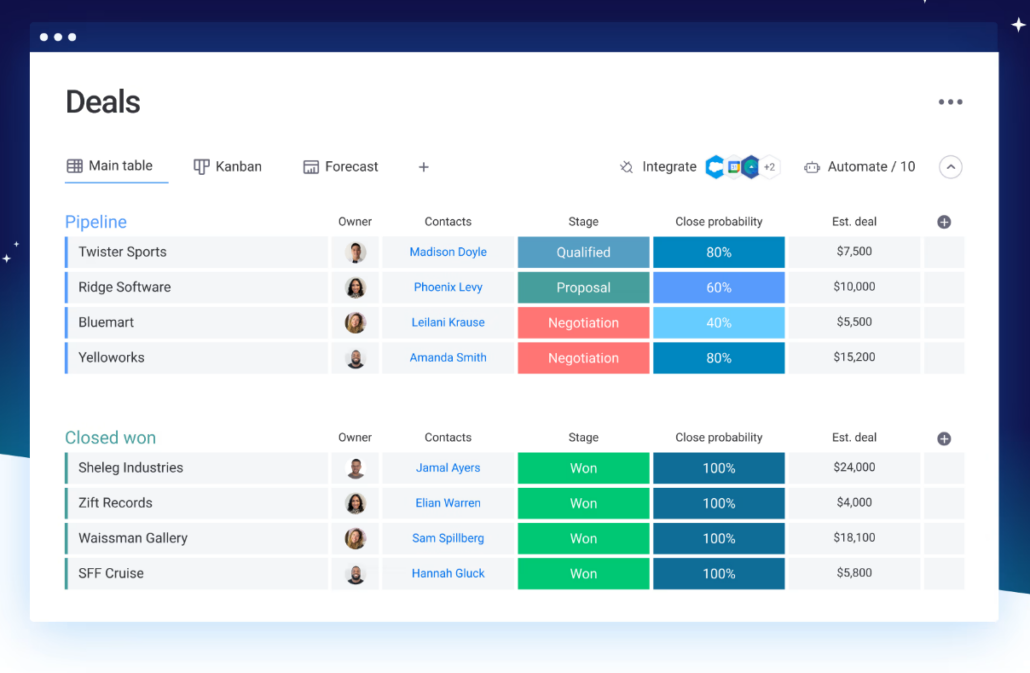
monday CRM combines traditional CRM functions with a highly customizable workflow platform. For a Tebra user, that flexibility can be useful when the practice wants to build its own processes for inquiries, referrals, follow-ups, and team coordination.
Tebra users that want a highly customizable CRM and workflow layer rather than a healthcare-specific CRM. monday CRM is particularly suited to practices with distinctive processes, multiple teams, or a need to build their own inquiry, referral, and follow-up workflows around Tebra.
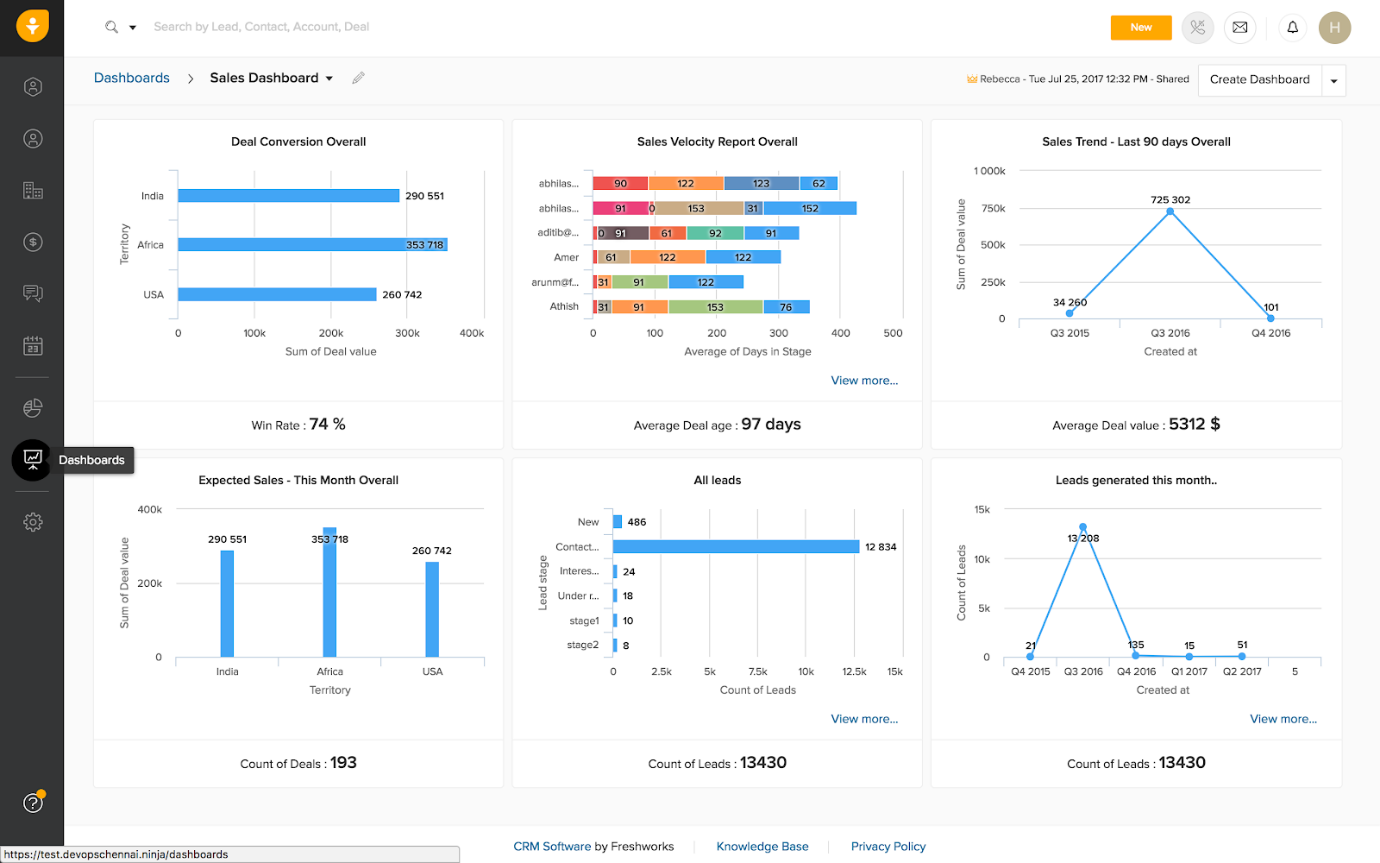
Freshsales is an AI-powered CRM from Freshworks that focuses on lead management, sales pipelines, communication, and automation. For a Tebra user, it can provide a structured layer for managing inquiries, follow-ups, and acquisition activity outside the core EHR. Its Tebra connection is available through Keragon rather than as a native Tebra integration.
Tebra practices looking for an affordable CRM to manage non-PHI acquisition and sales workflows, particularly if they want strong lead management and automation without a large CRM investment. Practices intending to store or process PHI in the CRM should look for a healthcare-ready alternative instead, given Freshworks’ current HIPAA position.
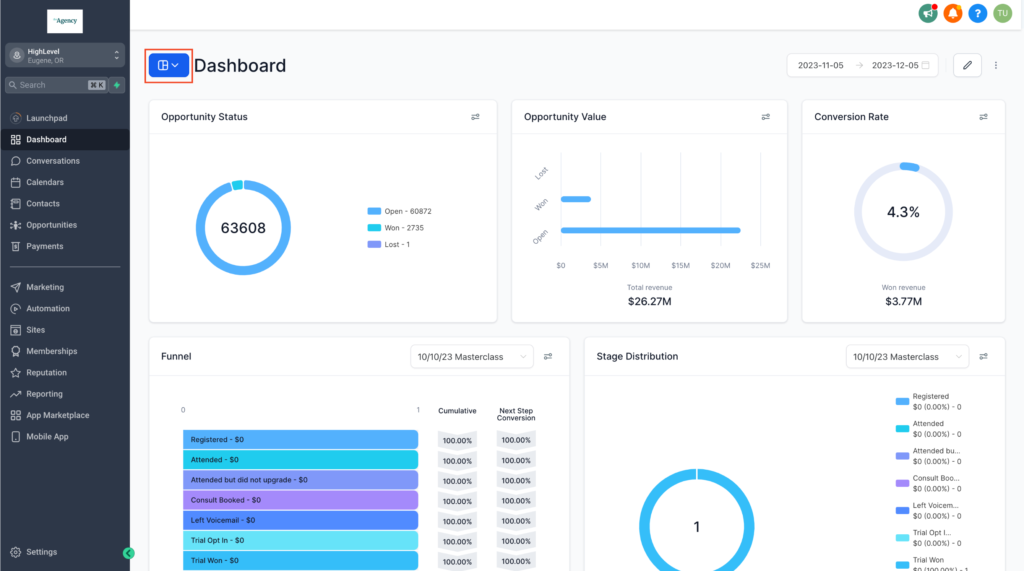
HighLevel combines CRM, marketing automation, communications, appointment booking, and workflow automation in one platform. For a Tebra user, its strongest role is coordinating acquisition and engagement workflows around the EHR, from capturing a new inquiry to automated follow-up and re-engagement. It can connect with Tebra through Keragon, rather than through a native Tebra connector.
Tebra practices that want to combine CRM, marketing, communication, appointment booking, and automated engagement in one platform. HighLevel is particularly suited to practices that actively invest in digital acquisition and need extensive automated follow-up across the patient journey.
Tebra already gives practices a strong foundation for managing clinical and day-to-day practice operations. A CRM becomes useful when a practice needs more structure around the workflows that happen before, between, and after those core activities, such as managing inquiries, nurturing prospects, coordinating referrals, automating follow-ups, and connecting acquisition efforts to patient outcomes.
The five CRMs in this guide approach that additional layer differently. Keap and HighLevel lean heavily into marketing automation, monday CRM gives practices more flexibility to build their own workflows, while LeadSquared brings healthcare-specific acquisition, referral, intake, and engagement workflows together.
The useful question isn’t which platform has the longest feature list, but which one fits the work your team manages outside Tebra.
If you’re looking for a healthcare-focused CRM that can complement Tebra, LeadSquared is worth exploring. It brings patient acquisition, referral management, intake, engagement, automation, and reporting into a dedicated CRM layer designed for healthcare workflows.
Want to see how LeadSquared could fit alongside Tebra for your practice? Request a demo to explore the platform.
The best CRM for Tebra depends on the workflows a practice wants to manage outside its EHR and practice-management system. Healthcare-focused options such as LeadSquared may suit practices looking for patient acquisition and engagement workflows, while platforms such as Keap, monday CRM, and HighLevel is best suited for broader marketing or workflow approaches.
Yes. Tebra provides APIs that allow third-party applications to access Tebra data and functionality, subject to its API terms and technical requirements. This gives CRM platforms and integration services a way to exchange data with Tebra. The exact integration method and data that can be synchronized depend on the CRM and integration being used.
Look for a CRM with a well-defined Tebra integration, appropriate data synchronization, lead and inquiry management, referral tracking, workflow automation, reporting, and healthcare-specific security controls. If the CRM will handle protected health information, also verify its HIPAA posture, BAA, access controls, audit capabilities, and exactly which services are covered.
It can, but the specific information that can be exchanged depends on the CRM and integration method. Tebra provides APIs for third-party applications, including mechanisms for retrieving and synchronizing patient changes. Practices should confirm which patient fields and other records the chosen CRM can access or update before implementation.
Not necessarily. Tebra’s ability to integrate with a CRM does not make the CRM HIPAA compliant. Practices should separately verify whether the CRM supports HIPAA-regulated use, whether the vendor will sign a BAA, and what security and PHI-handling controls apply to the specific product and features being used.
Generally, no. Tebra is an integrated platform covering clinical workflows, billing, payments, patient experience, and practice growth for independent practices. A CRM serves a different role by providing additional structure for relationship management, acquisition, referral, and engagement workflows.
Enter your details and we'll send you a quick confirmation email to verify your address.
 14 min read 17 min read 10 min read