





Trusted by leading healthcare organizations worldwide






Save your Admin Team’s Time with a Simple
to Use, Mobile Friendly Patient Portal
Gather patient history, offer instant appointment booking and collect
payments all in one portal
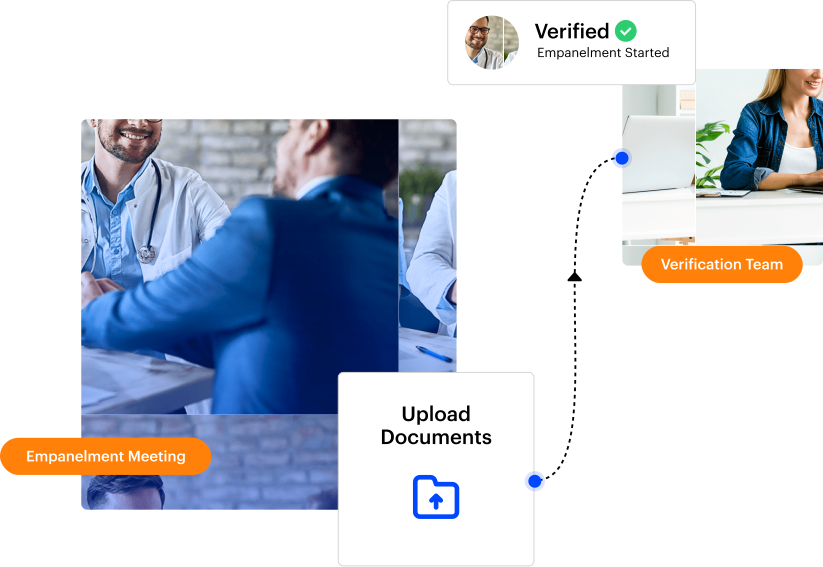
Instantly Capture and Verify Patient Information
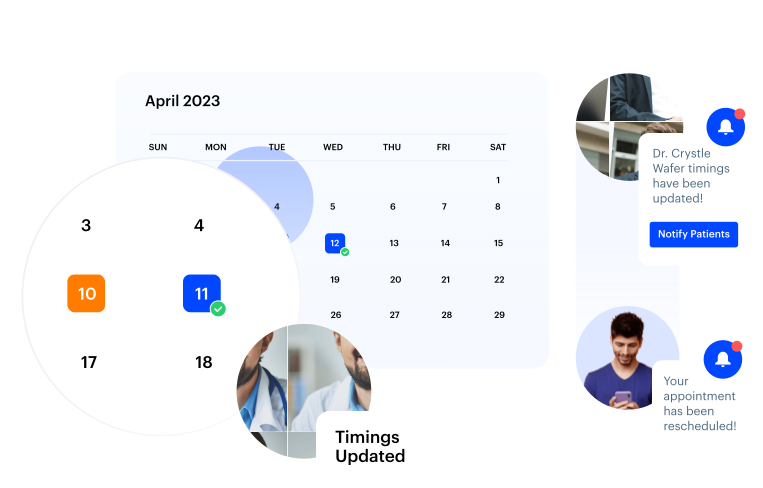
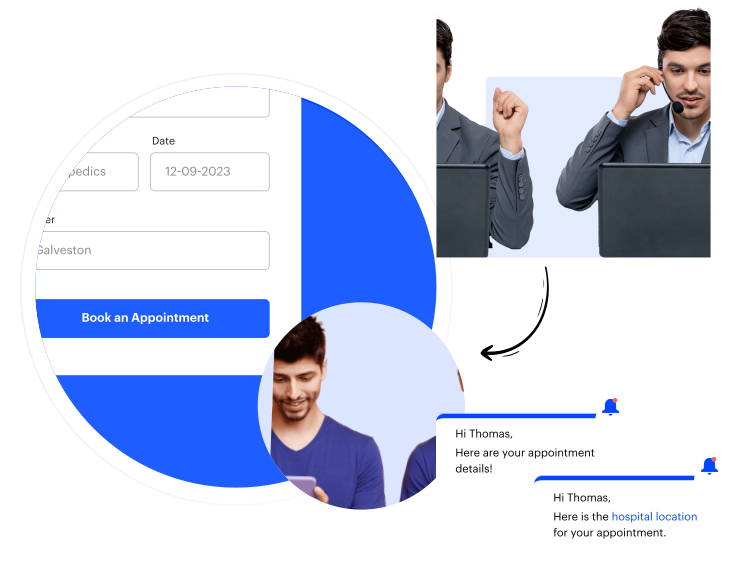
Make Appointment Scheduling Smoother than Ever
Send Reminders for Filling-in Onboarding Forms and Upcoming Appointments
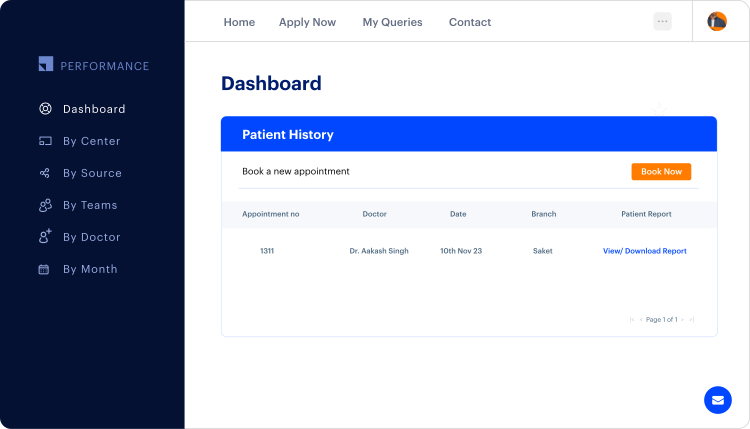
Have All Your Patient Reports in One Place with Dashboards
Offer Instant Query Resolution

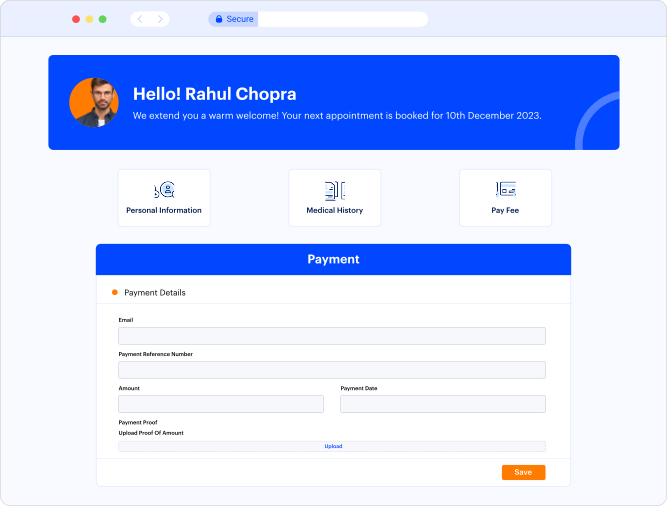
Allow Secure Payments
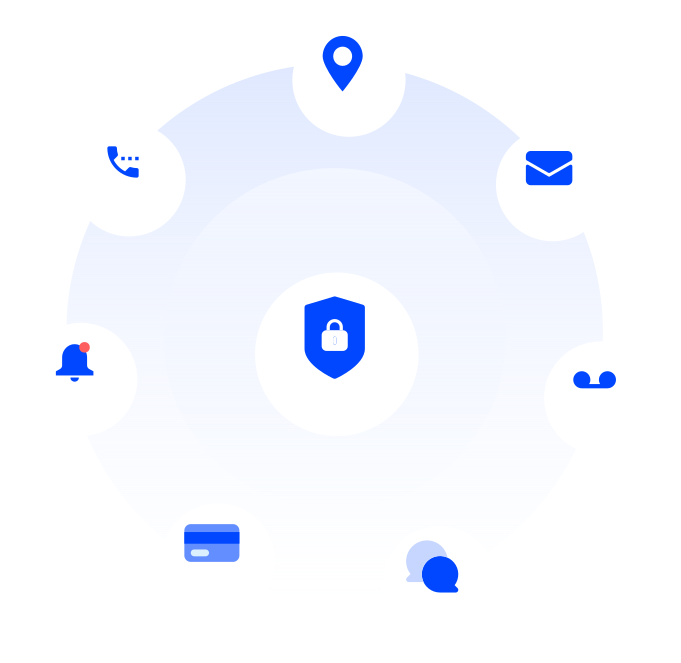
Keep Your Patient Data Safe
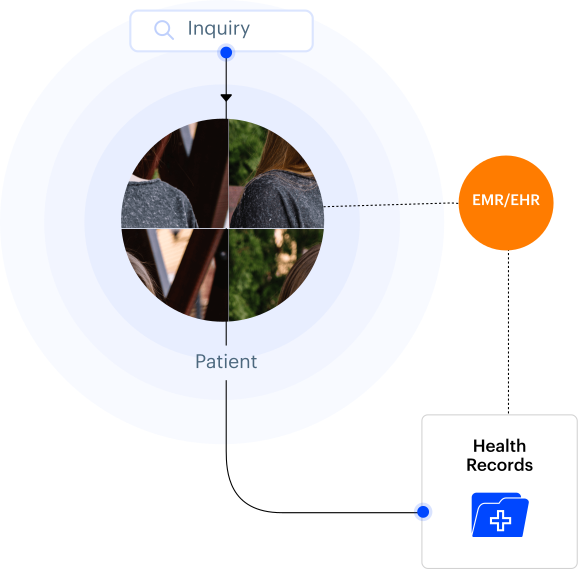
Integrate With Your Existing EHR
Collect Patient Feedback

Here’s what our customers have to say!

For us, improving the patient experience has always been a priority. LeadSquared helps us understand the patient’s requirements, streamline communication, and share updated information with patients.


Leadsquared is configurable and adaptable and has allowed us to build out a platform that is well-suited for our practice. It has been an instrumental tool that has helped us manage our patient pipeline, increase our conversions, and report on important metrics to focus on opportunities for growth.

Make healthcare easily accessible with self-serve patient portals

Frequently asked questions
How to create a self-serve patient portal for patients to manage appointments, access reports, and pay bills?
Creating a self-serve patient portal starts with a digital platform that acts as a secure, centralized space for patients to access their information and perform routine tasks themselves. In this context, a system or platform is just software that stores patient records, appointment schedules, billing information, and lab results, while letting patients log in safely from a computer or mobile device.
- Enable digital patient registration and login
Patients should be able to create accounts using basic details like email or phone number, and verify their identity securely. Once registered, the portal becomes their personal space to access all hospital-related interactions.
- Provide appointment management
The portal should allow patients to view upcoming appointments, book new slots, reschedule, or cancel visits. Integration with the hospital’s scheduling system ensures real-time updates to avoid double bookings or conflicts.
- Give access to medical reports and documents
Patients should be able to view, download, or print lab reports, radiology images, prescriptions, and discharge summaries. The system should organize records chronologically or by category for easy navigation.
- Integrate billing and payments
The portal should display pending bills, past payments, and insurance details, while allowing secure online payments. Automated receipts and notifications make the process seamless and transparent.
- Automate communication and reminders
The system can send appointment reminders, report availability alerts, or payment notifications through email, SMS, or push notifications, reducing calls and manual follow-ups.
- Ensure security and compliance
Since patient data is sensitive, the portal must be encrypted, support secure logins, and comply with healthcare privacy regulations.
A healthcare CRM like LeadSquared can serve as the backbone for this portal, integrating appointment schedules, billing, and document management in one system.


