





HIPAA compliant CRM for pain management clinics
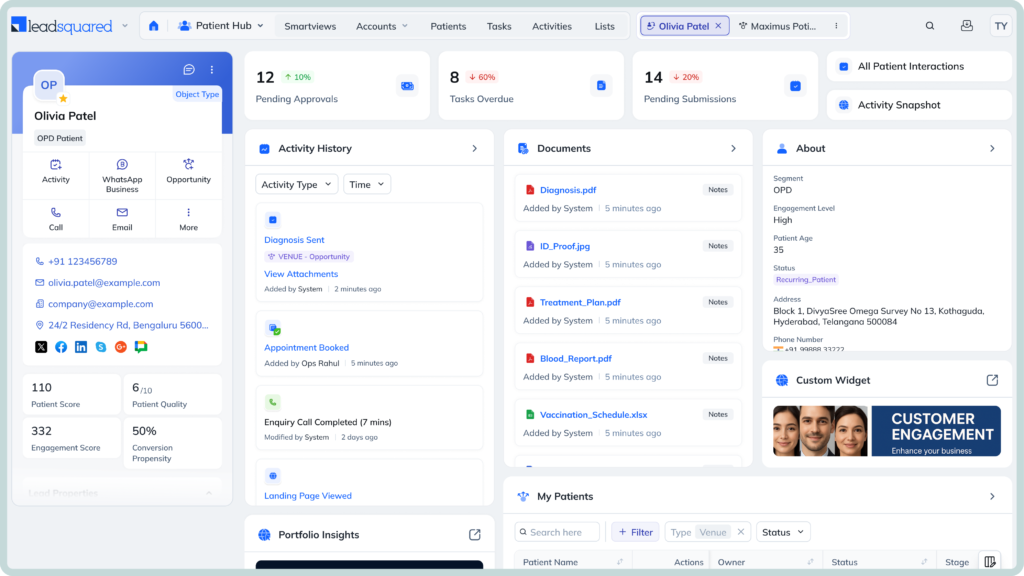

Losing track of referrals between handoffs
A pain management referral can take several steps before a patient is ready for an appointment. Your team may need to chase missing information or wait for records before moving it forward. When each update is tracked in a different place, a referral can easily sit in limbo. The next step is not always obvious.
Letting new patient inquiries go cold
A patient may call your clinic without being ready to book an appointment. They may need more information first or simply want some time to decide. That makes follow-up important. Without a reliable way to keep track of these conversations, an interested patient can disappear from the pipeline before anyone gets back to them.
Losing patients between scheduling and appointments
A scheduled appointment is not a guaranteed visit. In a U.S. pain clinic quality-improvement project, no-shows and late cancellations were identified as major causes of lost clinic time; while studies show that appointment reminder calls and earlier identification of cancellations reduced no-shows by 16% and increased new patients seen by 60%.
Losing visibility into the patient acquisition journey
Your clinic may generate new patient inquiries from several sources. The bigger challenge is knowing what happens after that first interaction. If the journey is spread across different systems, it can be difficult to connect the original inquiry to the eventual appointment. You may also struggle to see which channels are actually bringing patients into your practice.
Move referrals and inquiries forward faster
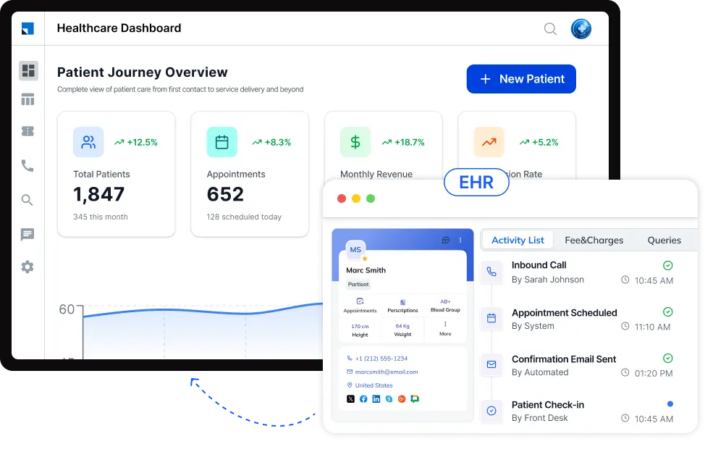
Give your team one place to see what needs attention. Staff can quickly spot new referrals, fresh inquiries, and conversations that are waiting for a response. Automated routing helps get each inquiry to the right person. Follow-ups then keep the process moving instead of leaving opportunities sitting in someone’s inbox.
Turn more inquiries into scheduled appointments
Keep the conversation going after the first interaction. LeadSquared helps your team send timely messages and follow up with prospective patients throughout the acquisition process. If someone stops responding, your team can see it and step in. That gives interested patients a better chance of making it to the scheduling stage.
Build stronger relationships with referring providers
Keep your referral relationships connected to the work they generate. Your team can track referral activity and conversations with physicians and other referral sources in one place. This gives your business development team a clearer picture of where referrals are coming from. Over time, that context can help them focus their efforts on relationships that matter most.
See what is driving patient acquisition
Know more than just how many new inquiries came in. LeadSquared can connect patient inquiries with the campaigns and referral sources that brought them in. You can then follow their progress toward scheduling and see where patients drop off. Practice leaders get a clearer view of what is working and where there is room to improve.
Spend less time manually handling follow-ups
Follow-up work can quickly become a daily administrative task. LeadSquared can automate routine reminders, assignments, and patient communications across the acquisition process. Your staff spend less time checking spreadsheets or trying to remember who needs a response. They can focus instead on the conversations that need a person on the other end.
Powering 250,000 unique experiences (and counting)






Built for the way pain management centers work
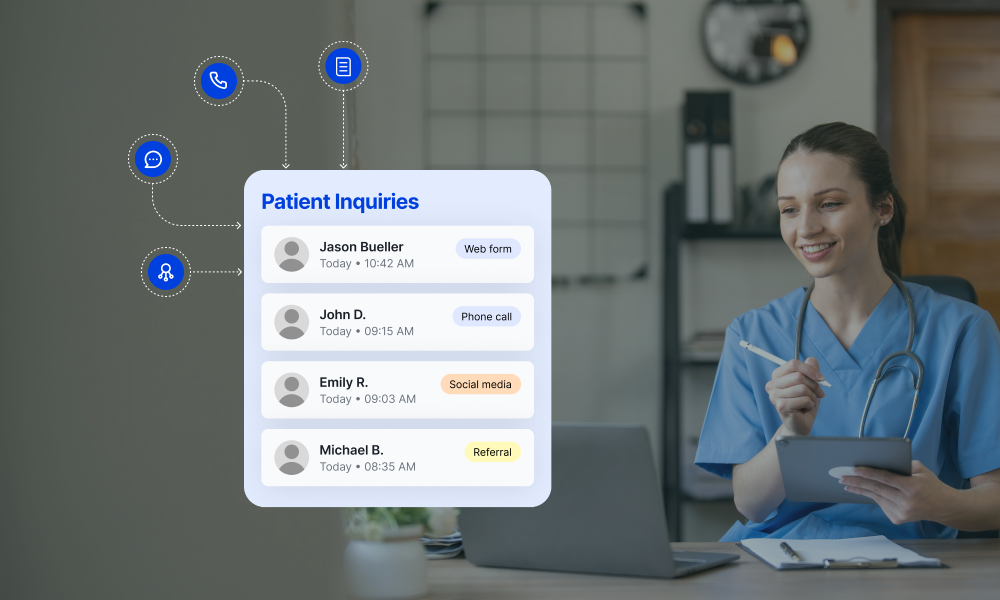
Capture inquiries from your website, campaigns, calls, forms, and referral sources in one place. LeadSquared’s CRM for pain management clinics can then automatically assign each inquiry to the right team based on your routing rules. Give staff the information they need to respond without searching across different systems. Your team can track each inquiry as it moves from initial contact toward consultation.
Move patients from inquiry to appointment with FloStack, LeadSquared’s scheduling and lead engagement tool. Direct patients to the appropriate scheduling experience based on the workflows you have configured and let them choose from available appointment slots. Patients can also reschedule when their plans change while their appointment activity remains connected to their CRM record. Your team can then continue follow-ups with the full context of the patient’s interaction.
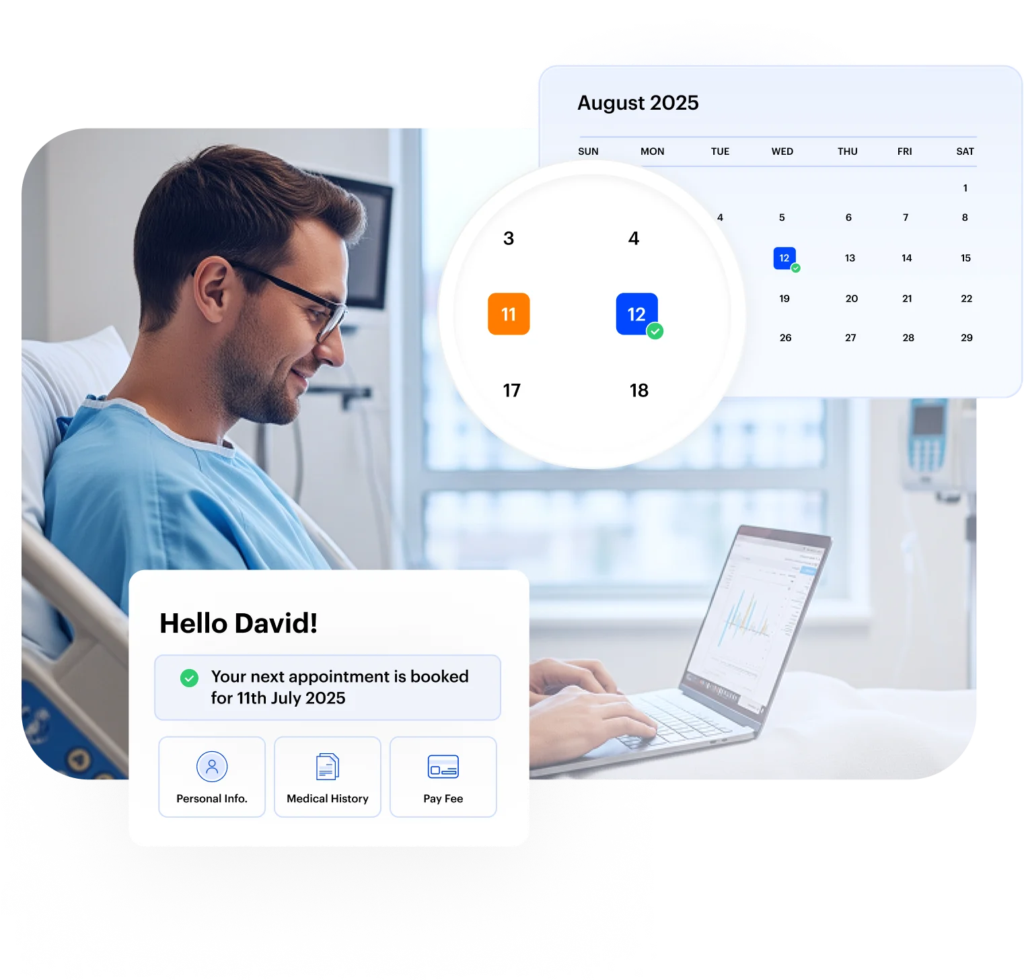

Collect information through digital intake forms and track whether each patient has completed the required steps. LeadSquared can trigger follow-up workflows when forms remain incomplete, helping staff identify what still needs attention. Submitted information stays connected to the relevant patient opportunity rather than becoming another isolated data source. This gives your team better visibility into the work that needs to happen before the visit.
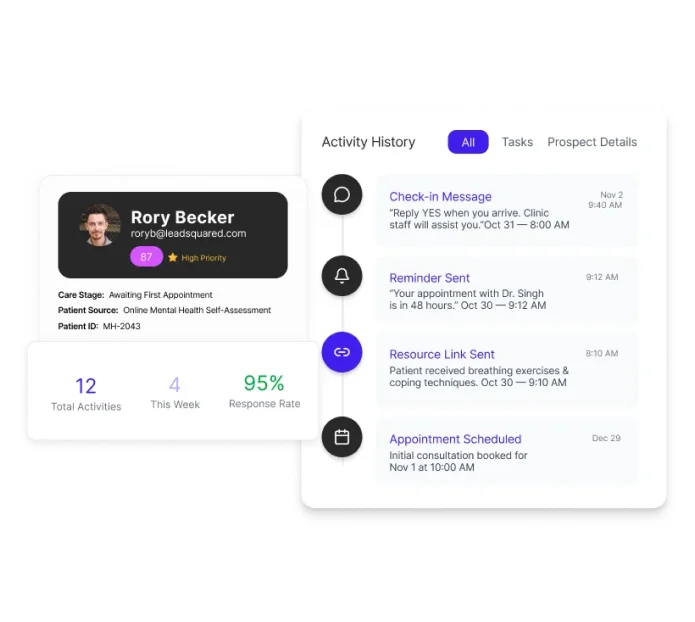
Keep calls, SMS, email, and other patient interactions connected to the same CRM record. Build automated workflows for appointment confirmations, reminders, intake follow-ups, and other routine communications. Staff can see previous interactions and continue conversations without manually checking different channels. This helps your pain management practice maintain consistent communication while reducing repetitive work for the front desk.
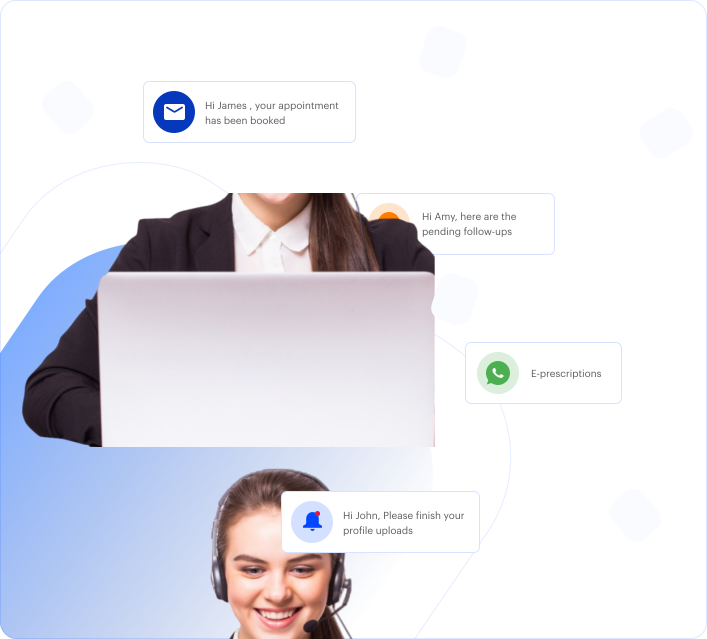
Use LeadSquared’s Invorto AI to handle inbound patient inquiries when staff are unavailable or handling other calls. Invorto can answer common questions, collect information, qualify inquiries, and route conversations to the appropriate team. Call summaries and captured details can be made available in LeadSquared for staff to review before following up. This extends your practice’s ability to respond without asking the front desk to manage every conversation manually.
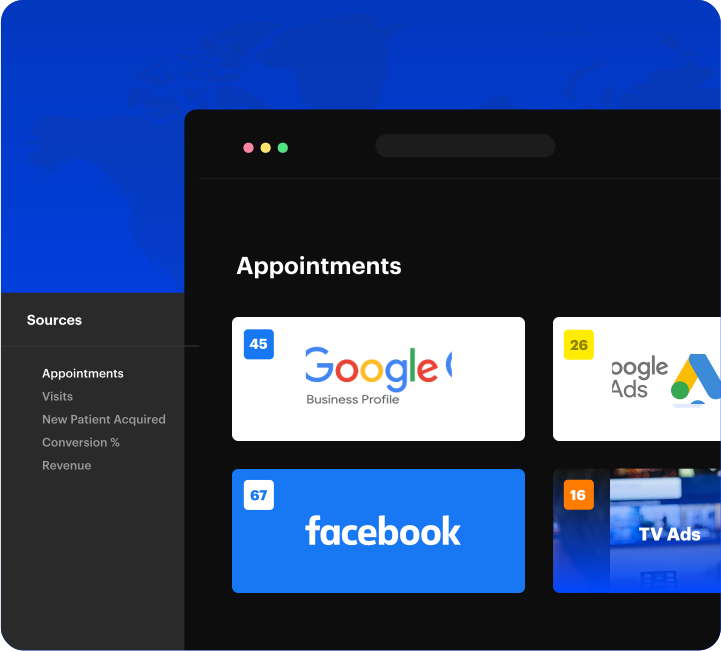
Connect each inquiry with the campaign, channel, or referring provider that generated it. Follow that opportunity through your acquisition pipeline to understand which sources lead to consultations and new patient conversions. Compare referral activity with paid campaigns, website inquiries, calls, and other channels from the same system. This helps your team evaluate acquisition performance using outcomes rather than inquiry counts alone.
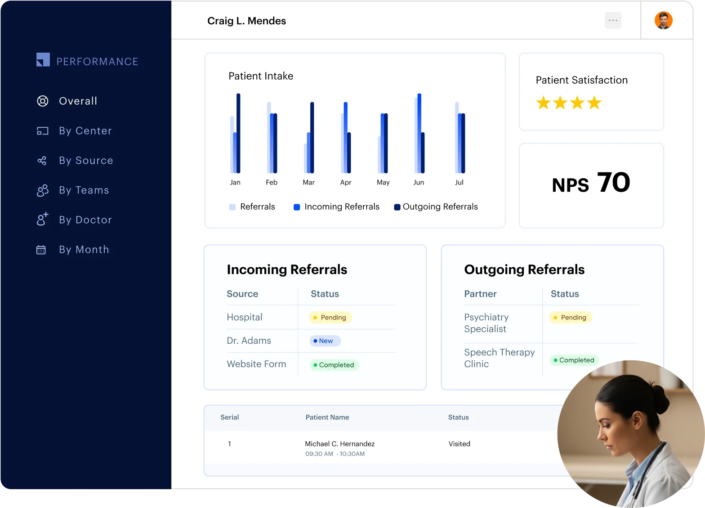
Keep referrals from primary care providers, specialists, hospitals, and other sources organized in LeadSquared. Track referral details, follow-up activity, and the status of each referred patient from a our CRM. Give your team a clear view of which referrals need attention and which have progressed. You can also connect referral activity with acquisition data to understand which sources contribute to new patient volume.
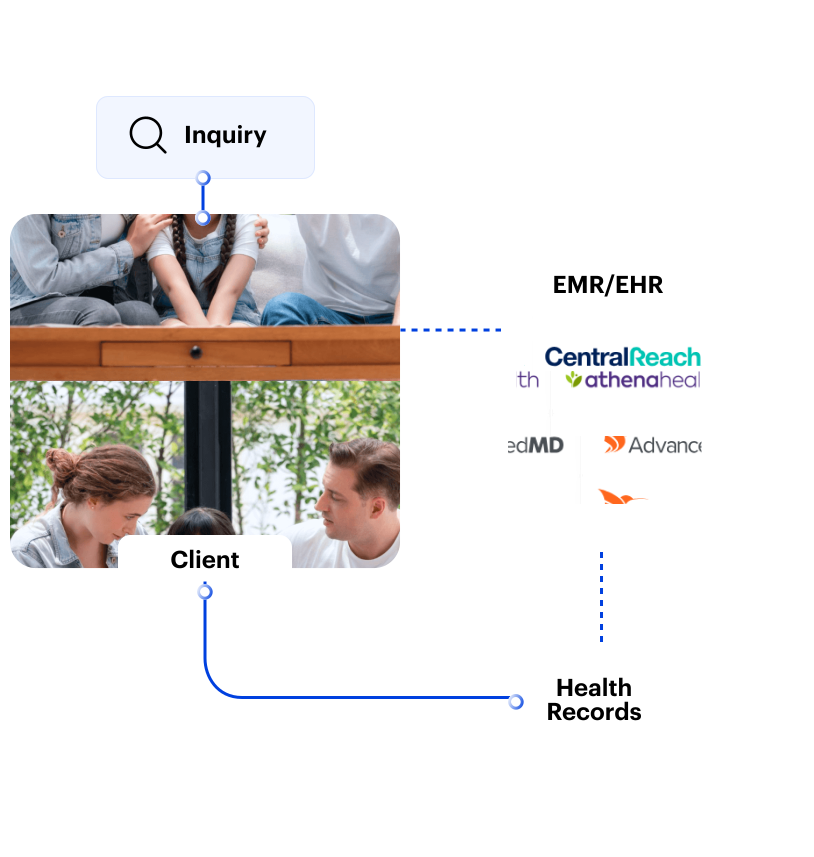
Connect LeadSquared with the EHR, scheduling, communication, and other systems your practice already uses. Move relevant information between connected workflows to reduce duplicate data entry and manual handoffs. Use available integrations and APIs to fit the CRM into your existing technology stack.
Confirmed healthcare integrations include platforms such as:
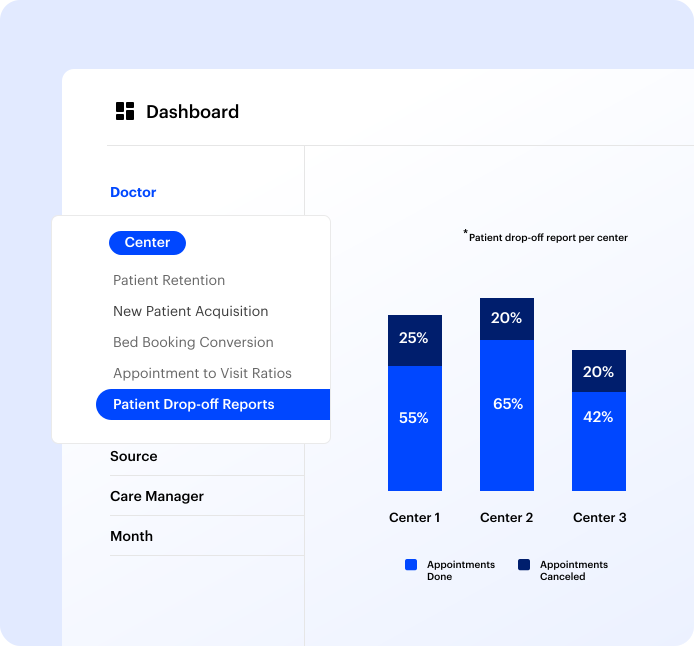
Use our dashboards to monitor conversion rates, referral performance, source attribution, team activity, and other operational metrics. See where inquiries are progressing and where they are dropping off. With this visibility, your team can identify workflow gaps and make better-informed decisions to improve your clinic’s performance.
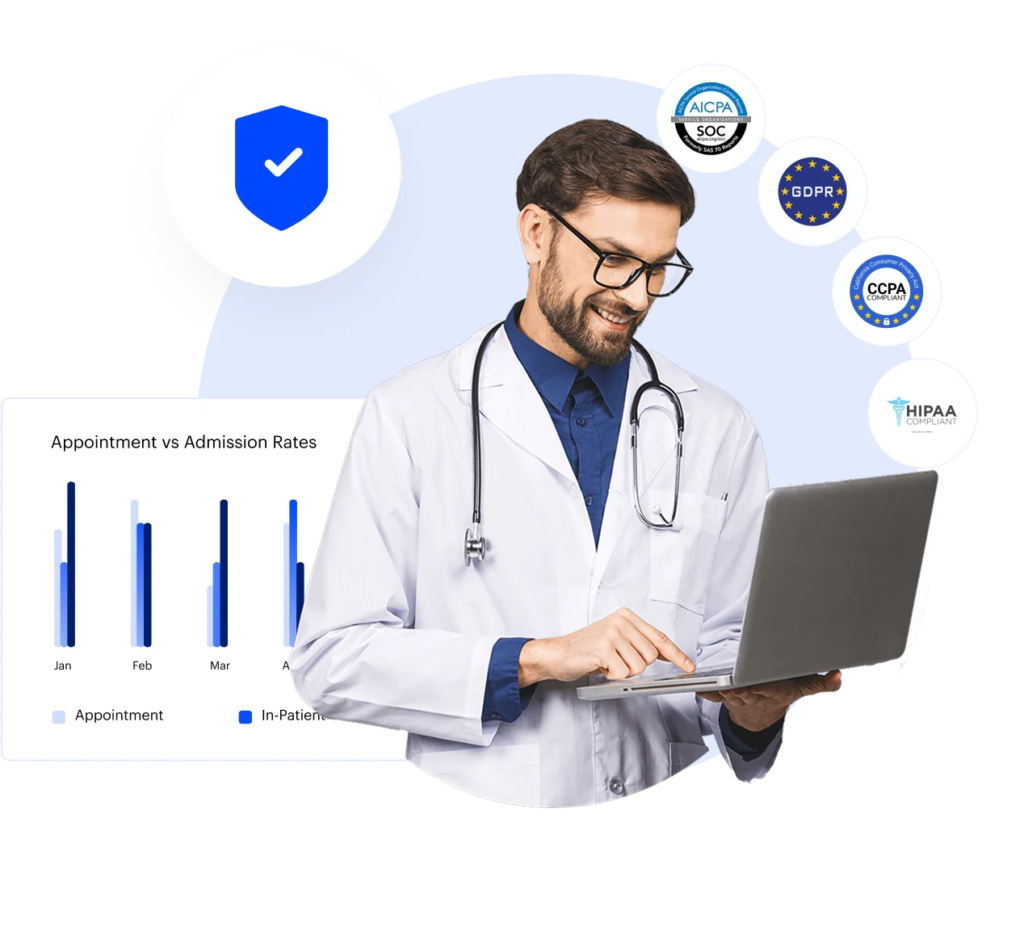
Manage patient and prospect information in a HIPAA-compliant healthcare CRM with controls for access and activity. Use role-based and granular permissions to determine what different users can access across your practice. Audit trails provide visibility into activity on records, while our CRM’s built-in encryption protects patient data in transit and at rest. A Business Associate Agreement is available for healthcare organizations using LeadSquared.
| Feature | LeadSquared CRM for pain management clinics | Generic CRM |
| Pain management workflows | Brings patient acquisition activities into one healthcare CRM, so teams can manage the commercial side of care delivery without treating the CRM as an EHR. | Provides a central system for leads, contacts, opportunities, and customer interactions, with healthcare workflows depending on the platform. |
| Referral management | Gives teams a shared view of where each referral stands, who owns the next action, and whether additional follow-up is needed. | Can organize referral-related contacts and opportunities, with the depth of referral tracking depending on the CRM. |
| Patient intake | Keeps information collected during the pre-appointment process connected to the patient acquisition record, helping teams see what has been received and what still needs attention. | Can collect information through forms or other tools, but the connection between those submissions and healthcare intake processes varies. |
| Appointment follow-up | Helps teams stay connected during the period between an appointment being scheduled and the patient actually arriving, with automated outreach and follow-up available across the workflow. | Can support reminders and task-based follow-up, although appointment-related capabilities differ between platforms. |
| Referral-source management | Gives referral and business development teams a clearer picture of provider relationships, referral activity, and the results generated by different sources. | Account and contact records can support relationship management, while referral-specific visibility depends on the CRM. |
| Patient communication | Keeps patient-facing conversations and follow-up activity accessible alongside the relevant record, giving teams more context when they pick up an interaction. | Communication history and messaging may be available, but the channels and level of record-level context vary. |
| Acquisition and referral analytics | Helps practice leaders connect acquisition activity with sources, pipeline movement, and outcomes instead of relying on disconnected channel reports. | General CRM reporting can show pipeline and sales activity, while the relevance of those reports to healthcare acquisition depends on the data captured. |
| AI for patient inquiries | Gives teams an AI-assisted option for handling inbound inquiries, gathering information, qualifying prospects, and passing conversations to the appropriate staff. | AI may assist with lead qualification, prioritization, content, or customer interactions, depending on the CRM’s capabilities. |
| Healthcare integrations | Provides a way to keep the CRM connected with relevant healthcare and business systems, helping teams avoid managing acquisition activity separately from the systems they already use. | APIs and third-party integrations may be able to connect the CRM with other applications, with available healthcare connections varying by vendor. |
| Workflow automation | Reduces the number of manual handoffs involved in managing inquiries, referrals, follow-ups, and other repetitive acquisition activities. | Automation can reduce repetitive administrative work across many business processes, with available triggers and actions varying by platform |
| HIPAA compliance | Provides a healthcare CRM environment designed for handling PHI, with a BAA and security controls such as access management, encryption, and audit trails. | Security and compliance provisions differ between vendors. A general-purpose CRM should not automatically be assumed to be appropriate for PHI. |
| Multi-location visibility | Gives organizations operating across locations a shared view of acquisition activity and performance while allowing teams to manage their own workflows. | Many enterprise CRMs can support multiple teams or business units, although the way location-level healthcare operations are represented varies. |
Connected, automated outreach replaced manual processes for Posterity Health, enabling 7× revenue growth with the same team.


“LeadSquared’s implementation has transformed our operations completely, surpassing all other platforms we’ve used at Tandem.”

Bring referrals, inquiries, follow-ups, and acquisition data into LeadSquared’s CRM for pain management clinics. Give your team the visibility and automation they need to act before opportunities go cold.
What should a pain management clinic look for in a CRM?
Important features to look for in a healthcare CRM include referral tracking, lead follow-up, patient communications, source attribution, workflow automation, healthcare integrations, and HIPAA safeguards. For a pain management practice, it is also useful to consider how the CRM handles long gaps between scheduling and appointments, since those gaps can create opportunities for patients to disengage. A 2025 U.S. study of 810 patients at an academic pain management clinic found an average 133 days between scheduling and the first appointment.
Can a pain management clinic CRM work alongside an EHR?
Yes. A CRM for pain management should complement the EHR rather than replace it. The EHR remains the system for clinical documentation and other clinical workflows, while the CRM can manage activities such as patient acquisition, referral follow-up, communications, and other pre-appointment or non-clinical workflows. LeadSquared can integrate with healthcare systems through available integrations and APIs, allowing practices to connect their CRM with the systems they already use.
Can a pain management clinic CRM manage existing patients as well as new inquiries?
It can, depending on how the practice defines its CRM workflows. Beyond new patient acquisition, a healthcare CRM can help teams manage follow-up with existing patients, re-engage people who have stopped responding, and maintain communication history in one place. This can be particularly useful when patients need multiple interactions before taking the next step.
How can a CRM help pain experience management clinics manage patients who are not ready to schedule?
A CRM can keep these prospects in an active follow-up workflow instead of treating an unanswered inquiry as a closed opportunity. Teams can use scheduled outreach, reminders, tasks, and engagement history to determine when a patient needs another follow-up. This is useful for pain practices because patients may take time to decide on a consultation or procedure, and some may need additional information before they are ready to move forward.
Can a Pain Management Clinic CRM help us understand which referring physicians send patients?
Yes. A CRM software for pain management clinics can associate referrals with their sources and give teams a history of referral activity, interactions, and outcomes. This allows practices to look beyond the total number of referrals and understand which providers and organizations are generating completed appointments or other desired outcomes.
Can a CRM track what happens after a referral is sent to a pain clinic?
Yes. The CRM can provide visibility into the administrative journey after a referral enters the practice, such as whether the referral has been received, whether the patient has been contacted, and whether the next action is still pending. This can help teams identify referrals that have stalled rather than discovering the problem much later. Referral processes can involve multiple handoffs and information requirements, making visibility into the referral journey an important consideration when evaluating a pain management CRM.
What should we measure after implementing a Pain Management Clinic CRM?
Start with metrics that show whether inquiries and referrals are progressing through the acquisition process. Useful measures can include time to first contact, referral-to-appointment conversion, appointment cancellations and no-shows, follow-up activity, referral-source performance, patient acquisition by channel, and pipeline outcomes. Practices can then use these measures to identify where prospective patients or referrals are dropping out and where teams need to improve their processes.


 Read the full story