





Patient management


5X
Increased in IPD Conversion
Improved
Patient Communication
2X
More Registration


800+
New Leads Generated
Enhanced
Lead Visibility
Reduced
Turnaround Time
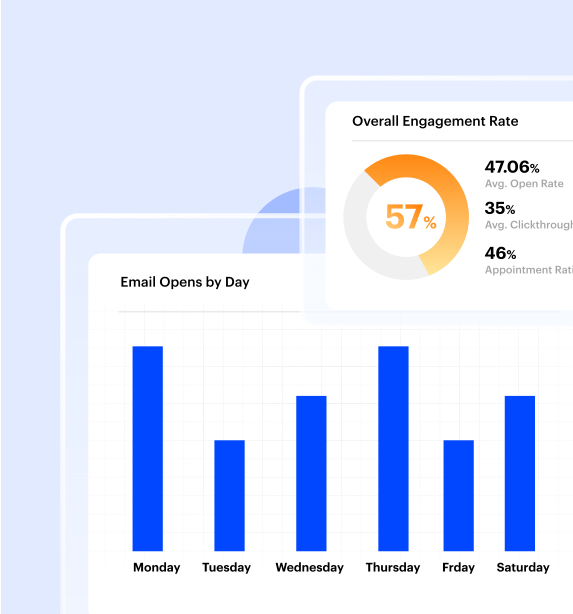

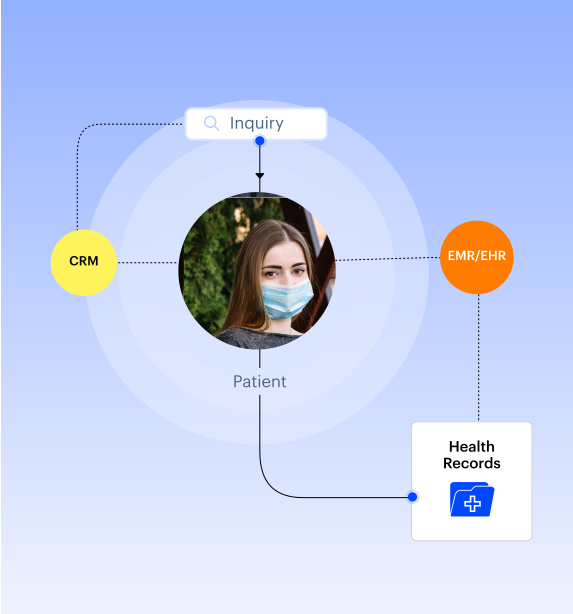
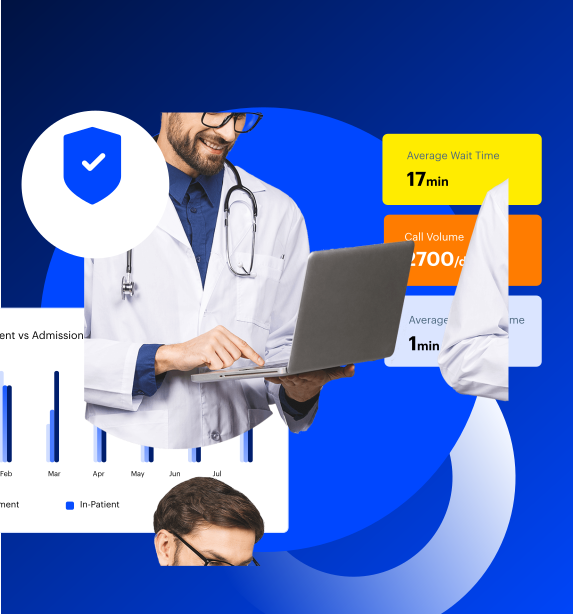

Do More
Integrate with All Your Care Tools
Healthcare CRM Checklist
Checklist to follow while evaluating a Healthcare CRM (as shared by 650 healthcare decision makers)

- Contact history
- Patient health records
- User-friendly
- Integrations
- Referral tracking
- Customization & Flexibility
- Email Marketing
- Custom Reports
- Appointment scheduling
- Appointment history
- Patient forms
- Patient segmentation
- Call center capabilities
- EHR integration
- Cost
- Patient analytics
- Patient Doctor Mapping
- Communication tools
- Billing portal & history
- HIPAA Compliance
- Automation
- Collaboration Tools
- Bulk-texting
- Patient source attribution
- Data Security
- Low-code Capabilities
Check out the complete guidebook to select your healthcare CRM


Endorsed by Some of the Best Healthcare Providers
HIPAA Compliant Healthcare CRM, trusted by hospitals, dental/mental health clinics, diagnostic centers, healthtech companies, and other healthcare providers.












Frequently asked questions
What tools can help in segmenting and routing patient leads based on demographics or conditions?
Segmenting and routing patient leads based on demographics or conditions means making sure every inquiry goes to the right department or staff member without manual effort. For hospitals, this ensures patients get timely attention, and staff spend their time on the inquiries that matter most.
The main tool to achieve this is a healthcare CRM, like LeadSquared. Think of it as a central digital workspace where all patient inquiries from website forms, WhatsApp messages, phone calls, social media, chat, and referrals come together. Within this platform, you can tag each lead with information like age, location, medical condition, or service interest.
Once the details are captured, the CRM can automatically assign leads based on the rules you set. For example, cardiology-related inquiries can go directly to the heart care team, pediatric queries to, say, the children’s health team, and general OPD questions to front-desk coordinators. You can even prioritize leads, such as elderly patients or urgent conditions, so staff respond immediately.
The platform can also create groups or segments of leads based on shared characteristics, like city, age group, and so on. This makes it easy to follow up, plan targeted campaigns, or track which segments convert the most patients.
Using a CRM for this purpose eliminates manual data handling and provides a clear overview of all patient leads.
How do I integrate a healthcare CRM with TPA portals and HIS systems?
Integrating the CRM with HIS systems
Hospital Information Systems (HIS) store essential patient details — registration information, billing, admissions, discharges, services used and visit history. To integrate a CRM with an HIS:
- Use APIs or ready-made connectors. Most modern HIS platforms offer APIs that allow a CRM to pull and push data such as patient demographics, appointment status, discharge summaries, or billing updates.
- Enable automatic patient record updates. When a patient books an appointment in the CRM, the HIS can receive the data instantly, and when the patient completes a visit, the CRM can be updated automatically.
- Sync financial and service data. Billing status, payment details, and service packages can be exchanged between the two systems to avoid duplicate entry.
CRMs like LeadSquared can mirror your HIS workflow, letting teams track patient journeys end-to-end while keeping clinical and financial data inside the HIS where it belongs.
Integrating the CRM with TPA portals
TPA (Third-Party Administrator) portals handle insurance claims, approvals, pre-authorization, documentation, and settlement. These systems often work differently from HIS, so integration methods vary:
- Direct API integration (where supported). Some TPAs provide APIs that allow CRMs to exchange pre-authorization details, claim status, and required documents.
- Secure file exchange (a common method in India). If APIs aren’t available, hospitals often integrate through automated secure uploads and downloads of required documents, forms, and status reports.
- Workflow triggers. The CRM can create tasks for the insurance desk when a patient inquiry involves a cashless request or pending TPA approval.
Once the CRM, HIS, and TPA workflows are connected, hospitals can:
- Track an insured patient from inquiry to discharge without manual data entry
- Reduce delays in pre-authorization and claim submission
- Maintain accurate, real-time patient and billing information
- Speed up communication between front office, billing, and TPA desks
- Reduce errors in insurance documentation
How do I ensure that new healthcare systems are compatible with existing hospital workflows?
To ensure that a new healthcare system fits smoothly into existing hospital workflows, the first step is to map your current workflow. This means writing down how things are done today; for example, how patient registrations happen, how referrals move between departments, how follow-ups are handled, or how nurses record vitals. Once you know the exact steps, it becomes easier to see where a new system needs to fit in.
Next, check whether the new system can integrate with your existing tools. Hospitals typically use EMRs, billing software, LIS/RIS systems, and communication apps. A compatible system should be able to exchange data with these tools, so staff don’t have to enter information twice. Many modern platforms, including healthcare CRMs like LeadSquared, offer APIs, ready connectors, or custom integrations to ensure smooth data flow.
It is also important to test the system with real hospital scenarios before going live. Let frontline staff try out appointment booking, updating patient details, or routing a referral to see if the process feels natural. This test phase will reveal gaps early, before the entire hospital starts using it.
Finally, invest in training and gradual rollout. Even a well-designed system can feel unfamiliar at first. Introducing it gradually, department by department, while providing on-site training, helps staff adjust without stress.
A healthcare CRM like LeadSquared supports this process by adapting to your workflows. It can mirror your existing steps, automate routine tasks, and connect with your other hospital systems, making the transition smoother.


