





Turn every inquiry into an enrolled student





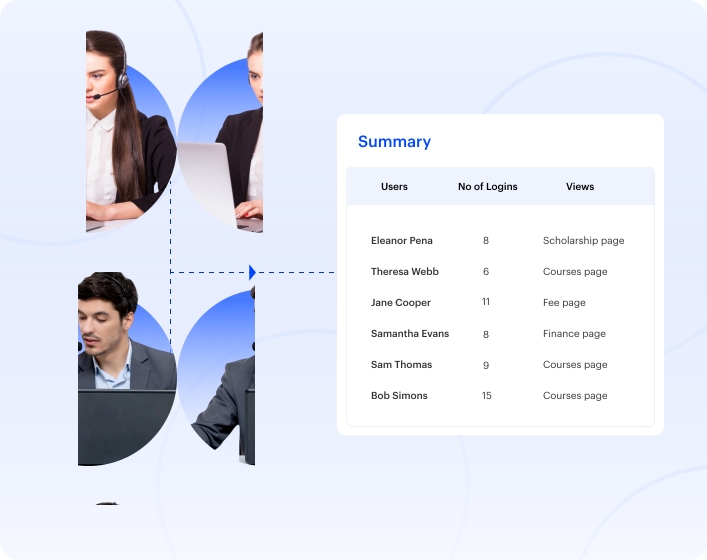
Streamline communication and foster alignment across departments for smoother collaboration and decision-making.
Automate workflows to remind, track, and update each student’s application status — ensuring no opportunity falls through the cracks.

Use automated updates, triggers, and reminders to minimize mistakes and streamline student onboarding.

Protect student data with role-based access, audit trails, and FERPA-aligned processes built into the platform — not added as an upgrade tier.

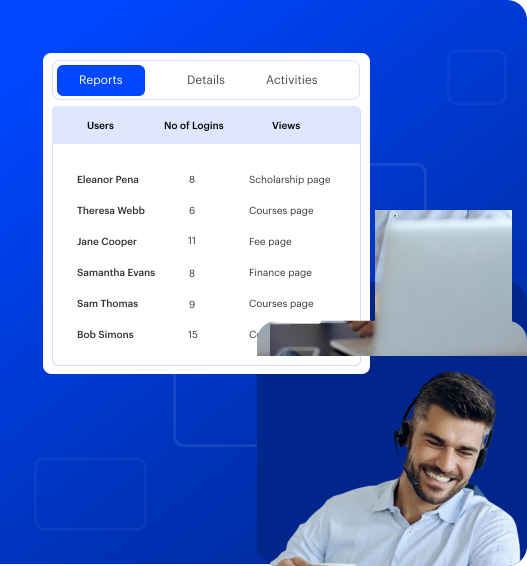
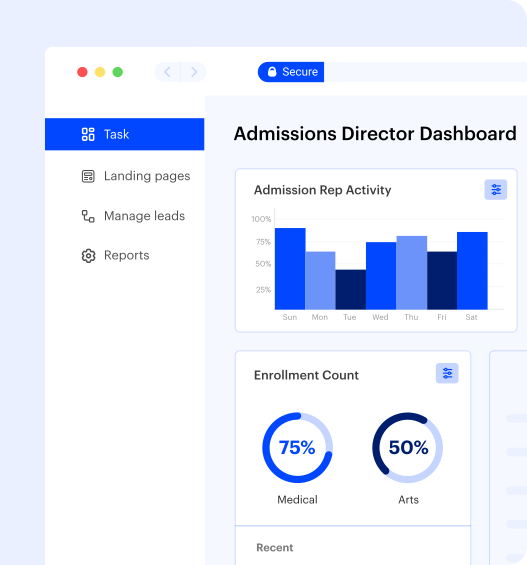
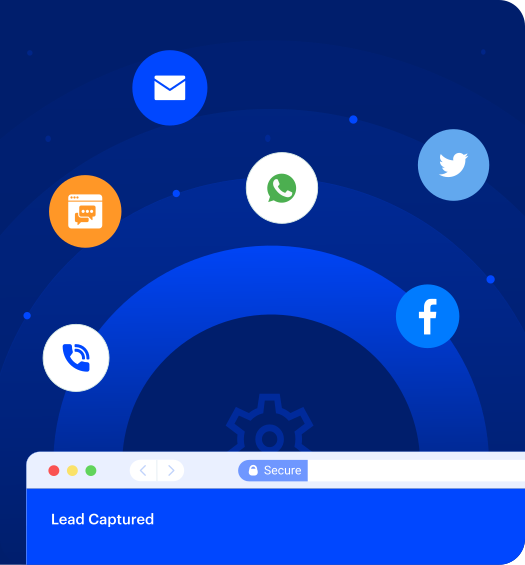
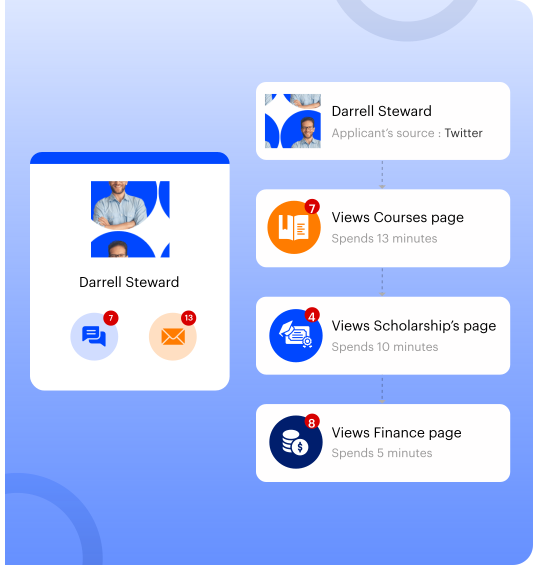

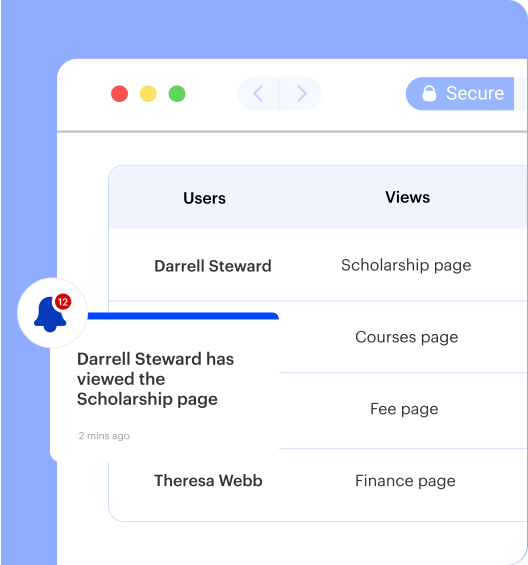
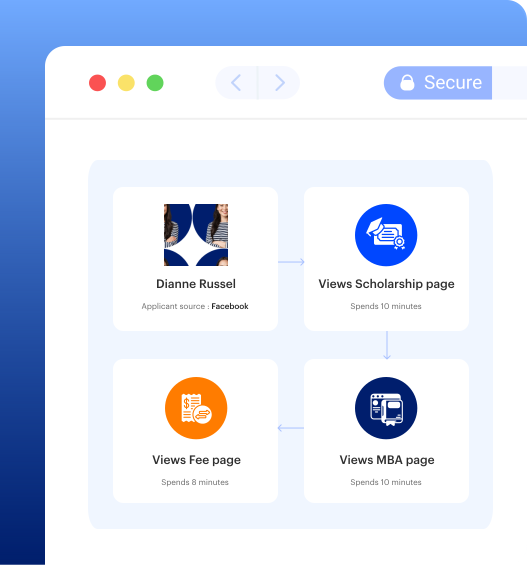
Admissions teams deal with high volumes, tight timelines, and rising expectations from prospective students — yet many still rely on disconnected tools, manual follow-ups, and limited pipeline visibility. LeadSquared gives US institutions one place to manage student inquiries, applications, follow-ups, and enrollment workflows, so your team can move faster, reduce manual work, and improve inquiry-to-enrollment conversion.

Students inquire at multiple institutions at the same time. Delayed follow-ups — especially after hours or on weekends — hand prospects to competitors before your team has a chance to respond.

Inquiry details, application status, and communication history spread across disconnected systems make it hard to get a clear view of each applicant. Counselors spend time chasing context instead of moving students forward.

Repetitive tasks like follow-ups, data entry, and status updates eat into counselor time. Without automation, high inquiry volumes create backlogs that delay decisions and increase drop-offs.

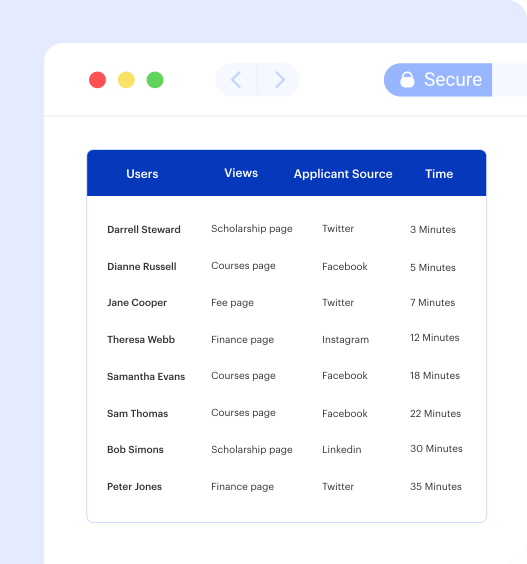
Without clear tracking across campaigns and channels, teams can’t identify what’s actually driving enrollments. Leadership is left waiting for manual reports instead of acting on real-time data.
LeadSquared’s admissions management software offers pre-built automations and customization capabilities
to meet your needs. Always.
Create custom workflows to engage, nurture, and delight your students. Invorto Sentiment Analysis monitors student inquiry tone in real time, flagging disengaged or at-risk prospects so counselors can intervene at the right moment — without adding to their workload.
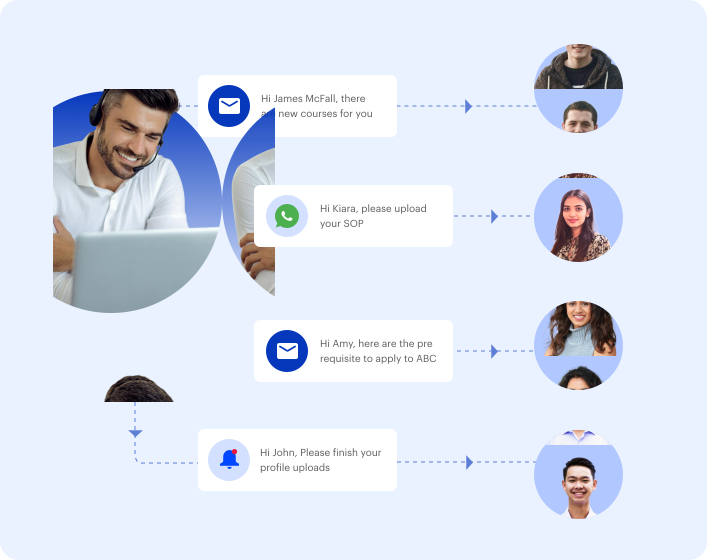
Build a paperless admissions journey through self-serve portals. Help counselors and students keep track of applications every step of the way, with automated reminders that re-engage applicants before they lose interest. When a student submits a web inquiry, FloStack redirects them to a personalized experience portal tailored to their program of interest.

Connect with the tools your institution already relies on. LeadSquared integrates with student information systems, payment gateways, communication platforms, and advertising channels through native integrations and APIs — including CommonApp, Google Ads, Facebook/Instagram Ads, SMS, VoIP, and call center tools — so your team can manage the student journey from inquiry through enrollment without switching platforms.

Stay connected with prospective students wherever you are. Run successful campus fairs, events, and outreach with a mobile app built for admissions teams on the move. Attribution dashboards show exactly which campaigns, channels, and lead sources convert to enrollments.


Choosing the right admissions platform comes down to how well the system fits your process, your team, and your enrollment goals. Here is what sets LeadSquared apart from Salesforce, HubSpot, Slate, and other enrollment solutions:


“With LeadSquared, our admissions team was able to increase speed-to-lead by 12 times… The contact rate went up by 13% and scheduled campus appointments improved by 5%”


“Speed to lead is a critical component in our industry. Since moving to LeadSquared—and using their underlying dialer—the average response time is now 2.7 minutes. It’s accelerated our contact rate and increased conversion.”


“Inquiry management and student support have been greatly simplified thanks to LeadSquared. Our admissions coordinators have all their tasks right in front of them and are able to work smarter and more efficiently.”
This content is published by an enrollment technology provider. Feature and integration details reflect the publisher’s platform.
Admissions management software focuses on capturing and converting prospective students into enrolled ones. It manages the entire admissions funnel — from inquiry and follow-up to application tracking and enrollment decisions.
An ERP (Enterprise Resource Planning) system handles internal operations: finance, HR, payroll, and procurement. While an ERP may integrate with academic tools, it isn’t built to manage the student acquisition process. The two systems serve different stages of the institutional lifecycle and are typically used in parallel, not as substitutes for each other.
Admissions software manages the pre-enrollment journey — engaging prospects, automating follow-ups, and tracking applications through to enrollment. Once a student is enrolled, a Student Information System (SIS) takes over, handling academic records, attendance, scheduling, and performance data throughout their time at the institution.
LeadSquared is built for the admissions phase, automating and personalizing communication from first inquiry to final enrollment. It’s designed to hand off cleanly to your SIS once a student is onboarded, so both systems work together without duplication or data gaps.
LeadSquared centralizes the entire admissions process — inquiry capture, application tracking, counselor workflows, and enrollment reporting — on a single platform. It automates repetitive tasks, so admissions teams can focus on high-value student interactions rather than manual follow-up.
Institutions using LeadSquared have reduced response times, improved application completion rates, and gained real-time visibility into their enrollment funnel. Esthetic Institute saved over 10,000 staff minutes after streamlining communications through the platform. Unitek Learning reduced average counselor response time to 2.7 minutes.
LeadSquared is FERPA compliant and SOC 2 Type II certified, with role-based access controls and secure document handling built in.
The most effective admissions platforms share a core set of functional capabilities — regardless of institution size or type:
LeadSquared supports FERPA-aligned processes for handling student data with role-based access controls, audit trails, and centralized data management built into the platform. Teams can control who views or updates student records, track changes across profiles and workflows, and keep all student information in one place to reduce duplication and errors — without needing an upgrade tier to access these controls.
Most institutions can go live within a few weeks. LeadSquared’s in-house implementation team manages onboarding, configuration, and integrations directly, without relying on third-party consultants. The goal is to have your team operational before the next enrollment cycle.
Yes. LeadSquared connects with common education systems, including Student Information Systems (SIS) and Learning Management Systems (LMS), so your team can keep using existing tools while improving admissions workflows.
Yes. The platform supports multiple campuses, programs, and teams within one system. You can manage separate workflows while keeping full visibility across your entire admissions pipeline.
Functional capabilities matter, but the vendor relationship matters just as much. When evaluating admissions CRM providers, focus on these factors:
Structured evaluation reduces the risk of selecting a platform that looks good in a demo but underperforms in practice. Here’s a practical approach:
Application drop-offs typically happen at predictable points: after the initial inquiry goes unanswered, when the application process feels too complex, or when a student loses momentum and doesn’t hear back. The most effective interventions address each of these directly:
LeadSquared supports all of these approaches. Esthetic Institute saved over 10,000 staff minutes and achieved a 63% increase in email open rates after implementing automated communication workflows.
ROI from admissions software is most accurately measured across three dimensions:
Most institutions see the clearest ROI signal in the first two enrollment cycles after implementation — enough time for workflow changes to stabilize and conversion trends to emerge against a comparable baseline.
LeadSquared combines Invorto AI and FloStack to help admissions teams respond to prospects immediately and manage high inquiry volumes without adding counselor workload.
Invorto AI automatically qualifies student inquiries, follows up, supports document collection, and flags disengaged prospects in real time using sentiment analysis — so counselors focus on students who need attention, not on manual tracking. Every inquiry is captured, scored, and routed to the right counselor the moment it arrives, whether it comes from your website, lead aggregators, phone calls, or social ads.
FloStack redirects students immediately after a web inquiry to a personalized experience portal tailored to their program of interest, keeping momentum going from the first touchpoint.
For leadership, enrollment funnel dashboards give real-time visibility into where students drop off, counselor activity, and campaign performance — without waiting for manual reports.
Pricing depends on your institution’s size, number of users, and required features. Most providers offer custom pricing based on your needs. You can request a demo to get a clear estimate based on your setup.
Yes. Enrollment stages, field definitions, pipeline views, dashboards, and automation rules are all fully configurable. Admissions operations managers can adjust workflows without IT involvement using no-code tools.
Yes. For for-profit institutions, the platform is optimized for high-velocity enrollment cycles, rapid speed-to-lead, and conversion-focused admissions workflows.
For non-profit institutions, LeadSquared supports student engagement and lifecycle management through enrollment, helping institutions streamline communications, automate processes, and gain visibility into student journeys with integrations across their education technology ecosystem, including CommonApp and SIS platforms.
Last updated: June 2026


